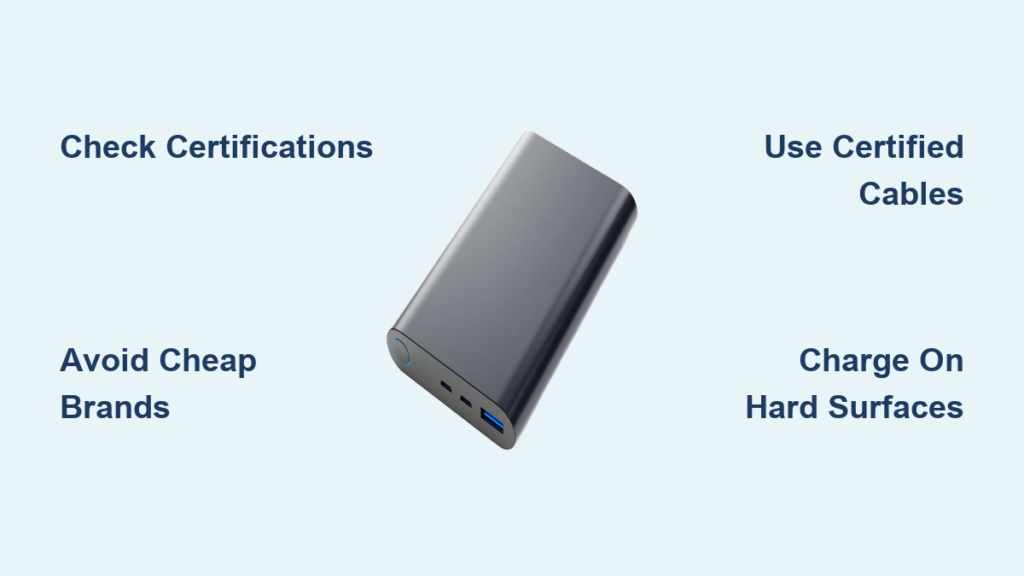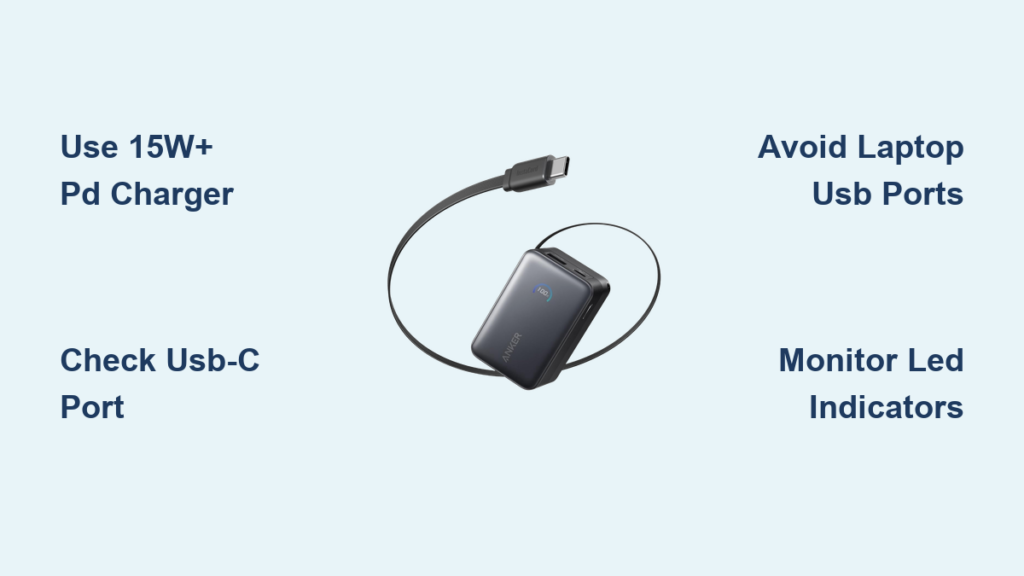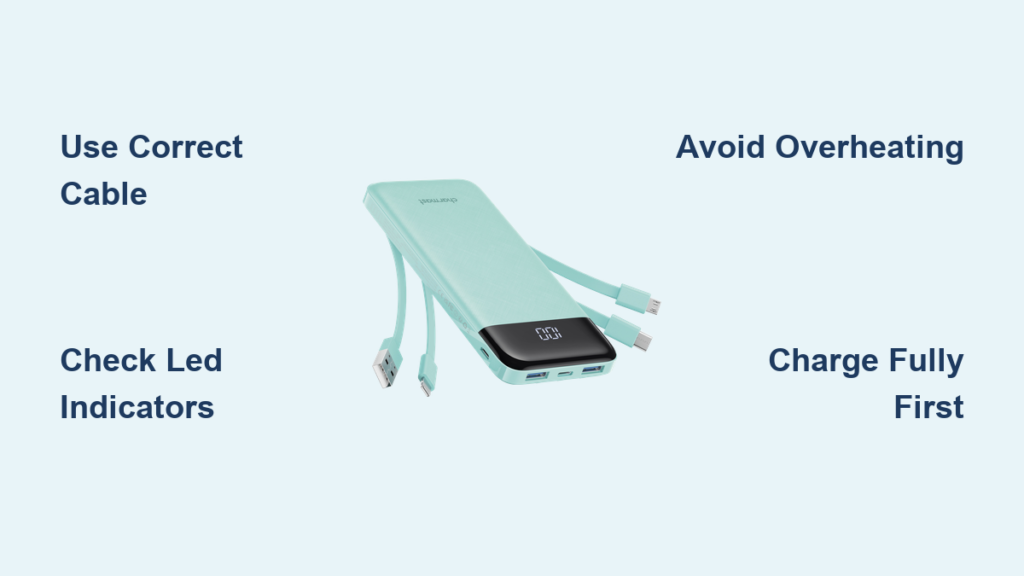
Portable chargers have become essential accessories for staying connected on the go, and learning how to properly charge your Charmast power bank ensures you get the best performance and longevity from your device. Whether you are a first-time user or looking to optimize your charging routine, understanding the correct charging methods, indicators, and best practices will help you maintain your portable charger in top condition. This guide covers everything you need to know about charging your Charmast portable charger effectively, from initial setup to daily charging habits that extend battery life.
Charging Your Charmast Portable Charger for the First Time
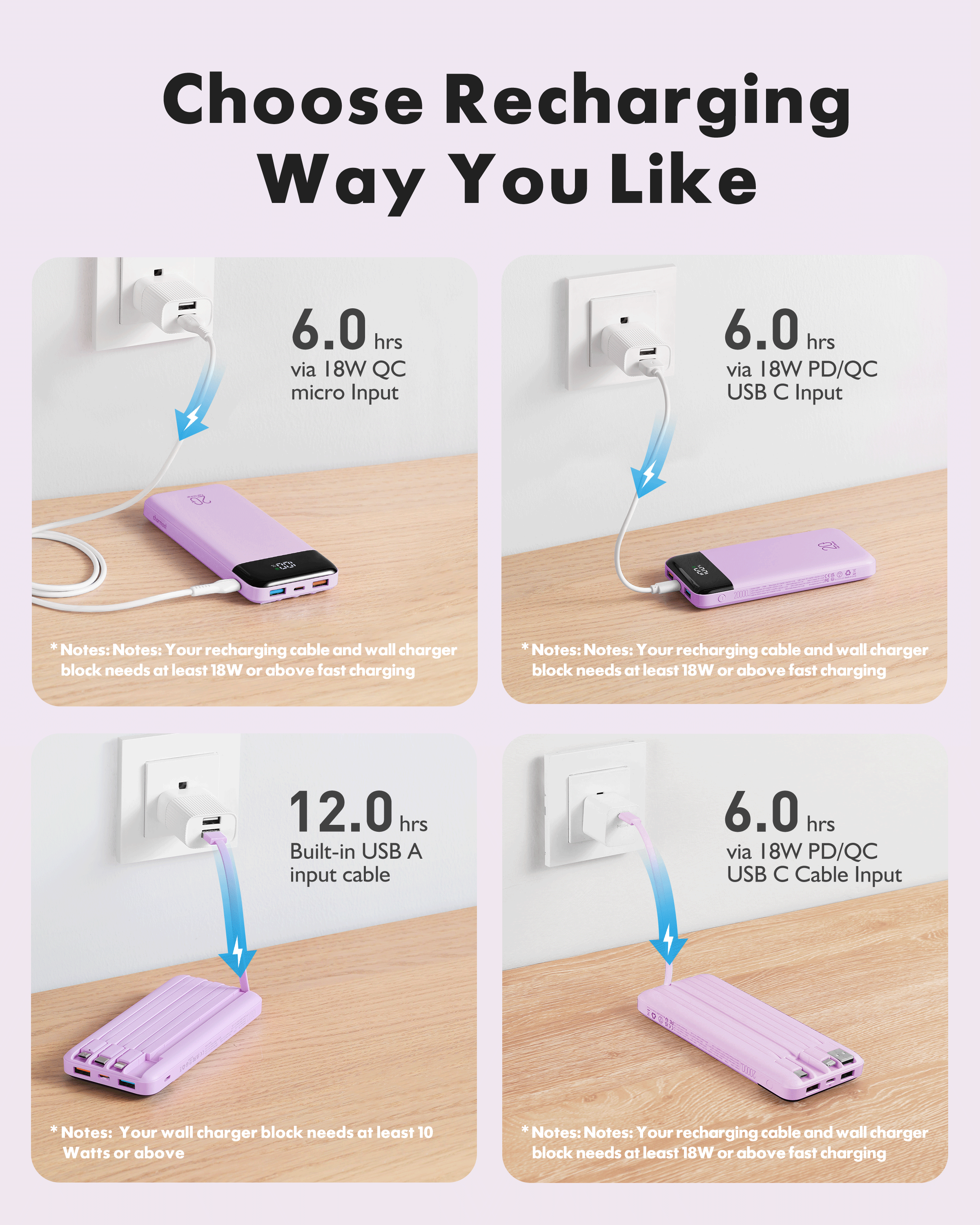
When you first unbox your Charmast portable charger, it typically arrives with a partial charge from the factory, but you should fully charge it before using it to power your devices. Connect the included charging cable to the input port on your power bank, which is usually a micro-USB or USB-C port depending on your specific model. Plug the other end into a wall adapter or computer USB port to begin the charging process. Most Charmast portable chargers take between 3 to 6 hours to fully charge, depending on the capacity of your device and the power output of your charging source.
Understanding LED Indicator Lights
Charmast portable chargers feature LED indicator lights that display the current battery level and charging status, allowing you to monitor the charging process at a glance. When charging, the LED lights typically flash or cycle through patterns to indicate active charging, and they may show a steady glow when the device is fully charged. Four LED lights usually represent 25%, 50%, 75%, and 100% battery capacity respectively, giving you a clear picture of how much power remains. Once all lights remain steady and stop flashing, your portable charger has reached full capacity and is ready for use.
Using the Right Charging Cable and Adapter
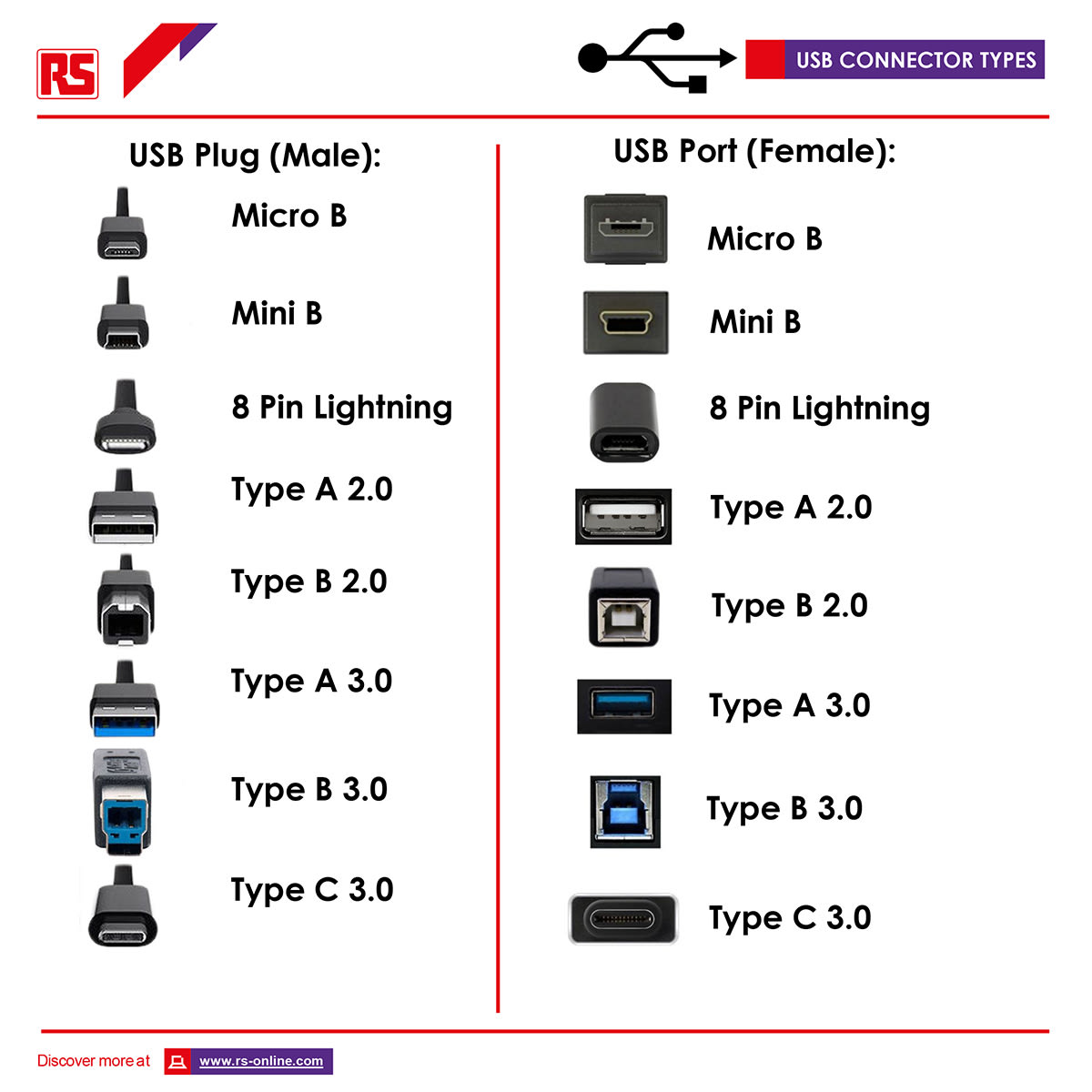
Using the correct charging cable and adapter significantly impacts how efficiently and safely your Charmast portable charger charges, so always use the cables that came with your device or certified alternatives. The input specification for your Charmast power bank is typically 5V/2A or 5V/2.4A, and using a wall adapter that matches these specifications ensures optimal charging speed without damaging the battery. Avoid using fast charging adapters that exceed the recommended input voltage, as this can generate excess heat and potentially reduce the battery lifespan over time. When charging from a computer, use a direct USB port rather than a USB hub to ensure adequate power delivery.
Charging Your Devices Through the Power Bank
Once your Charmast portable charger is fully charged, you can use it to power your smartphones, tablets, and other USB-compatible devices using the output ports. Connect your device’s charging cable to the USB-A or USB-C output port on the power bank, then press the power button to initiate charging if your model requires manual activation. The number of ports available varies by model, and some Charmast chargers offer multiple outputs allowing you to charge several devices simultaneously. Be aware that charging multiple devices simultaneously will drain the power bank faster and may reduce the overall charging speed for each connected device.
Best Practices for Maintaining Battery Health
Proper maintenance habits can significantly extend the lifespan of your Charmast portable charger and ensure consistent performance over months and years of regular use. Avoid letting your power bank drain completely to 0% before recharging, as lithium-ion batteries last longer when kept between 20% and 80% capacity. Store your portable charger in a cool, dry place away from direct sunlight and extreme temperatures, as heat is one of the primary factors that degrades battery capacity. Charge your power bank at least once every three months if you are not using it regularly to prevent the battery from entering a deep discharge state.
Troubleshooting Common Charging Issues
If your Charmast portable charger is not charging properly, several common issues might be causing the problem, and most can be resolved with simple troubleshooting steps. First, check that the charging cable is securely connected to both the power bank and the power source, as loose connections are the most frequent cause of charging failures. Try using a different charging cable or adapter to determine whether the original accessories are faulty or damaged. If the LED lights do not respond when connecting to power, perform a reset by pressing and holding the power button for 10 to 15 seconds to clear any software glitches.
Safety Precautions While Charging
Following safety precautions protects both your portable charger and your connected devices while ensuring a safe charging experience every time you use your power bank. Never charge your Charmast portable charger on flammable surfaces such as beds or sofas, as heat buildup during charging can pose a fire risk. Avoid using your power bank while it is connected to a wall charger, as this generates additional heat and may interfere with the charging cycle. If your portable charger becomes unusually hot during charging or use, disconnect it immediately and allow it to cool down before continuing to use the device.
When to Replace Your Portable Charger
Understanding when to replace your Charmast portable charger helps you avoid unreliable power sources and ensures you always have a dependable backup for your devices. Signs that indicate replacement include significantly reduced charging capacity where the power bank dies quickly despite showing full charge, physical damage such as bulging or cracked casing, or persistent overheating during normal use. Most portable chargers maintain effective performance for 2 to 3 years with regular use, after which battery degradation naturally reduces their ability to hold and deliver charge effectively.
Frequently Asked Questions About Charging Charmast Portable Chargers
How long does it take to fully charge a Charmast portable charger?
Most Charmast portable chargers require 3 to 6 hours to reach full charge, with the exact time depending on the model capacity and the power output of your charging source. Using a 5V/2A wall adapter provides the optimal charging speed, while charging from a computer USB port will take longer.
Can I use my Charmast portable charger while it is charging?
While some models allow pass-through charging, it is generally recommended to avoid using your power bank while it is actively charging to prevent overheating. Check your specific model instructions to confirm whether pass-through charging is supported on your device.
Why is my Charmast portable charger not charging my devices?
Common reasons include a drained battery requiring recharge, loose cable connections, incompatible charging cables, or a faulty output port. Try different cables, ensure proper connections, and verify that the power bank has sufficient charge before attempting to power your devices.
Is it safe to leave my Charmast portable charger charging overnight?
Most modern portable chargers feature built-in protection circuits that prevent overcharging, but it is still advisable to avoid leaving any battery device charging unattended for extended periods. Once the LED indicators show full charge, disconnect the power bank from the wall outlet.
What should I do if my Charmast portable charger gets hot while charging?
Some warmth during charging is normal, but excessive heat indicates a problem that requires attention. Stop charging immediately, allow the device to cool down, and check that you are using the correct adapter and cable specifications. If the problem persists, discontinue use and consider replacing the device.
Key Takeaways for Charging Your Charmast Portable Charger
Proper charging practices ensure your Charmast portable charger delivers reliable performance and maintains its battery health for years of consistent use. Always use the appropriate charging cable and adapter that matches your device specifications, and monitor the LED indicators to understand the current charge level and charging status. Avoid extreme temperatures, prevent complete battery drain, and store your power bank correctly when not in use to maximize its operational lifespan. By following these guidelines, you can confidently keep your Charmast portable charger ready to power your devices whenever you need them most.