
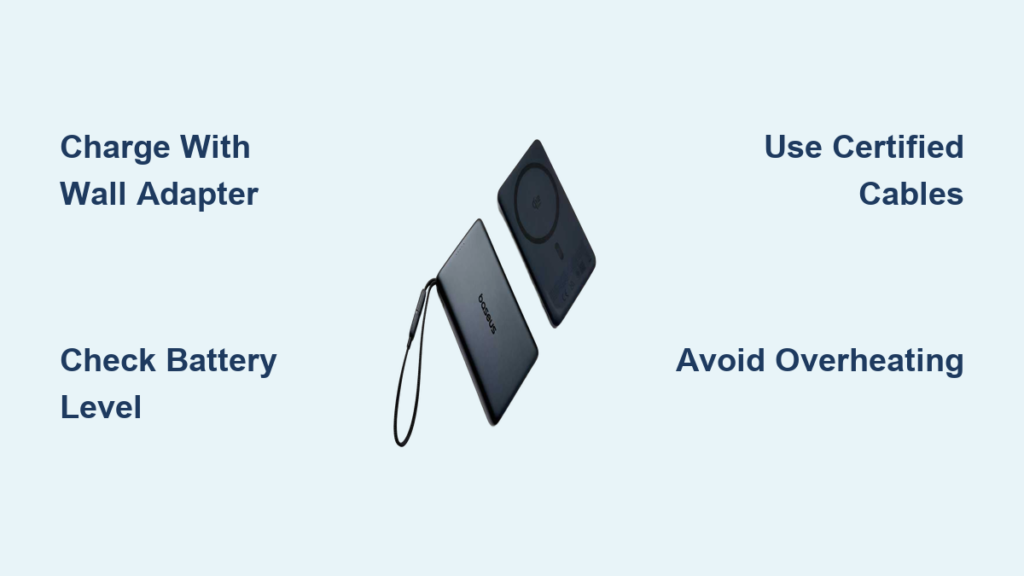
If your phone dies during a critical call or your laptop shuts down mid-presentation, a reliable power bank is no longer a luxury—it’s a necessity. The Baseus power bank series delivers fast, safe, and versatile charging for smartphones, tablets, and even laptops, especially with high-wattage models supporting 65W or 100W output. Whether you own the ultra-slim Picogo or the powerhouse Blade Series, knowing how to use your Baseus power bank correctly ensures maximum efficiency, safety, and longevity. This guide walks you through charging, device compatibility, wireless use, troubleshooting, and smart usage tips—all based on official specs and real-world performance.
Charge Your Baseus Power Bank Efficiently
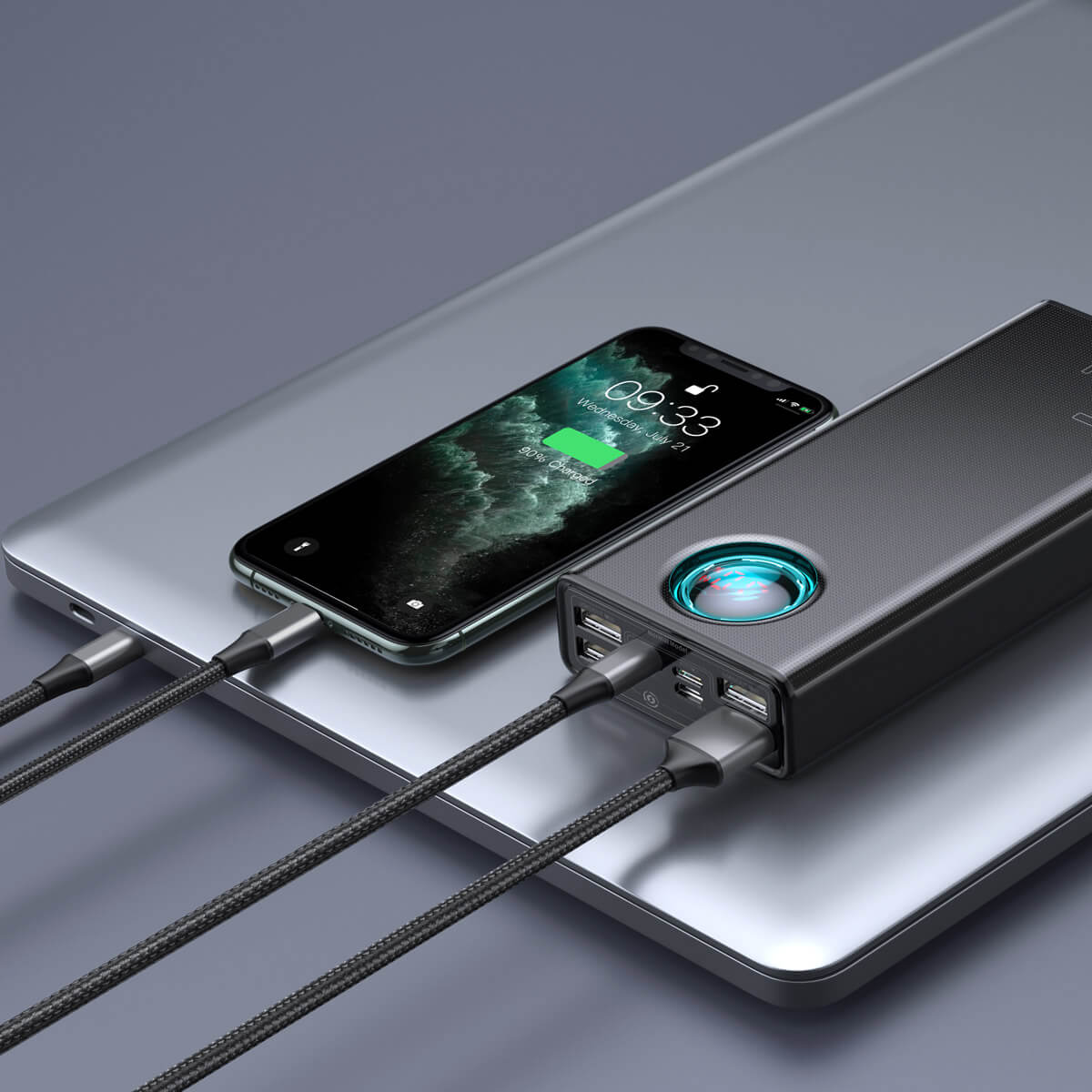
Connect to a Fast Wall Charger
To charge any Baseus power bank, use a USB-C to USB-C cable and plug it into a 65W or higher wall adapter. Most models—including the Adaman M10 Adam and Blade Series—support fast input charging up to 65W or 100W, drastically reducing charge time. For example, a 20,000mAh model can go from 0 to full in under 2.5 hours with the right charger.
✅ Pro Tip: Avoid charging via laptop USB ports—they typically deliver only 5–10W, which can take 7+ hours for larger models. Always use a wall charger for best results.
Check Charging Status by Model
Once connected, the LED indicator or digital display activates to show charging progress.
- PPCXW06: Red light = charging, green = fully charged
- Adaman M10 Adam: Flashing display = charging, solid = complete
- Blade Series 100W: Digital screen shows real-time input voltage and current
- 65W 20000mAh: Dual input (USB-C and Micro-USB); USB-C is faster and recommended
⚠️ Warning: The Micro-USB port on some models is outdated and slow (5V/2A). Use it only in emergencies.
Full Charge Time Estimates
| Model | Capacity | Input Power | Time to Full Charge |
|---|---|---|---|
| PPCXW06 | 6000mAh | 10W | ~2.5 hours |
| Adaman M10 Adam | 20,000mAh | 65W | ~2 hours |
| Blade Series 100W | 20,000mAh | 100W | ~1.5 hours |
| 65W 20000mAh | 20,000mAh | 65W | ~2.5 hours |
✅ Best Practice: Unplug once fully charged. Leaving it connected for extended periods can stress the battery and shorten its lifespan.
Check Battery Level & Monitor Output
Use the Power Button Correctly
Press the power button once to activate the battery indicator.
- PPCXW06: LED shows:
- Red = 0–25%
- Yellow = 26–75%
- Green = 76–100%
- Picogo Series: Single LED flashes to show level (no percentage)
- Adaman & Blade Models: Digital display shows exact battery %, voltage, and current
✅ Fix for Unresponsive Units: Press and hold the power button for 3–5 seconds to reset or force activation.
Monitor Real-Time Output
On advanced models like the Adaman M10 Adam and Blade Series, pressing the power button during use displays:
- Output voltage and current per port
- Total power draw
- Estimated time to full device charge (e.g., “24” = 24 minutes remaining)
This real-time feedback helps prevent overloading and optimizes multi-device setups.
Charge Devices Wired: Fast, Safe, and Reliable
Plug In and Power On
- Use a USB-C to USB-C or USB-C to Lightning cable.
- Connect to the power bank’s output port.
- Plug into your device.
- Most models auto-activate when a device is detected.
✅ For Fast Charging: Use a USB-C to USB-C cable with USB PD-compatible devices like iPhone 8+, Samsung Galaxy S8+, or MacBook Air.
Match Port to Device Needs
| Model | USB-C Output | USB-A Output | Max Total Output |
|---|---|---|---|
| PPCXW06 | N/A | 12W | 12W |
| Adaman M10 Adam | 65W | 12W | 65W shared |
| Picogo 10000mAh | 27W | N/A | 27W |
| Blade Series 100W | 100W (shared) | 18W each | 100W total |
| 65W 20000mAh | 65W | 18W | 65W shared |
✅ Smart Tip: Connect laptops and tablets to USB-C PD ports; use USB-A for earbuds, smartwatches, or older phones.
Enable Wireless Charging (Qi & Qi2)

Choose Compatible Models
Not all Baseus units support wireless charging. Check your model:
- PPCXW06: Qi, up to 7.5W (iPhone), 5W (Android)
- Picogo 10000mAh: Qi2, 15W magnetic charging
- Blade Series 10000mAh: 15W wireless with magnetic stand
✅ Device Compatibility: Works with iPhone 12 and later, Samsung Galaxy S21+, and other Qi/Qi2-certified devices.
Align Phone Properly
- Remove thick or metal phone cases.
- Place phone centered on the charging surface.
- For MagSafe models (Picogo 10000mAh), it clicks into place with a strong magnetic hold.
- Charging starts automatically within seconds.
✅ Performance Tip: Without a case, gain up to 66% in 10 minutes; with case, ~61%.
Hands-Free Use with Magnetic Models
The Picogo 10000mAh and Blade 10000mAh support hands-free viewing while charging—ideal for watching videos or video calls. The magnet is strong enough to hold an iPhone securely but requires firm pressure to detach.
⚠️ Avoid: Placing keys, coins, or metal objects between phone and power bank—they disrupt charging.
Power Multiple Devices at Once

Maximize Multi-Port Output
Some Baseus models can charge up to four devices simultaneously.
| Model | Max Devices | Supported Ports |
|---|---|---|
| PPCXW06 | 2 (1 wired + 1 wireless) | USB-A + Qi |
| Adaman M10 Adam | 3 | USB-C + USB-A + wireless |
| Blade Series 100W | 4 | 2× USB-C + 2× USB-A + wireless |
| 65W 20000mAh | 3 | USB-C + USB-A + wireless |
✅ Example Setup: Laptop (USB-C), phone (USB-A), earbuds (wireless), tablet (second USB-C).
Manage Total Power Limits
Output is shared across ports. Example:
- Blade Series 100W: Charging a laptop at 60W leaves 40W for other devices.
- 65W Model: If USB-C uses 50W, USB-A max drops to 15W.
✅ Best Practice: Prioritize high-draw devices on USB-C PD ports; use USB-A for low-power accessories.
Troubleshoot Common Problems
Power Bank Won’t Turn On
Causes:
– Battery completely drained
– Button not pressed long enough
Fix:
– Plug into a wall charger for 10+ minutes
– Press and hold the power button for 3–5 seconds
✅ Reset Trick: Hold button for 5 seconds after disconnecting all devices.
No Charging Output
Check:
– Cable is damaged or non-certified
– Device isn’t compatible
– Port is dirty
Solutions:
– Try a different cable or device
– Clean port with a dry toothbrush or compressed air
Wireless Charging Not Working
Common Issues:
– Phone case too thick or metallic
– Misaligned placement
– Non-Qi device
Fix:
– Remove the case
– Center the phone
– Confirm device supports Qi or Qi2
LED Flashes Rapidly or Stops
Indicates:
– Overheating
– Short circuit
– System error
Action:
– Disconnect all devices
– Let the unit cool for 5–10 minutes
– Restart by holding power button for 5 seconds
✅ Community Tip: Some users report slow charging when using laptop USB—always use a wall charger.
Follow Safety & Travel Rules
Avoid Hazards
❌ Do not:
– Expose to water or moisture
– Use in extreme heat (>40°C) or cold (<0°C)
– Disassemble or puncture
– Use with damaged cables
– Leave in direct sunlight or cars
All Baseus power banks have built-in overheat, overcharge, over-current, and short-circuit protection. The unit will auto-shutdown if a fault is detected.
Fly with Confidence
All 20,000mAh models are FAA-compliant:
– Energy = 74Wh (under 100Wh limit)
– Allowed in carry-on luggage only
– Not permitted in checked bags
✅ Travel Tip: Use the included faux velvet case (on Blade and Adaman models) to prevent scratches.
Extend Battery Lifespan
Store Properly When Idle
- Recharge every 3 months if unused
- Keep in a cool, dry place
- Avoid full discharge (<5%)
- Never leave plugged in for days
Battery degrades after ~500 full cycles, dropping to ~80% capacity.
Use Certified Accessories
Baseus power banks do not include wall chargers. Always use:
– Certified USB-C to USB-C cables
– 65W+ wall adapters for fast input/output
– GaN chargers for compact, efficient charging
✅ Pro Upgrade: Pair with a Baseus GaN power strip for a seamless desk charging station.
Choose the Right Model for You
Match to Your Needs
| Use Case | Recommended Model |
|---|---|
| Daily Top-Up | Picogo 5000mAh (ultra-slim, 6.5mm) |
| Wireless + Fast Charging | Picogo 10000mAh (Qi2, magnetic, 27W) |
| Laptop & Multi-Device Use | Adaman M10 Adam or Blade 100W |
| Travel-Friendly | Any 20,000mAh (FAA-approved) |
| Budget Pick | PPCXW06 (6000mAh, dual output) |
✅ User Favorite: The Adaman M10 Adam wins for real-time digital monitoring and premium aluminum build.
Final Note: Baseus power banks combine modern design, smart charging, and robust safety. Whether you’re commuting, traveling, or working remotely, using your power bank correctly ensures fast, reliable power. Always charge with a wall adapter, use certified cables, align properly for wireless, and monitor output via the display. With proper care, your Baseus unit will deliver hundreds of charge cycles—keeping your devices powered wherever you go.





