
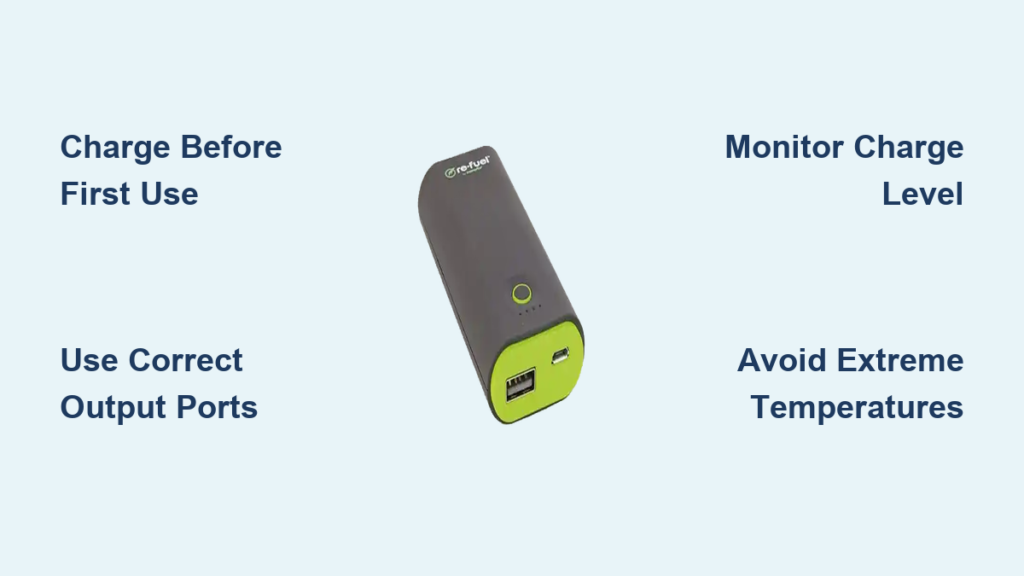
Re-Fuel battery chargers are versatile portable power solutions designed to keep your devices, vehicles, and equipment running when traditional power sources are unavailable. Whether you need to charge a car battery, power tools, or electronic devices during camping trips, understanding how to properly operate your Re-Fuel charger ensures optimal performance and extends battery life. This guide walks you through every step of using your Re-Fuel battery charger safely and effectively.
Charging Your Re-Fuel Unit Before First Use
Before using your Re-Fuel battery charger for the first time, you must fully charge the unit. Most Re-Fuel portable power packs arrive with a partial charge from the factory, so initial charging is essential for achieving maximum capacity. Connect the included AC power adapter to the charging port on your Re-Fuel unit and plug it into a standard wall outlet. The charging time varies by model, but typically ranges from 4 to 8 hours for a complete charge.
Checking Charge Status
Re-Fuel units feature LED indicator lights that display the current charge level. These indicators usually show four levels: one light means 0-25% charge, two lights indicate 25-50%, three lights show 50-75%, and four lights represent 75-100% charge. Wait until all lights are illuminated and the charging indicator shows complete before unplugging. Some models also feature a digital display that shows the exact percentage remaining.
Initial Charging Best Practices
Avoid interrupting the initial charge cycle, as this can affect the battery’s overall capacity. Store your Re-Fuel charger at room temperature during charging, as extreme temperatures can impact charging efficiency. Once fully charged, your unit is ready for portable use. For optimal battery health, recharge the unit before it reaches 0% capacity.
Connecting Devices to Your Re-Fuel Charger
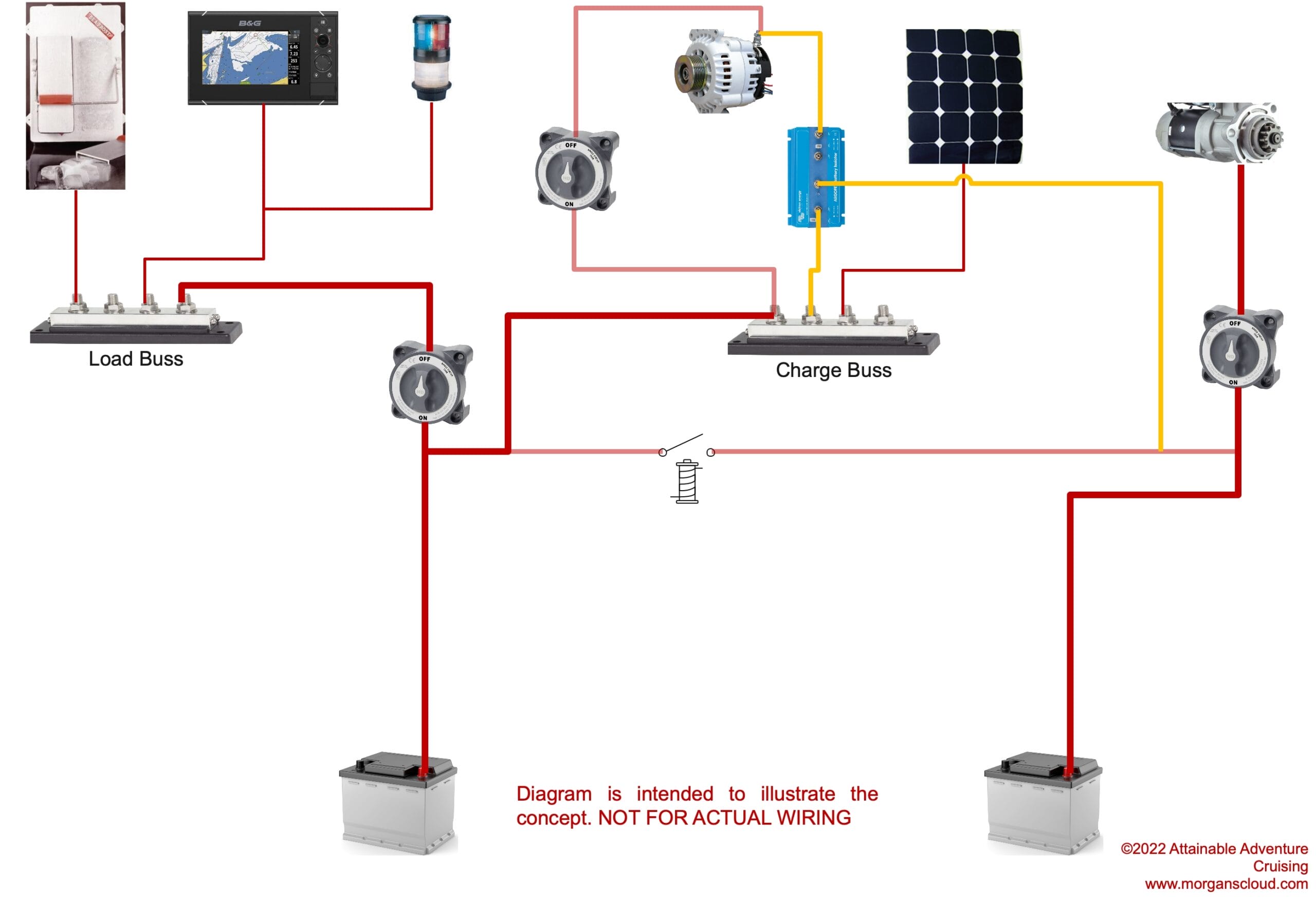
Re-Fuel battery chargers come equipped with multiple output options to accommodate various devices. The most common outputs include USB-A ports for smartphones and tablets, USB-C ports for modern devices with fast charging capabilities, and 12V DC outlets for automotive and marine applications. Some models also include 120V AC outlets for powering larger equipment.
USB Device Charging Steps
Locate the USB ports on your Re-Fuel charger, which are typically labeled and positioned on the front or side of the unit. Connect your device’s charging cable to the appropriate USB port, ensuring a secure connection. Press the power button to activate the output if your model requires manual activation. Your device will begin charging automatically once connected properly. The charging speed depends on both the Re-Fuel model’s output capacity and your device’s charging capabilities.
12V DC and AC Outlet Usage
For 12V devices such as tire inflators, camping lights, or car accessories, use the dedicated DC output port. Insert the DC plug firmly into the port until it clicks into place. For models with 120V AC outlets, press the AC power button to enable the inverter function before connecting compatible devices. Monitor your charge level while powering larger devices, as they drain the battery faster.
Maintaining Your Re-Fuel Battery Charger

Proper maintenance ensures your Re-Fuel battery charger provides reliable service for years. Store the unit in a cool, dry location away from direct sunlight and moisture. Extreme temperatures can degrade battery performance, so avoid leaving your charger in vehicles during hot or cold weather. Periodically check the unit for any visible damage to the cables, ports, or housing.
Storage Recommendations
For extended storage periods, charge your Re-Fuel unit to approximately 50% capacity rather than fully charging or fully depleting it. This intermediate charge level helps maintain battery health during storage. Recharge the unit every 3 to 4 months if stored for long periods to prevent deep discharge, which can permanently damage the battery. Keep all cables and accessories organized and protected from damage.
Troubleshooting Common Issues
If your Re-Fuel charger fails to power your devices, first verify that the unit is turned on and has adequate remaining charge. Check all cable connections for security and inspect cables for visible damage. For charging issues, ensure the power adapter is properly connected and the wall outlet functions correctly. If the unit overheats during use, disconnect devices and allow it to cool before continuing.
Safety Precautions When Using Your Re-Fuel Charger
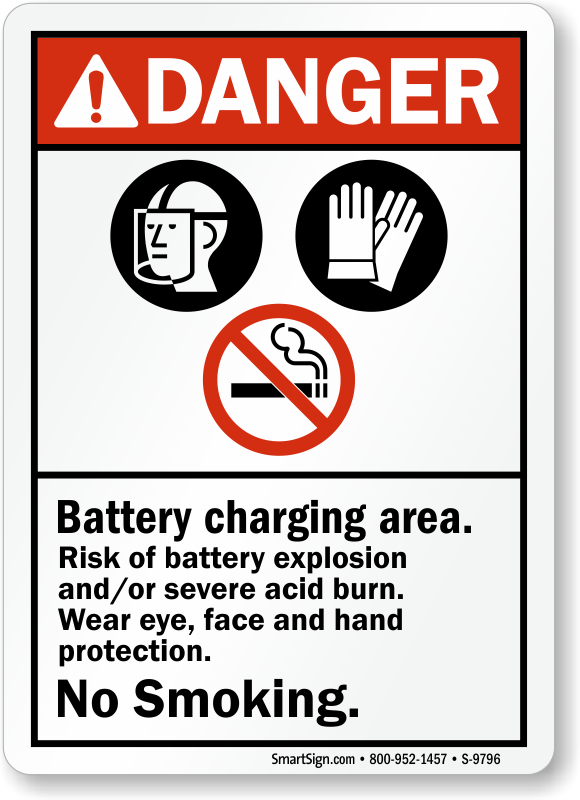
Always follow basic safety guidelines when operating your Re-Fuel battery charger. Never expose the unit to water or moisture, as this creates shock hazards and can damage the internal components. Avoid using the charger near flammable materials or in poorly ventilated areas. Do not attempt to open or modify the unit, as this voids the warranty and poses safety risks.
What to Avoid During Operation
Never overcharge your Re-Fuel unit by leaving it connected to power for extended periods after reaching full charge. Avoid completely draining the battery before recharging, as this shortens overall battery lifespan. Do not connect incompatible devices or use damaged cables, as this can cause equipment damage or safety hazards. Keep the unit away from children and pets during operation.
Frequently Asked Questions About Re-Fuel Battery Chargers
Can I charge my Re-Fuel unit while using it to power other devices?
Yes, most Re-Fuel models support pass-through charging, allowing you to charge the unit while simultaneously powering other devices. However, this practice generates more heat and may slow charging times. Monitor the unit temperature and ensure adequate ventilation during pass-through operation.
How long does a Re-Fuel battery charger hold its charge when stored?
Re-Fuel lithium-ion batteries typically retain charge for several months when stored properly at room temperature. For best results, check and recharge the unit every 3 to 4 months during extended storage to prevent deep discharge that can damage the battery.
Can I use my Re-Fuel charger to start a dead car battery?
Some Re-Fuel models feature a jump-start function specifically designed for automotive battery assistance. Check your specific model’s capabilities, as not all units include this feature. If your model supports jump-starting, follow the included instructions carefully and ensure proper connection polarity.
What devices can I power with a Re-Fuel battery charger?
Re-Fuel chargers power a wide variety of devices including smartphones, tablets, laptops, camping equipment, LED lights, tire inflators, medical devices, and small appliances. Check your model’s output specifications to ensure compatibility with your specific devices.
Is it safe to leave my Re-Fuel charger in my car?
Extreme temperatures significantly impact battery performance and longevity. Avoid leaving your Re-Fuel charger in vehicles during hot summer months or freezing winter conditions. If temporary vehicle storage is unavoidable, remove the unit and store it in a temperature-controlled environment whenever possible.
Key Takeaways for Using Your Re-Fuel Battery Charger
Your Re-Fuel battery charger provides reliable portable power when used correctly. Always fully charge the unit before first use and maintain 50% charge during extended storage. Use the appropriate output ports for your specific devices and monitor charge levels to prevent unexpected power loss. Follow all safety precautions, avoid extreme temperatures, and keep the unit dry and protected. With proper care, your Re-Fuel charger will provide years of dependable portable power for all your outdoor, emergency, and everyday charging needs.





