
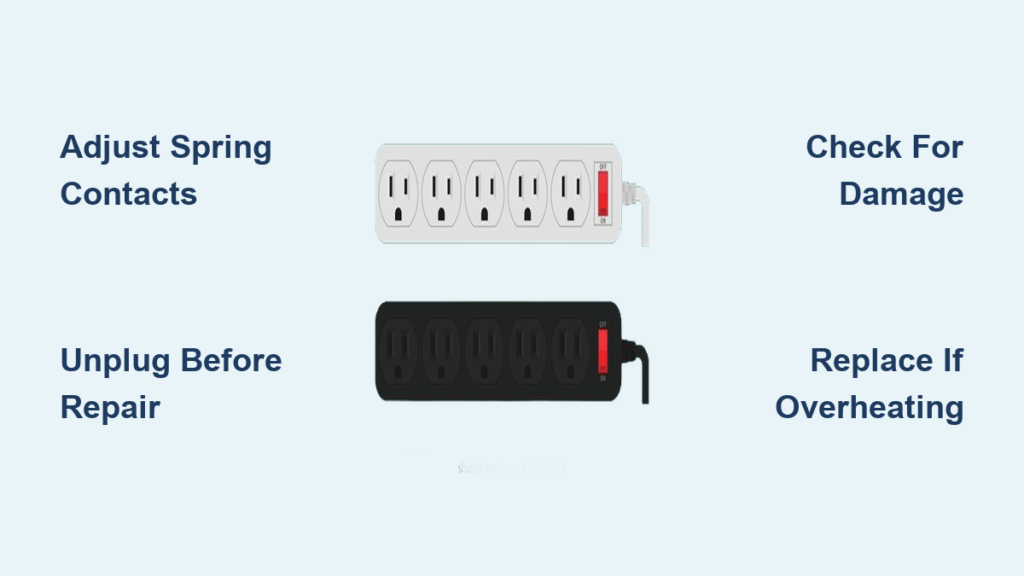
A loose plug in your power strip is not just annoying—it can be dangerous. If devices fall out unexpectedly, you notice flickering power, or outlets feel warm to the touch, you are likely dealing with a loose connection on a power strip. This problem typically stems from worn internal spring contacts that no longer grip plug prongs tightly. Over time, repeated use degrades these metal components, reducing electrical contact and increasing resistance. That can lead to arcing, overheating, and potential fire hazards.
While replacing the unit is always an option, many power strips can be safely repaired with basic tools and a few minutes of effort. This guide walks you through diagnosing the problem, performing a reliable DIY fix, and knowing when replacement is the smarter, safer choice.
Diagnose the Source of Looseness
Before opening the unit, confirm whether the problem lies in the power strip or the plug itself.
Test Plug in Another Outlet
Insert the same device into a wall outlet or a different power strip. If it fits snugly elsewhere, the issue is isolated to your strip. If it is loose everywhere, the plug may be damaged or worn.
Check Multiple Outlets on the Strip
Plug a device into each receptacle on the strip. If only one feels loose, the problem is localized. If most or all feel slack, the entire unit is likely degraded and nearing end-of-life.
Inspect for Physical Damage
Look for these warning signs:
- Discoloration (brown or black marks near outlets)
- Melted or warped plastic
- Wobbly sockets
- Frayed power cord
Visible damage means replace immediately. Do not attempt repair on a damaged unit.
Open the Power Strip Safely

Never work on a live electrical device. Follow these steps to access internal components safely.
Unplug and Prepare Your Workspace
- Unplug the strip from the wall.
- Work on a dry, non-conductive surface like a wooden table.
- Wear insulated gloves if available.
Remove the Housing
- Use a Phillips or flat-head screwdriver to remove all screws on the back panel.
- Set screws aside in a small container to avoid losing them.
- Gently separate the two housing halves, being cautious of internal wiring.
Warning: Do not cut or disconnect any wires. Most repairs only require access to the outlet contacts.
Adjust Worn Spring Contacts
The root cause of looseness is reduced tension in the metal spring contacts inside each outlet. These U-shaped or forked metal pieces lose grip over time. You can restore tension manually.
Locate the Internal Contacts
- Identify the metal clamps inside each outlet where plug prongs insert.
- On some models, wires may block access. Use a flat-head screwdriver or pick tool to gently move them aside.
Pinch Contacts to Restore Grip
- Use needle-nose pliers or your fingers to gently squeeze the two sides of the contact closer together.
- Apply even pressure to maintain alignment. Misaligned contacts can cause poor connection or arcing.
- Goal: When a plug is inserted, it should require firm pressure and stay in place without wobbling.
Pro Tip: Test fit a plug during adjustment. Stop when it feels snug but not overly tight.
Avoid Common Mistakes
- Do not over-bend. Excessive force can crack or deform the metal.
- Do not spread contacts apart. This worsens looseness.
- Do not leave tools inside. Double-check before reassembly.
Reassemble and Test the Unit

Once adjustments are made, reassemble carefully and verify safety.
Close the Housing
- Return displaced wires to their original positions.
- Align the two halves of the casing.
- Reinstall all screws securely, but do not overtighten.
Power On and Test
- Plug the strip into a grounded wall outlet.
- Use a plug-in circuit tester or multimeter to confirm voltage presence, proper grounding, and no short circuits.
Load Test with Devices
- Plug in a lamp, phone charger, or other low-draw device.
- Gently shake the plug. It should not fall out.
- Monitor for unusual warmth, buzzing sounds, or flickering lights.
If any issues arise, unplug immediately and re-inspect.
When Repair Will Not Last: Know When to Replace

Fixing loose connections can extend a power strip life, but not indefinitely.
Signs It Is Time to Replace
- Looseness returns within weeks. This indicates metal fatigue.
- Multiple outlets are faulty. This suggests systemic wear.
- Burning smell or discoloration appears. This is a clear fire hazard.
- No surge protection label is present. Older models may lack safety features.
- The unit is over 3 to 5 years old. Surge protectors degrade over time.
Critical: If the strip powers high-wattage devices like space heaters, microwaves, or computers, replace rather than repair for safety.
Alternatives to Repair
If disassembly is not an option, consider temporary workarounds with caution.
Use SnugPlugs With Limitations
- SnugPlugs are plastic inserts that fill space between plug and outlet.
- They help prevent physical dislodgement but do not improve electrical contact.
- Risk: They can mask poor conductivity and create false confidence.
Not recommended for high-draw appliances or long-term use.
Replace the Power Cord If Detachable
Some power strips use IEC or NEMA-standard detachable cords.
- If looseness is at the input end where the cord connects to the strip, replace the cord.
- Contact the manufacturer with your model number to check availability.
- Use only UL or ETL-listed replacement parts.
Prevent Future Loose Connections
Extend the life of your power strips with smart usage habits.
Choose High-Quality Models
Look for these features:
- Reinforced outlets with durable spring contacts
- Surge protection rating (1000+ joules)
- Safety certifications like UL, ETL, or CSA
Limit Plug Cycling
- Avoid frequent plugging and unplugging. Each cycle wears contacts.
- Use switched outlets to turn devices off without disconnecting.
Inspect Regularly
Every 3 to 6 months, check for loose plugs, warmth or noise, and physical damage. Early detection prevents hazards.
Safety First: Key Precautions
Never compromise safety during inspection or repair.
Always Work Unplugged
- No exceptions. Even a small current can be dangerous.
- Verify power is off before touching internals.
Avoid Daisy-Chaining
- Connecting multiple power strips increases load and stress on contacts.
- This can overload circuits and create fire risks.
Use GFCI Protection When Possible
- If your outlet is GFCI-protected, it adds an extra safety layer.
- It trips automatically during fault currents.
Keep Away from Moisture and Heat
- Do not use in bathrooms, kitchens near sinks, or near heaters.
- Heat accelerates component degradation.
Expected Repair Lifespan and Effectiveness
A successful contact adjustment typically lasts 12 to 24 months, depending on usage.
| Factor | Impact on Longevity |
|---|---|
| Usage Frequency | High-use strips degrade faster |
| Build Quality | Cheap models fail sooner |
| Plug Size | Oversized or undersized plugs increase wear |
| Environmental Conditions | Heat and dust reduce performance |
If you find yourself adjusting contacts more than once a year, replace the unit.
Summary: Fix vs. Replace Decision Guide
| Condition | Recommended Action |
|---|---|
| One loose outlet, no damage | Repair by adjusting contacts |
| Multiple loose outlets | Replace |
| Discoloration or burning smell | Replace immediately |
| Strip older than 5 years | Replace |
| Powers sensitive electronics | Replace for reliability |
| Plug stays in but wobbles slightly | Monitor and repair if worsens |
Frequently Asked Questions About Loose Power Strip Connections
Can a loose connection on a power strip cause a fire?
Yes. A loose plug connection can cause electrical arcing at the contact point, generating heat. Sustained poor contact increases resistance, which may lead to localized overheating and, in extreme cases, fire.
How long does a DIY repair last?
A successful contact adjustment typically lasts 12 to 24 months, depending on how frequently the power strip is used and the original build quality of the unit.
Is it safe to use SnugPlugs on a loose power strip?
SnugPlugs may prevent a plug from falling out physically, but they do not improve the quality of the electrical connection. They may mask underlying safety issues and are not recommended for high-draw appliances or long-term use.
When should I definitely replace my power strip instead of repairing it?
Replace immediately if you notice discoloration, burning smell, multiple loose outlets, or if the unit is over 3 to 5 years old. Also replace if it powers high-wattage devices like space heaters or computers.
Can I repair a power strip that powers expensive electronics?
For safety-critical applications or frequent use, replacement is recommended. A DIY repair is a temporary solution best suited for low-cost or lightly used power strips.
What tools do I need to fix a loose connection?
You will need a Phillips or flat-head screwdriver, needle-nose pliers, and optionally a pick tool for reaching tight spaces. Always work with insulated tools and ensure the unit is unplugged.
Final Thoughts on Fixing Your Power Strip
You can fix a loose connection on a power strip by adjusting internal spring contacts. This is a practical, temporary solution for low-use or budget units. With basic tools and care, the repair takes 10 to 20 minutes and restores functionality for up to two years.
However, safety comes first. If there are signs of damage, overheating, or frequent failure, replacement is the only responsible choice. Invest in high-quality, certified power strips with robust contacts and surge protection to prevent future issues.
Bottom line: Fix it if it is safe and simple, but replace it if in doubt. Your home electrical safety depends on it.





