
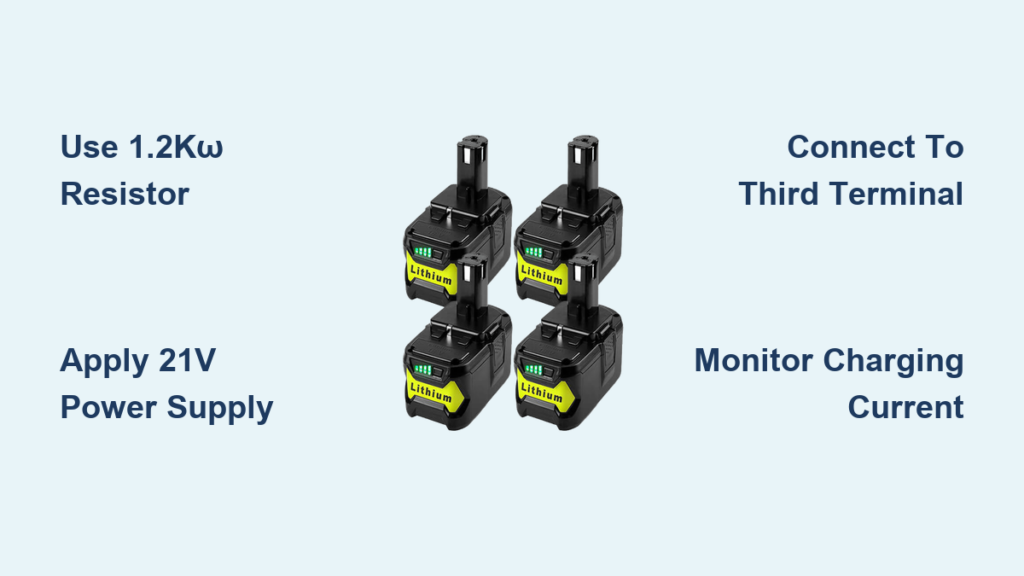
You’re in the middle of a job, your Ryobi tool dies, and you realize your charger is missing, broken, or lost. Frustrating? Absolutely. But before you rush to buy a replacement, here’s the good news: you can charge a Ryobi battery without the original charger if you know how to work with its built-in security system.
Ryobi 18V and 40V lithium-ion batteries contain a Battery Management System that blocks unauthorized charging. This guide reveals every proven method, from simple resistor hacks to solar integration, so you can keep your tools running anywhere.
Why Ryobi Batteries Block Non-OEM Charging
Ryobi 18V and 40V lithium-ion batteries aren’t simple power packs. They contain a Battery Management System that prevents charging from unauthorized sources.
How the BMS Blocks Charging
The main positive and negative terminals do not directly connect to the internal cell stack. Two large MOSFETs on the negative side act as switches controlled by the BMS. These MOSFETs must be turned on for current to flow during both discharge and charging.
Ryobi batteries have a third terminal that serves as a communication or enable signal pin. Without activating this third terminal, the BMS blocks all current flow, even if voltage is applied across the main terminals.
Why Direct Charging Fails
If you apply voltage directly to the main terminals without satisfying the BMS, the battery may draw power for a few seconds before shutting off entirely. This transient response is not charging. It is a protection mechanism engaging to prevent unsafe conditions.
The third terminal must receive the correct resistance or voltage signal before the BMS allows charging current to reach the cells.
Activate BMS With Resistor for 18V Batteries
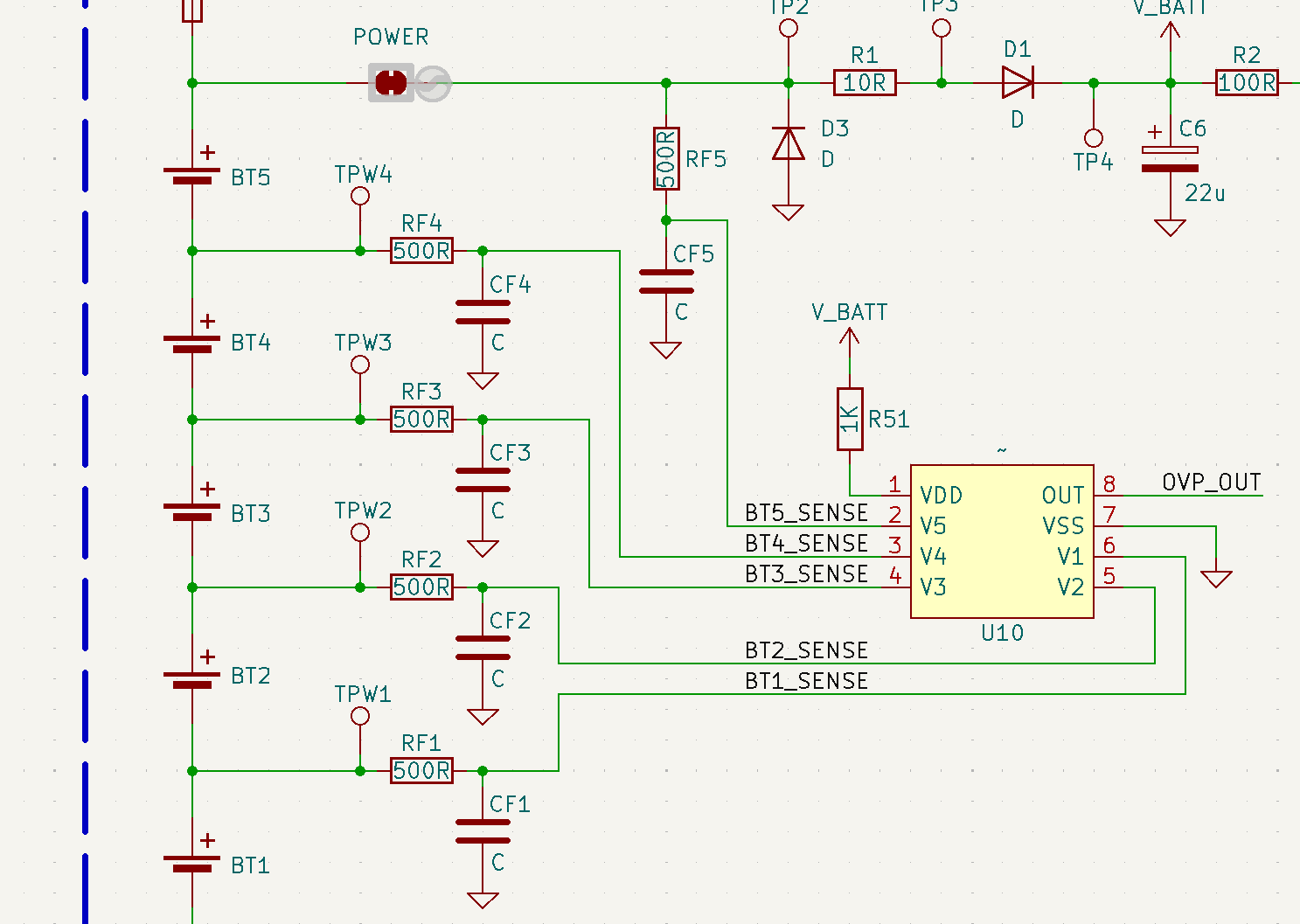
The most reliable way to charge a Ryobi 18V battery without a charger involves using a resistor on the third terminal to trick the BMS into accepting external power.
Use 1.2kΩ Resistor to Enable Charging
Ryobi 18V batteries have a hidden third terminal near the main contacts that acts as a communication or enable pin. Without signaling this pin, the BMS keeps internal MOSFETs turned off, blocking all current even if voltage is applied.
To bypass this, connect a 1.2kΩ resistor between the main positive terminal and the third terminal. This simulates the internal pull-up resistor used by OEM chargers, telling the BMS a legitimate charger is connected.
What You Need
A 1.2kΩ resistor with 1/4W or higher rating works best. You also need a 20.5 to 21.0V DC power supply such as a laptop charger or bench supply. Gather alligator clips or jumper wires for connections. A multimeter helps with verification but is optional.
Step-by-Step Procedure
First, identify the third terminal on your battery. It is the small, unmarked pin on the battery’s contact strip, separate from the two larger main terminals.
Next, clip one end of the 1.2kΩ resistor to the main positive terminal. Clip the other end to the third terminal.
Connect your 21V power supply to the main positive and negative terminals.
Watch for LED indicators on the battery. Flashing lights mean charging has started.
Monitor the current draw. It should rise to 1 to 3A and taper as the battery fills.
This method draws only about 17mA through the resistor, which is negligible power use. It is non-invasive, safe, and repeatable.
Try Buck Converter for Stable Signal

For long-term or automated setups like a backup power system, a buck converter delivers a cleaner, more stable enable signal than a resistor.
Apply 2.2V to Third Terminal
Instead of relying on resistive voltage division, use an adjustable buck converter to supply a regulated 2.2V directly to the third terminal.
What You Need
You need a buck converter module such as an LM2596 rated at 2A. The input should be 12 to 24V DC. Set the output to 2.2V. Gather wires and clips for connections.
How It Works
Power the buck converter from any DC source such as a car battery or solar panel.
Connect the 2.2V output positive to the third terminal.
Connect the output negative to the main negative terminal.
Apply 21V charging voltage to the main positive and negative terminals.
This method eliminates voltage fluctuations and ensures the BMS stays in charge mode even under variable input conditions. It is ideal for UPS systems powering modems, NVRs, or gateways.
Charge 40V Battery With 300kΩ Resistor

Ryobi 40V batteries use a different BMS logic. The 1.2kΩ resistor method does not work on 40V platforms. You need a 300kΩ resistor instead.
Enable 40V Charging Safely
The 40V platform uses a DATA or T1 pin for charger identification. Connecting a 300kΩ resistor between the positive terminal and T1 tricks the BMS into accepting external power.
What You Need
You need a 300kΩ resistor with 1/4W or higher rating. You also need a 41.7 to 42.0V power source such as a bench supply or MPPT solar controller. Gather clips or an adapter for secure connection.
Step-by-Step Procedure
Locate the T1 pin on the battery’s contact strip.
Connect one end of the 300kΩ resistor to the main positive terminal.
Connect the other end to the T1 pin.
Apply 42V to the main positive and negative terminals.
Monitor the current. It should rise and taper normally as the battery charges.
This method enables direct solar charging when paired with an MPPT controller, with no inverter or intermediate battery needed.
Solar Charging With MPPT Controller
Going off-grid? You can charge a Ryobi 40V battery directly from solar panels with no wall outlet required.
Set Up Solar-to-Battery System
Use a 50 to 100W solar panel with Voc greater than 50V. You need an MPPT solar charge controller and a 300kΩ resistor. A 3D-printed adapter provides secure connection but is optional.
Configuration Steps
Wire the solar panel to the MPPT controller.
Set the controller to lithium profile with CV at 41.7V and CC at 2 to 4A.
Connect the 300kΩ resistor between the battery positive and T1 pin.
Plug the battery into the output terminals or use alligator clips.
The MPPT controller regulates voltage and current while the resistor satisfies the BMS handshake. This setup is perfect for cabins, RVs, and emergency kits.
Bypass BMS With Internal Wiring
If you are comfortable modifying hardware, you can solder wires to internal terminals and charge directly, bypassing the BMS entirely.
Access Internal Terminals
Some 18V packs have labeled C5 positive and C1 negative pads on the PCB. These connect directly to the cell stack.
Tools Needed
You need a screwdriver for opening the case, a soldering iron, 22 AWG wire, and heat shrink tubing.
Procedure
Open the battery case carefully.
Solder a red wire to C5 and a black wire to C1.
Route the wires outside and reassemble the case.
Connect to a 21.0V bench supply with 1 to 2A current limit.
Monitor until current drops below 0.1A, then disconnect immediately.
This method bypasses all BMS protections including overcharge, overcurrent, and thermal cutoff. You must monitor manually throughout charging. This also voids the warranty and risks damage if done incorrectly.
Use Bench Power Supply
A variable bench power supply is the safest universal tool for charging Ryobi batteries when combined with the correct enable method.
For 18V Batteries
Set voltage to 21.0V and current limit to 1 to 3A based on the Ah rating.
Connect the 1.2kΩ resistor between the positive terminal and third terminal.
Apply power to the main terminals.
Watch the current. It should start at the limit and taper to less than 0.1A when full.
For 40V Batteries
Set voltage to 41.7 to 42.0V and current limit to 2 to 4A.
Connect the 300kΩ resistor between positive and T1.
Apply power and monitor the same way.
Always use CC/CV mode for safe lithium charging.
Try Car Charger
Do not want to DIY? Use a Ryobi P131 car charger designed to charge 18V batteries from a 12V source.
Plug Into Vehicle Outlet
No modifications are needed. Simply plug into the cigarette lighter or connect to a car battery. It automatically starts charging with no button press required.
This option is fully compatible, portable, and reliable. It works great for road trips, job sites, or emergencies. It also works with 12V power stations or deep-cycle batteries.
Safety Rules for Charging Ryobi Batteries
Charging lithium batteries carries risks. Follow these rules to avoid fire or damage.
Critical Safety Tips
Never leave charging unattended, especially with bypass methods.
Do not exceed 21.0V for 18V batteries or 42.0V for 40V batteries.
Avoid unregulated power sources. Use CC/CV supplies only.
Stop if the battery gets hot. Over 40°C is dangerous.
Never charge swollen, damaged, or leaking batteries.
Overvoltage or unbalanced cells can cause thermal runaway. When in doubt, buy a used OEM charger from eBay for about $15. It is the safest option.
Charging Time Estimates
Charge times vary based on capacity and current rate.
A 2.0Ah 18V battery at 1A takes about 2.5 hours to full charge.
A 4.0Ah 18V battery at 1A takes about 5 hours.
A 4.0Ah 40V battery at 2A takes about 2.5 hours.
A 6.0Ah 40V battery at 2A takes about 3.5 hours.
Times vary based on starting charge level and current tapering at the end of the cycle.
Final Thoughts on Charging Ryobi Batteries Without Charger
Charging a Ryobi battery without the original charger is entirely possible thanks to the simple resistor methods documented by users and electronics experts. For 18V batteries, the 1.2kΩ resistor on the third terminal remains the most reliable and safest approach. For 40V systems, the 300kΩ resistor enables solar and MPPT charging for true off-grid capability.
If you need a quick fix, use a resistor with a laptop charger or bench supply. For permanent installations, consider building a UPS with buck converters or upgrading to LiFePO4 for long-term reliability. And if you are not comfortable with these methods, a used OEM charger is always the safest fallback.
You are never powerless. With the right technique, your Ryobi battery can charge anywhere, anytime.
Frequently Asked Questions About Charging Ryobi Batteries Without a Charger
Can I charge a Ryobi battery with a phone charger?
Most phone chargers output 5V or 9V and cannot provide the 20.5 to 21V required for Ryobi 18V batteries. You need a power supply that can deliver at least 21V DC with current capability of 1 to 3A.
Why does my Ryobi battery flash red when I try to charge it?
Flashing red lights typically indicate a protection fault. This can mean the battery is too hot, too cold, damaged, or the BMS has detected an unsafe condition. Allow the battery to cool or warm to room temperature before attempting to charge.
Does the resistor method work on all Ryobi 18V batteries?
The 1.2kΩ resistor method has been proven on P102, P105, P107, and other 18V ONE+ batteries. It should work on most 18V Ryobi batteries with a third terminal, though results may vary slightly by model revision.
Can I use a Ryobi 40V battery with solar panels?
Yes. Use an MPPT solar charge controller set to lithium profile at 41.7V. Connect a 300kΩ resistor between the positive terminal and T1 pin. This allows direct solar charging without an inverter or intermediate battery.
Is it safe to leave Ryobi batteries charging overnight?
Never leave charging unattended, especially when using bypass methods. If you must charge overnight, use an OEM charger with built-in safety features, or stay nearby to monitor the battery temperature and disconnect when full.





