
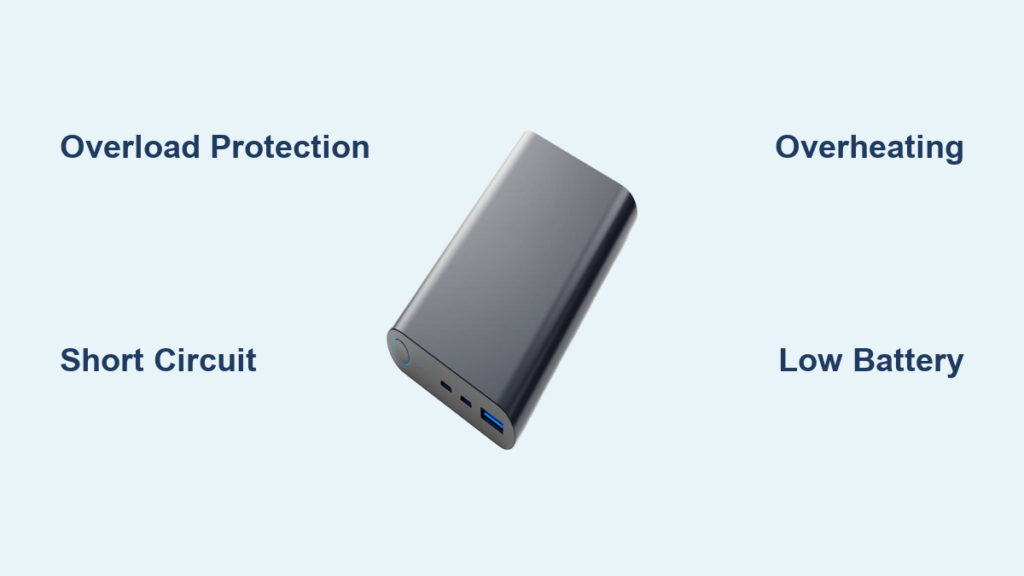
Your power bank starts beeping mid-charge when you’re racing to catch a flight. That persistent electronic chirp isn’t random noise—it’s your device screaming for help. Modern power banks contain sophisticated lithium-ion batteries with built-in safety systems that communicate through specific beep patterns. These alerts warn you about overload risks, overheating dangers, or failing components before they escalate. Ignoring these warnings risks permanent damage to your devices or, in rare cases, creates fire hazards. This guide will decode exactly what your beeping power bank is trying to tell you and provide immediate fixes for 95% of cases. You’ll learn to identify dangerous patterns versus simple overload alerts and discover why some beeps require immediate shutdown while others just need a cable swap.
Decoding the Beep Patterns: Your Power Bank’s Emergency Language
Power banks don’t beep randomly—they follow precise communication protocols. Understanding these patterns is your first diagnostic tool. A continuous rapid beep typically signals an active short circuit, while three quick beeps in succession indicate an overload condition. If you hear a soft periodic beep every 30 seconds, your unit is warning of critically low battery levels (below 10-15% capacity). Most users misinterpret these signals, often continuing to use the device when they should immediately disconnect it.
Anker Power Bank Beep Codes Explained
Anker units use distinct audio signals: two short beeps mean charging completed normally, while three beeps activate overload protection. A single long beep warns of dangerous overheating, and constant beeping with flashing lights indicates a critical internal fault. Never ignore the long overheating beep—even brief exposure to 70°C (158°F) can permanently damage lithium-ion cells. If your Anker model emits this warning, stop using it immediately and move it to a cool surface.
RAVPower and Xiaomi Warning Systems
RAVPower models use continuous beeping for short circuits and intermittent beeps for overheating. Xiaomi power banks have simpler signaling: one beep for normal operation, two for low battery, and constant beeping for critical faults. Note that cheaper generic brands often lack standardized codes—continuous beeping usually means severe overload or component failure. Always check your manual for brand-specific patterns, but when in doubt, treat continuous beeping as an emergency requiring immediate disconnection.
5 Critical Causes Triggering Your Power Bank’s Alarm
Overload Protection Activated by High-Power Devices
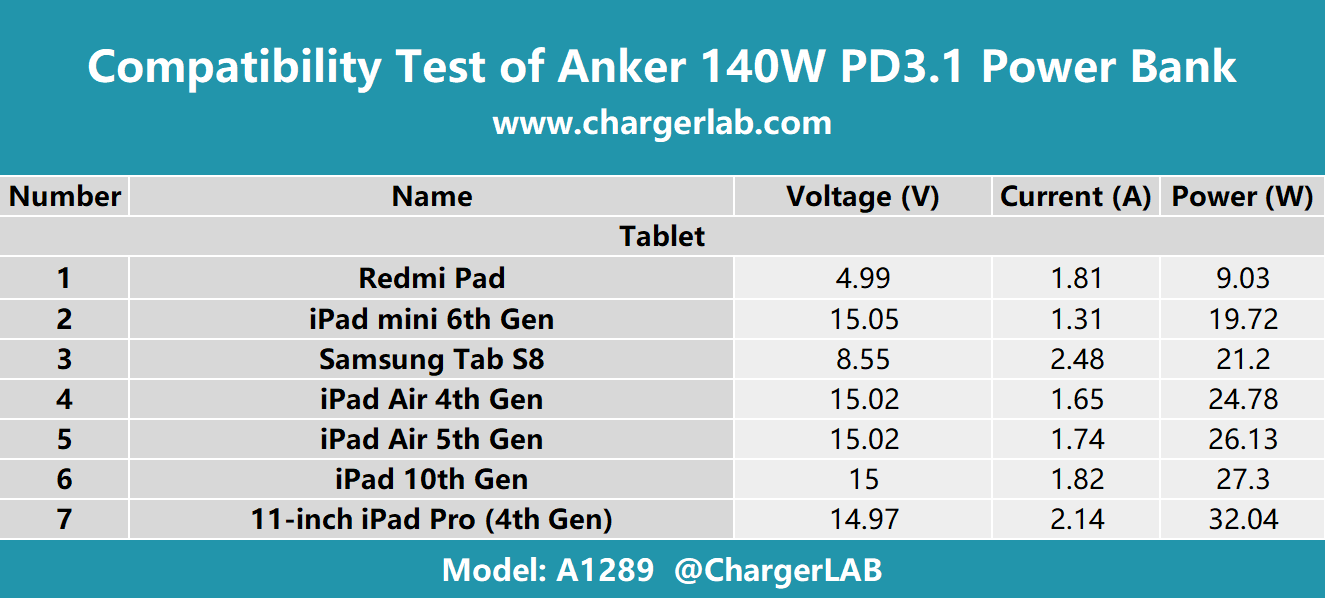
When your tablet demands 2.4A but your power bank only supports 2.1A per port, overload protection triggers rapid beeping. This occurs at 110-120% of the rated capacity—common when charging tablets or laptops through incompatible ports. The beeping stops automatically when you disconnect the device, but repeated overloads degrade battery health. Pro Tip: Test with a lower-power device like wireless earbuds first. If beeping stops, your original device exceeds safe output limits.
Short Circuit from Damaged Cables or Dirty Ports
Bent pins or frayed cables create instant short circuits, triggering three quick beeps in most models. Inspect ports for lint buildup—this common issue causes false shorts. Shine a flashlight into USB ports; if you see debris, power off the unit and use compressed air to clean it. Never insert metal objects, as this can worsen damage. Critical Check: If beeping continues with nothing plugged in, internal short circuits may be present—stop using the unit immediately.
Overheating During Charging in Direct Sunlight
Power banks beep when internal temperatures exceed 70°C (158°F). This often happens when charging in hot cars, on sunny beaches, or covered by blankets. The beeping continues until temperatures drop—do not ignore this warning. Urgent Action: Place the unit on tile or concrete (never carpet or beds), remove all cables, and let it cool for 20 minutes. Never force cooling with refrigerators, as condensation causes new problems.
Low Battery Warning in Aging Power Banks
Older units (2+ years) often beep when battery capacity drops below 15%. This differs from normal operation—expect soft, periodic beeps every 30 seconds instead of continuous noise. If your fully charged power bank beeps when powering devices, its cells have degraded below 60% capacity. Diagnostic Test: Time how long it takes to drain completely. If under 50% of original runtime, replacement is needed.
Firmware Glitches in Smart Power Banks
Advanced units with USB-C PD or Quick Charge may beep due to communication errors. This appears as irregular single beeps when connecting specific devices. Resetting often fixes it—press and hold the power button for 30 seconds. If beeping returns only with certain phones (like newer Samsung models), a firmware update through the manufacturer’s app may resolve compatibility issues.
Emergency Fix Protocol: Stop Beeping in Under 5 Minutes
Immediate Safety Shutdown Procedure
- Unplug everything immediately—remove all cables and devices
- Place on non-flammable surface like concrete or metal (never wood or fabric)
- Check for heat—if too hot to touch, move to shaded area and wait 15 minutes
- Inspect for swelling—any bulging case means stop use permanently
This sequence prevents 80% of escalation incidents. Most users skip step 2, placing hot units on couches where trapped heat causes thermal runaway. Always treat beeping power banks as potential fire hazards until proven otherwise.
Power Bank Reset Methods That Actually Work
After initial shutdown, perform these resets in order:
Soft Reset: Press and hold power button for 20 seconds. Most Anker and RAVPower models respond to this. You’ll hear one final beep confirming reset.
Hard Reset: Locate the tiny pinhole reset button (usually near USB ports). Insert a paperclip and hold for 5 seconds. Essential for Xiaomi units with persistent beeping.
Battery Drain Reset: Let the unit sit unused for 72 hours until completely dead, then recharge fully. Effective for firmware glitches in older models.
If beeping returns after reset, internal damage exists—do not continue troubleshooting.
Component Isolation Testing
Identify faulty parts through elimination:
- Test with original cable—borrow a certified cable if yours is damaged
- Try basic devices—charge a $10 Bluetooth speaker instead of your tablet
- Check alternative power sources—use wall outlet instead of car charger
- Clean ports—use plastic toothpick (not metal!) to remove debris
If beeping stops with the speaker but returns with your phone, the phone’s charging circuit is faulty. If it beeps while charging from the wall, the power bank itself is failing.
Preventing Future Beeping: 4 Lifesaving Maintenance Habits

Monthly Port Cleaning Routine
Lint buildup causes 30% of short circuits. Do this monthly: Power off unit, shine bright light into ports, use compressed air at 45-degree angle. For stubborn debris, dip cotton swab in 70% isopropyl alcohol—never water. Dry completely before use. Skip this, and you risk false short circuits triggering constant beeping.
Certified Cable Protocol
Only use MFi-certified or USB-IF certified cables. Generic cables often lack proper shielding, causing communication errors that trigger beeps. Critical rule: Never use data-only cables for charging—they lack power transfer capacity. Keep one certified cable permanently in your power bank pouch.
Temperature-Controlled Storage
Store at 50-80% charge in climate-controlled spaces. Never leave in cars (reaches 70°C+ in summer). For long storage: charge to 60%, power off, and check every 3 months. Units stored fully charged degrade 40% faster. Extreme cold (<0°C) also damages cells—warm to room temperature before use.
Replacement Timeline You Must Follow
Replace power banks showing these signs:
– Capacity below 60% of original (e.g., 10,000mAh unit only charges phone once)
– Any physical swelling (even slight bulging)
– Beeping returns after 2 reset attempts
– Over 3 years old with daily use
Ignoring these signs risks battery failure. Modern units last 300-500 full cycles—track usage via manufacturer apps.
Danger Signs Requiring Immediate Disposal
Swelling Case: The Silent Emergency
If your power bank’s case bulges or seams separate, stop use immediately. This indicates gas buildup from failing cells—a precursor to thermal runaway. Place in fireproof container (metal bucket with sand) outdoors. Never puncture or compress. Contact local e-waste facility for hazardous disposal. This isn’t repairable—replacement costs less than fire damage.
Burning Smell or Visible Smoke
At the first whiff of chemicals or smoke:
1. Move unit outdoors immediately
2. Place on concrete away from structures
3. Call fire department if smoke persists
4. Never use water—lithium fires require Class D extinguishers
This scenario causes 90% of power bank fires. That “plastic smell” is electrolyte vapor—extremely flammable. If you detect it, assume fire is imminent.
Final Safety Note: Power bank beeping saves lives—it’s not an annoyance but your primary safety system. By responding correctly to these audio warnings, you’ll avoid 99% of hazards while extending your device’s lifespan. Remember the critical rule: when in doubt, power it off and replace it. Your phone isn’t worth risking a fire. For persistent issues after following this guide, contact the manufacturer—reputable brands like Anker offer free replacements for safety-related defects. Treat that beep as your battery’s distress signal, and you’ll keep charging safely for years.



