
You plug in your laptop, and a bright spark flashes inside the power strip. Your heart skips a beat. Is this dangerous? Should you unplug everything? And when should you replace the strip?
Sparking when plugging into a power strip is more common than you might think. While small, momentary sparks can be normal, persistent or large sparks may signal a serious electrical hazard. The key is knowing the difference between harmless arcing and a fire risk.
In this guide, you’ll learn why sparks happen during plug-in, how to tell normal sparking from dangerous arcing, what to do after a sparking incident, and safety best practices to prevent future risks.
Normal vs. Dangerous Sparking
Minor Arcing: When Sparks Are Safe
A tiny blue or white flash when plugging in a device is often normal, especially if the device was turned on before plugging, the spark lasts less than a second, it only happens during plug insertion, and there’s no smell, charring, or loud noise.
This is called capacitive inrush arcing. Devices like PCs, TVs, and phone chargers have internal capacitors that draw a sudden burst of current when first connected. As the plug makes contact, electricity jumps the tiny gap, creating a brief spark.
It’s similar to static shock, but controlled and contained within the outlet. No damage occurs if the power strip is in good condition.
Warning Signs of Hazardous Sparks
Stop using the power strip immediately if you notice large bright yellow or orange sparks, loud crackling or popping sounds, a burning smell or visible charring, a tripped circuit breaker after plugging in, or sparking that happens every time even with small devices.
These signs point to loose connections, internal damage, or short circuits, all of which increase fire risk.
Critical Warning: Even if the strip still works, internal components may be degraded. Replace it. Do not risk a fire.
Why Power Strips Spark: 3 Common Causes
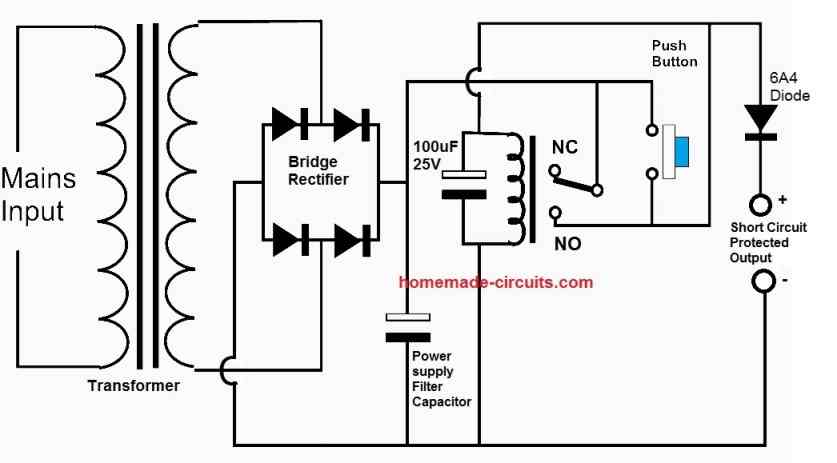
1. Inrush Current from Powered-On Devices
When a device is on before plugging in, its power supply demands a surge of electricity the moment contact is made.
High-risk devices include gaming consoles like PS5 and Xbox, desktop computers, laptop chargers, and LED drivers and power adapters.
The sudden current draw causes a micro-arc between the plug and socket. This is normal only if the spark is brief and small.
Fix: Turn off the device before plugging it in. This eliminates the inrush spike and prevents arcing.
2. Loose or Worn Outlet Contacts
Over time, power strip outlets lose spring tension. Plugs do not seat tightly, creating intermittent contact.
What happens next involves electricity jumping across tiny gaps, repeated arcing that heats the metal contacts, heat that degrades plastic housing and wiring, and increased risk of overheating or fire.
Visual clue: If plugs fall out easily or wobble, the outlet is worn.
Fix: Replace the power strip. Contacts cannot be repaired.
3. Short Circuit from Metal Device Contact
One of the most dangerous causes involves placing a device with a metal case directly on the power strip while plugging in.
In one real incident, a girl plugged in her iPod while it rested on the power strip. The metal casing touched live prongs, creating a massive spark that tripped the breaker. The iPod was burned and the wall outlet was charred.
This created a short circuit where electricity took an unintended path through the metal body.
Never place phones, laptops, or metal-cased devices on a power strip during plug-in. Keep the area clear.
What to Do After a Sparking Incident
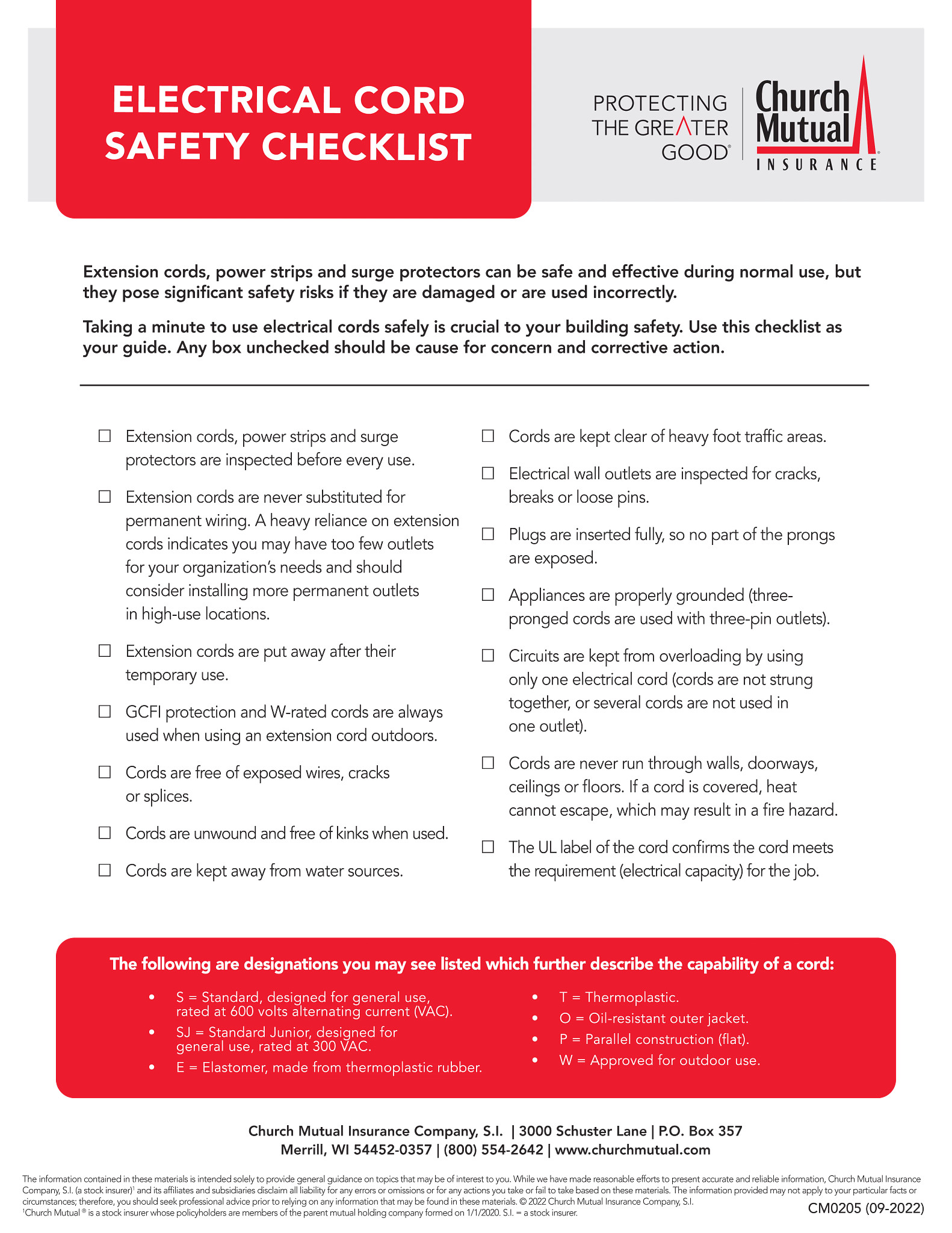
Step 1: Unplug Everything Immediately
Do not wait. Remove all devices and unplug the power strip from the wall.
Even if no damage is visible, internal arcing may have compromised safety components.
Step 2: Inspect for Damage
Check three areas carefully.
Power Strip: Look for melted plastic, discoloration, or warped outlets. Smell for burnt odor, even faint. Test the circuit breaker button, if present, and it should click firmly.
Wall Outlet: Check if it is loose in the wall. Look for black marks, charring, or warmth. Verify the power strip plugs in tightly.
If the wall outlet is damaged, stop using it and call an electrician.
Device Plug and Cord: Check for scorch marks, fraying, or melted insulation. Test the device in a different outlet after ensuring safety.
Step 3: Test the Circuit
Turn off the room’s circuit breaker first. Reset it and restore power. Plug in a simple device like a lamp directly into the wall outlet. If it works, the outlet is likely fine. If it does not work, call an electrician.
Do not reuse the sparking power strip, even if it seems fine.
When to Replace Your Power Strip
Replace Immediately If
Replace the power strip immediately if it sparked with loud noise or visible flame, caused a breaker trip or power outage, shows any sign of burning or melting, is over 3 to 5 years old and used daily, or has outlets that feel loose or warm during use.
Choose a Safer Replacement
Buy a power strip with built-in circuit breaker that automatically cuts power on overload, surge protection rated at minimum 600 to 1000 joules, fire-resistant housing using ABS plus PC flame-retardant material, safety shutters to block access to live parts, and UL or ETL certification proving safety testing.
Avoid daisy-chaining multiple strips, power strips without surge protection, and cheap unbranded models from unknown sellers.
Safe Plug-In Habits to Prevent Sparks
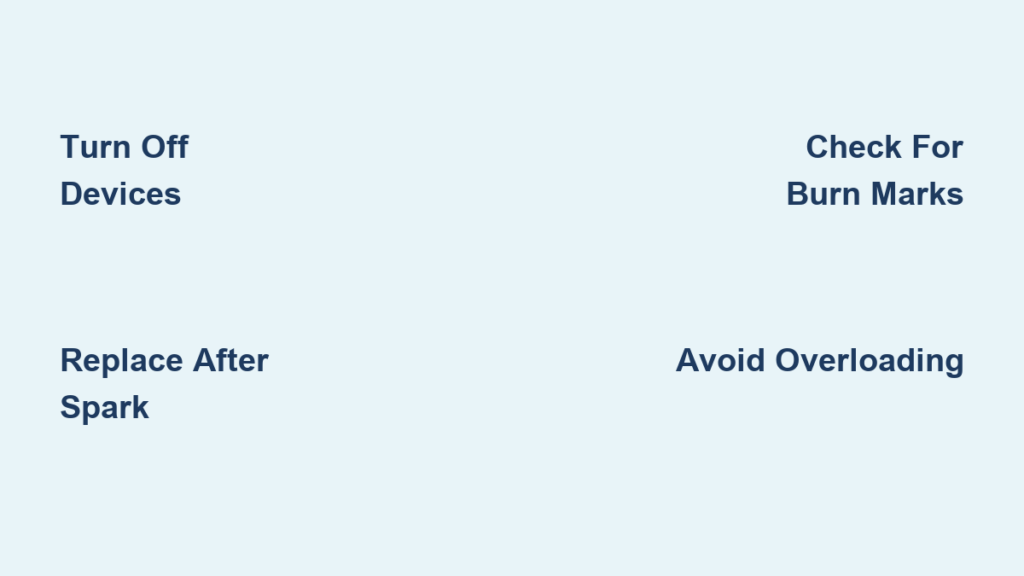
Turn Devices Off Before Plugging
This simple step eliminates inrush current and prevents arcing.
Especially important for computers, printers, heaters, and audio/video equipment.
Pro Tip: Use smart power strips that cut power to peripherals when the main device like a PC is turned off.
Ensure Full Plug Insertion
A partially inserted plug creates poor contact, leading to arcing, heat buildup, and voltage drops.
Push firmly until the plug seats completely. You should not see any metal prongs.
Keep Metal Objects Away
Never rest phones, tablets, or laptops on the power strip while plugging in.
Even keys or coins left nearby can fall and cause a short.
Best practice involves plugging in devices before placing them down.
Do Not Overload the Strip
Most power strips are rated for 15 amps or 1875 watts.
Exceeding this causes overheating, voltage fluctuations, and increased arcing risk.
Use a wattage calculator where total device watts stay below the strip’s max rating.
How to Test a Power Strip for Safety
Monthly Quick Check
Unplug all devices first. Inspect outlets for debris, dust, or damage. Press the reset button, if present, to ensure it works. Plug in a lamp and turn it on, it should work smoothly. Feel the strip after 10 minutes, it should not be warm.
Annual Deep Check
Use a plug-in outlet tester to verify grounding. Check cords for fraying or kinks. Replace if any outlet feels loose. Consider upgrading if used for high-power devices.
Expert Advice: What Electricians Recommend
If It Sparked Once, Assume It Is Compromised
Even minor internal arcing can carbonize insulation, weaken internal connections, and reduce surge protection effectiveness.
Electricians agree: Replace any power strip involved in a sparking event. It is not worth the risk.
Breakers Trip to Save Lives. Listen to Them.
A tripped circuit breaker means too much current flowed, a short circuit occurred, and the system worked as designed.
But the breaker does not fix the cause. After it trips, unplug everything, inspect for damage, and replace faulty equipment.
Old Power Strips Are Ticking Time Bombs
Many people use the same strip for 10 or more years. But internal components degrade over time.
Signs it is too old include yellowed plastic, stiff or broken switches, loose outlets, and no surge protection label.
Replace every 3 to 5 years, or sooner if heavily used.
Final Safety Checklist
Turn off devices before plugging in. Fully insert plugs with no exposed prongs. Never place metal devices on power strip. Check for heat, noise, or smell during use. Replace strip after any sparking incident. Use only UL or ETL-certified models. Do not daisy-chain or overload. Test wall outlets regularly.
Bottom Line: When to Worry About Sparks
Minor spark is likely normal, especially with powered-on devices. Loud crackle, fireball, or tripped breaker is dangerous. Replace the strip and inspect the outlet.
You cannot see internal damage. A power strip may work perfectly after a spark, but its safety margins are gone.
Best rule: When in doubt, throw it out.
Your safety is more important than saving money on a power strip. Upgrade to a quality model with surge protection and fire-resistant design. It is a small investment for peace of mind.
Frequently Asked Questions About Power Strip Sparks
Is it normal for a power strip to spark when plugging in?
Minor sparking can be normal, especially if the device is turned on during plug-in. This happens due to capacitive inrush current, which creates a brief arc as the connection completes. The spark should be tiny, blue or white, and last less than a second. If the spark is large, yellow, or accompanied by crackling, this indicates a problem.
Why does my power strip spark only with certain devices?
High-power devices with capacitive power supplies, like gaming consoles, desktop computers, and laptop chargers, draw a sudden surge of current when first connected. This inrush current causes more noticeable sparking compared to simple devices like lamps. If sparking occurs with every device regardless of power draw, the power strip outlets may be worn or damaged.
Can a sparking power strip cause a fire?
Yes, dangerous sparking can lead to fire. Sustained arcing generates high temperatures that can ignite plastics or nearby flammable materials. Internal damage may not be visible externally, so any power strip involved in significant sparking should be replaced. Repeated sparking degrades internal contacts and increases future fire risk.
What should I do immediately after a sparking incident?
Unplug everything immediately and remove the power strip from the wall. Inspect for visible damage like melted plastic, charring, or burn marks on both the power strip and wall outlet. Check the device plugs for damage. Do not reuse the sparking power strip even if it appears to work normally. If the wall outlet shows damage, call an electrician before using it again.
How often should I replace my power strip?
Replace power strips every 3 to 5 years with regular use. Replace immediately if they show signs of damage, have sparked significantly, have loose outlets, feel warm during use, or are over 5 years old. Old power strips have degraded internal components and reduced surge protection, making them fire risks.
What features should I look for in a safe power strip?
Choose a power strip with built-in circuit breaker for overload protection, surge suppression rated at 600 to 1000 joules or higher, fire-resistant housing, safety shutters on outlets, and UL or ETL certification. Avoid cheap unbranded models, strips without surge protection, and never daisy-chain multiple strips together.
Key Takeaways for Power Strip Spark Safety
Understanding the difference between normal arcing and dangerous sparking is essential for home electrical safety. Small blue or white sparks during plug-in are often harmless, caused by inrush current from powered-on devices. However, large yellow sparks, crackling sounds, burning smells, or tripped breakers signal serious hazards requiring immediate action.
Always turn devices off before plugging them in, ensure full plug insertion, keep metal objects away from power strips, and never overload the strip beyond its wattage rating. After any sparking incident, inspect all components carefully and replace the power strip regardless of whether it still functions.
Invest in quality UL or ETL-certified power strips with surge protection and fire-resistant housing. Replace strips every 3 to 5 years, and immediately discard any unit involved in a sparking event. Your safety is worth far more than the cost of a replacement.





