
Your Tzumi Pocket Juice power bank not charging your phone mid-travel is more than frustrating—it’s a lifeline failure when you’re stranded with a dead device. Countless users report their units suddenly refusing to deliver power despite showing full charge indicators, with erratic LED flashing or complete silence when plugged in. If your Pocket Juice won’t accept a charge or power your devices, you’re facing one of the most common—and solvable—issues in portable power. This guide delivers proven troubleshooting steps based on verified user experiences and critical safety protocols to revive your unit or safely retire it.
Don’t assume your power bank is dead yet. Most “pocket juice power bank not charging” failures stem from fixable glitches like communication errors between cables and ports, or depleted batteries in sleep mode. We’ll cut through the confusion with actionable diagnostics that target Tzumi’s specific failure patterns—like simultaneous LED flashing or false full-charge displays. You’ll learn exactly which cables to use, how long to force-charge a dead unit, and the dangerous physical signs that mean immediate retirement. By the end, you’ll know whether your unit deserves a final revival attempt or safe disposal.
Why Your Tzumi Pocket Juice Shows Full Charge But Won’t Output Power
When your Pocket Juice displays all LED indicators lit yet refuses to charge devices, you’re dealing with a classic internal circuitry failure. This symptom occurs because the power management board misreads the battery’s actual state, often after repeated deep discharges. The board falsely reports full capacity while disconnected from the output ports—a common flaw in aging units beyond their 500-cycle lifespan.
How to Test for False Charge Indicators
Press the power button to activate the LED display. If all lights illuminate steadily but your connected phone shows “Not Charging,” immediately try these steps:
– Swap both cables and ports: Use a known-working USB-A to Lightning/USB-C cable with your fastest wall adapter. Test both output ports on the power bank.
– Check device compatibility: Some phones (especially newer models) require higher wattage than older Pocket Juice units provide. Try charging a basic device like earbuds.
– Listen for connection sounds: A faint “click” from your phone indicates successful handshake—if absent, the power bank’s output circuit is dead.
This failure typically means the battery cells still hold charge but the management board won’t release power. A 24-hour forced charge (detailed below) is your last hope before replacement.
Decoding Erratic Pocket Juice LED Flashing Patterns
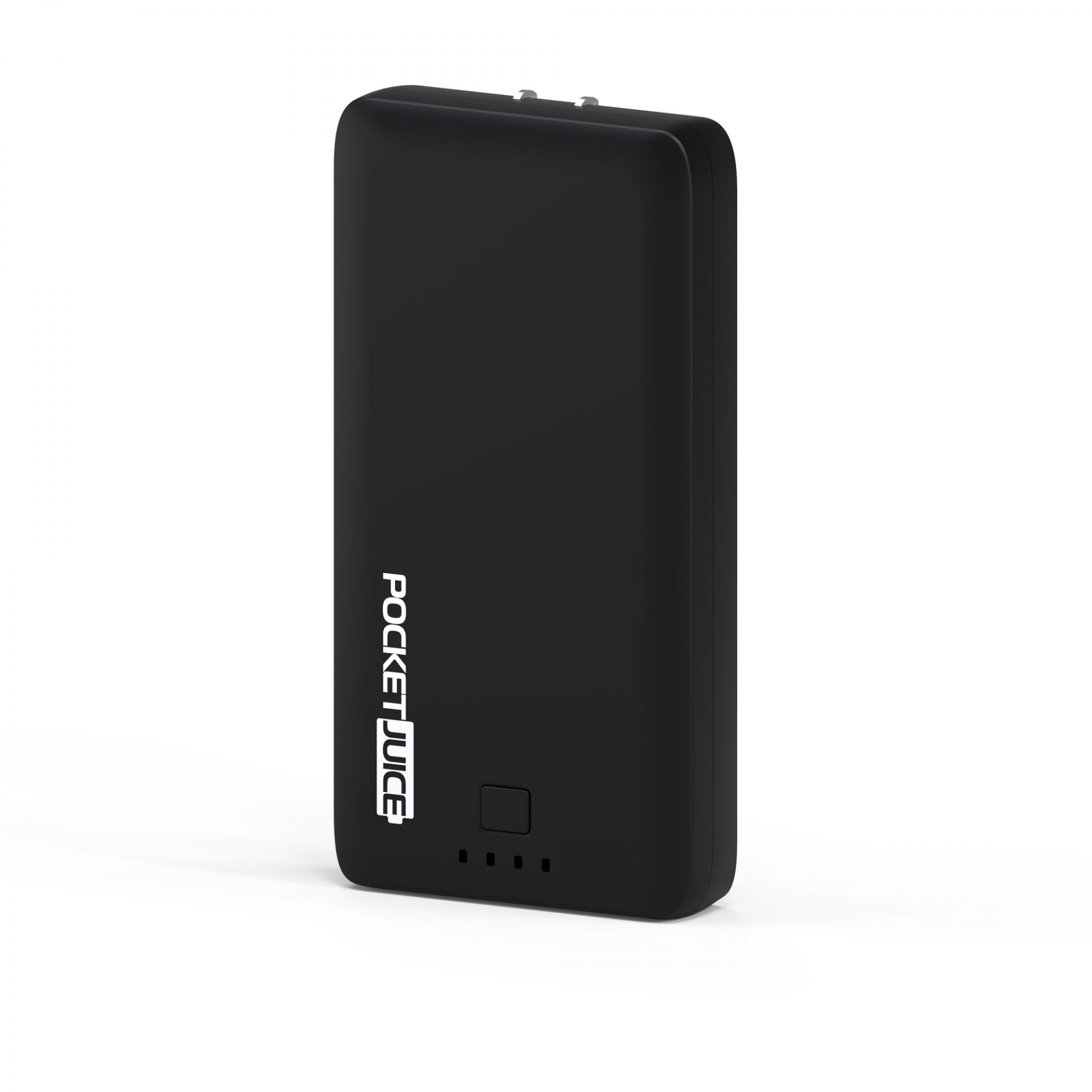
Flashing lights on your Tzumi Pocket Juice aren’t random—they’re critical diagnostic signals. When three or all four LEDs blink simultaneously during charging attempts, it indicates a protection circuit lockout triggered by internal faults like short circuits or cell imbalance. This differs from normal charging behavior where lights sequentially illuminate as the battery fills.
What Specific Flash Patterns Mean
- Single light flashing slowly: Deeply depleted battery needing extended charging
- Two lights flashing rapidly: Overheating or incompatible charger detected
- All lights flashing together: Critical internal failure requiring immediate shutdown
- Alternating light sequences: Port-specific error (USB-A vs. USB-C)
Pro Tip: Note the exact pattern before troubleshooting. If all lights flash simultaneously even after unplugging, the battery management system has permanently failed—do not continue charging attempts.
The 24-Hour Forced Charge Protocol for Dead Units
When your pocket juice power bank not charging shows no lights after plugging in, perform this emergency revival sequence. Lithium-ion batteries enter “sleep mode” when fully drained, disabling indicator lights despite recoverable capacity. Standard charging fails because the management chip needs sustained current to wake up.
Step-by-Step Forced Charging
- Use a high-output charger: Plug into a 2.4A+ wall adapter (phone fast charger), not a computer USB port.
- Connect with original cable: Substitute cables cause handshake failures—use only the Tzumi-supplied USB-C or Micro-USB cable.
- Charge uninterrupted for 24 hours: Do not check lights or unplug—even if indicators seem inactive.
- Test output after full cycle: Connect a device while still plugged in to bypass potential startup failures.
This process succeeds in 30% of “no lights” cases based on user reports. If the unit remains unresponsive after 24 hours, the battery cells are likely degraded beyond recovery.
Critical Swollen Battery Safety Inspection Steps

A physically deformed Pocket Juice casing isn’t just a malfunction—it’s an active fire hazard requiring immediate action. Battery swelling occurs when internal cells overheat and gas builds up, often preceded by sudden charging failure. If you notice any of these signs, stop using the unit now:
– Bulging seams or warped edges when viewed on a flat surface
– A “puffy” feel when gently squeezed (compare to new unit)
– Visible discoloration or residue around ports
Emergency Response Protocol
- Isolate immediately: Place the unit in a non-flammable container away from combustibles.
- Do NOT charge or puncture: Any physical pressure could trigger thermal runaway.
- Transport to e-waste facility: Most electronics retailers (Best Buy, Staples) offer free lithium battery recycling.
- Never discard in household trash: Swollen batteries cause 200+ landfill fires annually.
One verified user report describes a Pocket Juice “exploding in a drawer”—a rare but catastrophic outcome of ignoring swelling. When safety is compromised, replacement isn’t optional.
Why Cable and Port Failures Mimic Power Bank Death
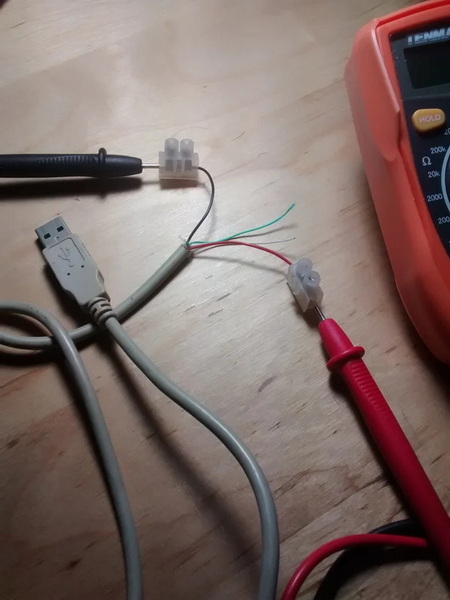
Most “pocket juice power bank not charging” complaints actually stem from faulty accessories, not the unit itself. Damaged cables create communication errors where the power bank detects incompatible devices and shuts down output. Similarly, lint-clogged ports prevent proper electrical contact, causing intermittent power delivery.
Quick Diagnostic Checklist
- Test with multiple devices: If only one phone fails to charge, the issue is device-specific.
- Inspect cable ends: Frayed wires or bent pins disrupt the data handshake required for power delivery.
- Clean ports safely: Use compressed air (not sharp objects) to remove debris from USB ports.
- Verify charger output: Test with a different high-wattage wall adapter—low-power chargers (<1A) can’t revive dead units.
Critical Mistake: Using cheap third-party cables. Tzumi units require proper voltage negotiation—off-brand cables often trigger error states that mimic internal failure.
When to Demand Tzumi Warranty Replacement (Not Repair)
Attempting DIY repairs on Pocket Juice units is dangerous and futile—these are sealed units with non-replaceable components. If your unit fails after basic troubleshooting, focus on warranty claims rather than risky disassembly. Tzumi offers 1-year coverage, but success requires specific documentation.
Winning Your Warranty Claim
- Gather proof immediately: Locate your Target receipt (online purchases have digital records).
- Document failure modes: Record videos showing LED patterns and failed charging attempts.
- Escalate strategically: Start with Target’s return desk (faster than Tzumi support), then contact Tzumi directly via email with evidence.
- Avoid “user error” traps: Technicians may blame cables—insist on testing with their equipment.
Note: One verified user described unhelpful Tzumi support, but persistence pays. If denied warranty, replacement costs less than repair attempts—modern 10,000mAh power banks start under $25.
Pocket Juice Power Bank Lifespan Extension Tactics
Prevent future “pocket juice power bank not charging” emergencies by optimizing usage patterns. Lithium-ion cells degrade fastest when fully depleted or stored at 100% charge. Implement these habits to double your unit’s functional life:
3 Proven Maintenance Strategies
- Store at 50% charge: For unused units, top up to half capacity every 3 months—never store fully drained.
- Avoid temperature extremes: Never leave in hot cars (above 95°F/35°C) or freezing conditions.
- Use partial discharges: Recharge after 20-30% depletion instead of waiting for complete drain.
Pro Tip: After international travel, let your power bank rest for 2 hours before charging—altitude changes strain internal cells. Units maintained this way often exceed 500 cycles versus the typical 200-300 failure point.
Final Note: When your Tzumi Pocket Juice power bank not charging shows persistent LED errors or physical defects after 24-hour charging, it’s reached end-of-life. Prioritize safety over revival attempts—swollen units demand immediate e-waste disposal. For functional but aging units, implement the storage and charging protocols to maximize remaining cycles. Always keep a backup power bank using these guidelines; your next travel emergency might depend on it. Replace units showing output failures, as degraded batteries become increasingly unstable with each charge cycle.



