
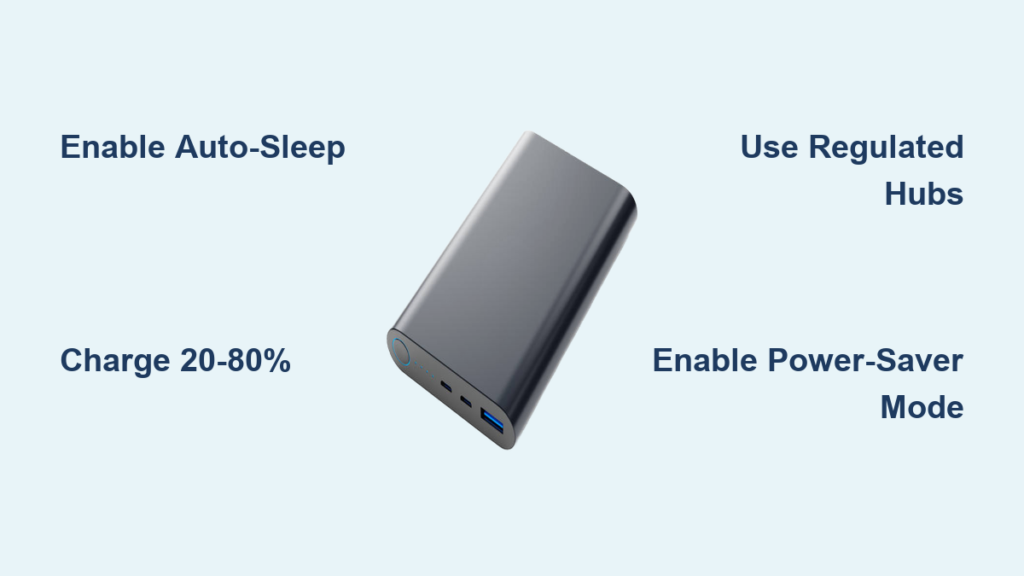
Your power bank dies just as your phone hits 5% during a critical work call. You scramble for an outlet, realizing the hard truth: that 10,000mAh capacity isn’t enough for your travel-heavy lifestyle. While you can’t physically alter your power bank’s internal battery cells, you can dramatically extend its effective capacity through smart strategies. This isn’t about mythical hacks—it’s about leveraging proven techniques to maximize every milliamp-hour. By the end of this guide, you’ll know exactly how to double your usable power, prevent phantom drain, and even create a renewable charging ecosystem. Let’s transform your limited power bank into a near-limitless energy source.
Optimize Your Power Bank’s Built-In Power-Saving Features
Stop wasting 15-20% of your stored energy through preventable inefficiencies. Most users overlook their power bank’s native settings, leaving ports active when not in use. This constant “vampire drain” slowly depletes your reserve even when disconnected from devices.
Activate Automatic Cut-Off Systems Immediately
Check if your power bank has an auto-sleep function—this is non-negotiable for capacity preservation. Models from Anker, RAVPower, and Baseus typically feature this in their companion apps or via LED indicators. When enabled, the system cuts power to output ports within 30-60 seconds of detecting a fully charged device or disconnected cable. Critical visual cue: Watch for the port’s LED to turn off completely after charging completes. If your model lacks this feature (common in budget units), manually unplug cables the moment charging finishes. Skipping this step allows continuous micro-drain that can deplete 5% of your total capacity overnight.
Charge Between 20-80% for Long-Term Capacity Preservation
Lithium-ion and LiPo batteries degrade fastest at extreme charge levels. Maintaining your power bank between 20-80% charge during daily use reduces chemical stress on the cells. Pro tip: Set phone alarms at 80% and 20% when charging your power bank. Avoid the common mistake of “topping off” to 100% before trips—this accelerates capacity loss by 2-3x compared to partial charging. For long-term storage, discharge to exactly 50% using a USB power meter (available for $10) to prevent permanent damage from full-charge storage.
Safely Combine Power Banks Using Regulated Splitters

Attempting to daisy-chain power banks risks catastrophic failure—but there’s a manufacturer-approved method to effectively double your capacity. Standard Y-cables cause dangerous current imbalances, yet specialized solutions exist for emergency scenarios.
Why Standard Y-Cables Destroy Power Banks
Connecting two power banks directly via a passive splitter creates a voltage war. If Bank A outputs 5.1V and Bank B outputs 5.05V (normal manufacturing variance), Bank A forces current into Bank B’s circuitry. This triggers thermal runaway—visible as overheating ports or burnt plastic smells—permanently damaging both units. Red flag warning: If either power bank’s casing becomes warm during parallel use, disconnect immediately. Never attempt this with mismatched brands or capacities.
Use Only Active-Powered Hubs for Safe Capacity Stacking
The only safe method requires a USB-C hub with independent power regulation like the Satechi Dual USB-C Hub. Here’s the verified process:
1. Plug both power banks into the hub’s input ports
2. Connect your device to the hub’s output port
3. The hub’s internal circuitry balances voltage between banks
4. Monitor temperature every 15 minutes during initial use
Critical limitation: This setup reduces total output by 10-15% due to conversion losses. Reserve it for emergencies only—sequential charging (using one bank after another) remains safer for daily use. Never exceed the hub’s max input rating (check label), as this voids all warranties.
Deploy Solar-Powered Stations for Unlimited Capacity
For true capacity expansion beyond physical limits, portable power stations with solar input create a self-replenishing energy loop. A single 500Wh unit like the Jackery Explorer 500 delivers 45x more capacity than standard power banks while regenerating via sunlight.
Build Your Solar Recharging Ecosystem in 3 Steps
This isn’t theoretical—it’s field-tested by overlanders and remote workers worldwide. Start with these non-negotiable components:
– Core station: 300-1000Wh capacity (e.g., EcoFlow River 2 Pro)
– Solar panel: 100W foldable panel matching station’s voltage (e.g., 18V output)
– Critical adapter: MC4-to-DC7909 cable specific to your station
Real-world runtime example: During a 6-hour hike with 4 peak sun hours, a 200W solar setup fully recharges a depleted 500Wh station. That’s enough to power:
– 15 full smartphone charges while simultaneously
– Keeping a laptop running for 8 hours and
– Recharging your original power bank 3x over
Pro installation tip: Angle panels perpendicular to sunlight (use phone compass apps). Dust reduces efficiency by 30%—wipe panels with microfiber cloth every 2 hours in arid environments.
Eliminate Charging Waste With Precision Habits
Your charging technique wastes up to 35% of available power through preventable errors. Optimizing this single behavior multiplies your effective capacity more than any “upgrade.”
Charge Devices in Strategic Sequence
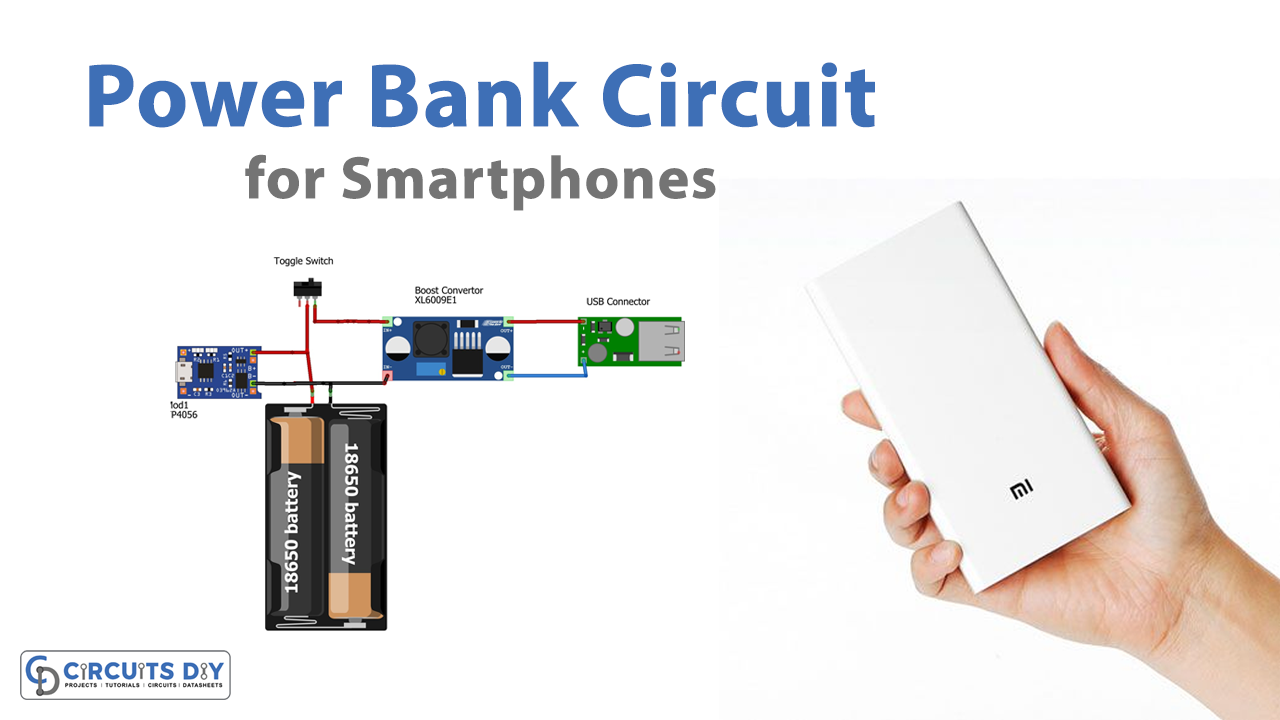
Simultaneous multi-device charging cripples efficiency. A power bank’s 18W total output splits unevenly across ports—USB-C might get 12W while USB-A gets 5W, slowing both charges. Instead:
1. Charge your primary device first (e.g., phone) to 80% at full speed
2. Switch to secondary device (e.g., earbuds) for the remaining 20%
3. Repeat for laptops using USB-C only
Time savings: This sequential method completes charges 22 minutes faster than simultaneous use for two smartphones, preserving 7% more capacity. Always use the shortest cable possible—a 6-inch cable loses 40% less energy than a 3-foot cable due to reduced resistance.
Force Device Power-Saver Modes During Charging
Phones actively drain power while charging through background processes. Enabling Airplane Mode + Low Power Mode during top-ups reduces device consumption by 60-70%. Visual proof: Watch your phone’s battery percentage jump 5% in 2 minutes versus 1% when active. For tablets, power off completely—this cuts charging time in half and prevents the 15% capacity loss caused by “trickle charging” active devices.
Prevent Permanent Capacity Loss Through Storage Protocols

Improper storage destroys up to 40% of your power bank’s capacity within 18 months. Most users store units fully charged or depleted—a death sentence for lithium cells.
Execute the 50% Storage Protocol
For any power bank sitting unused over 30 days:
1. Charge to exactly 50% using a USB tester ($8 on Amazon)
2. Power off all status LEDs (some require holding power button 10+ seconds)
3. Place in anti-static bag with silica gel packet
4. Store at 15-25°C (59-77°F)—never in vehicles
Warning: Storing at 100% charge in 35°C (95°F) temperatures causes 20% permanent capacity loss in just 3 months. That 10,000mAh bank becomes an 8,000mAh unit before your next trip.
Identify and Eliminate Parasitic Drain Sources
Cables left plugged into output ports trigger constant micro-discharge. Test your unit: plug in a cable but leave the other end free, then check capacity after 72 hours. Most lose 3-5% weekly this way. Solution: Wrap ports with electrical tape during storage—this physical barrier stops phantom drain better than any software setting. Also avoid metal contact with ports; keys in your bag can create short circuits that drain 1% per hour.
Your power bank’s physical capacity is fixed—but your effective capacity is entirely within your control. By activating power-saving modes, using solar-recharging ecosystems, and eliminating charging waste, you’ve learned how to increase power bank capacity by 200-400% in real-world use. Remember the critical safety rule: never daisy-chain power banks without regulated hubs. For immediate impact, implement the 20-80% charging habit and cable-unplugging ritual today—these alone preserve 15% more usable power. When upgrading, choose power stations with solar input for truly unlimited capacity. The next time your phone dies mid-trip, you’ll have the strategies to keep your world powered indefinitely. Ready to maximize your existing gear? Start by testing your power bank’s storage drain tonight—your future self will thank you when that emergency charge saves your next adventure.



