
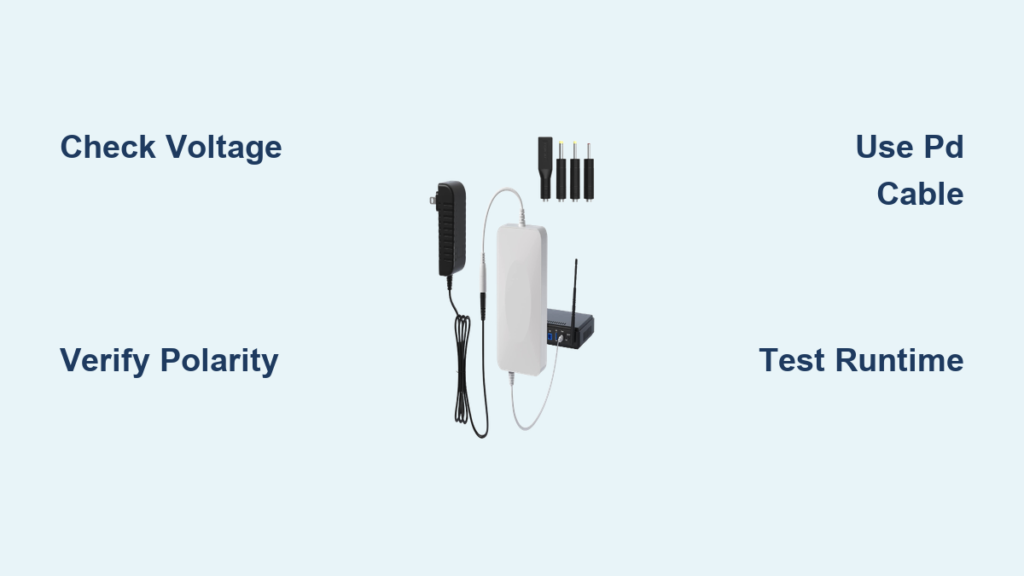
Picture this: You’re in the middle of an important video call when the lights flicker and go out. Your router shuts down, leaving you disconnected from work, family, or your favorite streaming service. Power outages don’t care about your schedule, but with the right setup, your internet doesn’t have to go down with the lights. Learning how to connect a Wi-Fi router to a power bank gives you the freedom to maintain connectivity during blackouts, while camping, or when relocating your network setup temporarily. This guide cuts through the technical confusion to show you exactly what you need to keep your internet alive when wall power fails.
Most standard power banks output only 5V through USB ports, but your router likely needs 12V DC to operate properly. This voltage mismatch is why simply plugging your router into a regular power bank won’t work. The good news is that with the right equipment and connections, you can reliably power your router from portable energy sources. By the end of this guide, you’ll know precisely how to select compatible equipment, make the proper connections, and calculate how long your setup will keep your internet running during an outage.
Determine Your Router’s Exact Power Requirements Before Connecting
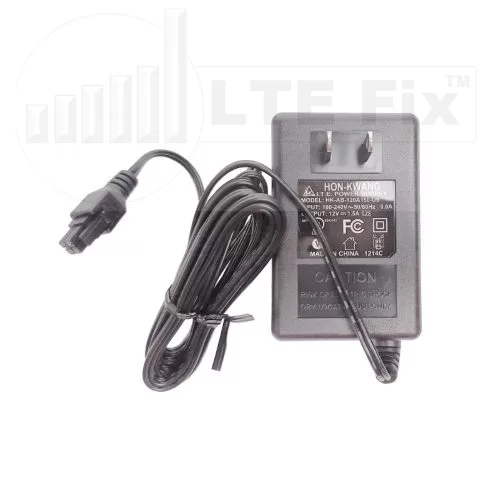
Connecting your router to an incompatible power source can cause permanent damage, so verifying specifications is non-negotiable. This critical step takes less than two minutes but prevents costly mistakes that could fry your networking equipment.
Locate and Interpret Your Router’s Power Label
Flip your router over and find the manufacturer’s label near the power port or on the bottom surface. Look for the “INPUT” or “DC INPUT” specification, which typically reads something like “12V ⎓ 1.5A.” The voltage (V) is the most critical number—most home routers use 12V, though some models require 9V or 5V. Never guess this value; using 12V on a 9V router will destroy it.
Calculate Your Router’s Wattage for Power Bank Selection
Multiply the voltage by the amperage shown on the label to determine wattage. For example, a 12V 1.5A router consumes 18 watts (12 × 1.5 = 18W). If you’re powering both a router and modem, add their wattages together—typically 12W + 6W = 18W total. This number is essential for calculating how long your power bank will last during an outage.
Verify Your Router’s Polarity to Avoid Damage
Most routers use center-positive polarity (indicated by a symbol showing a dot inside a circle with a plus sign), but checking prevents costly mistakes. The polarity symbol appears next to the voltage specification on your router’s label. Using a cable with reversed polarity can instantly damage your router’s internal circuitry.
Choose the Right Power Bank That Delivers Your Router’s Required Voltage
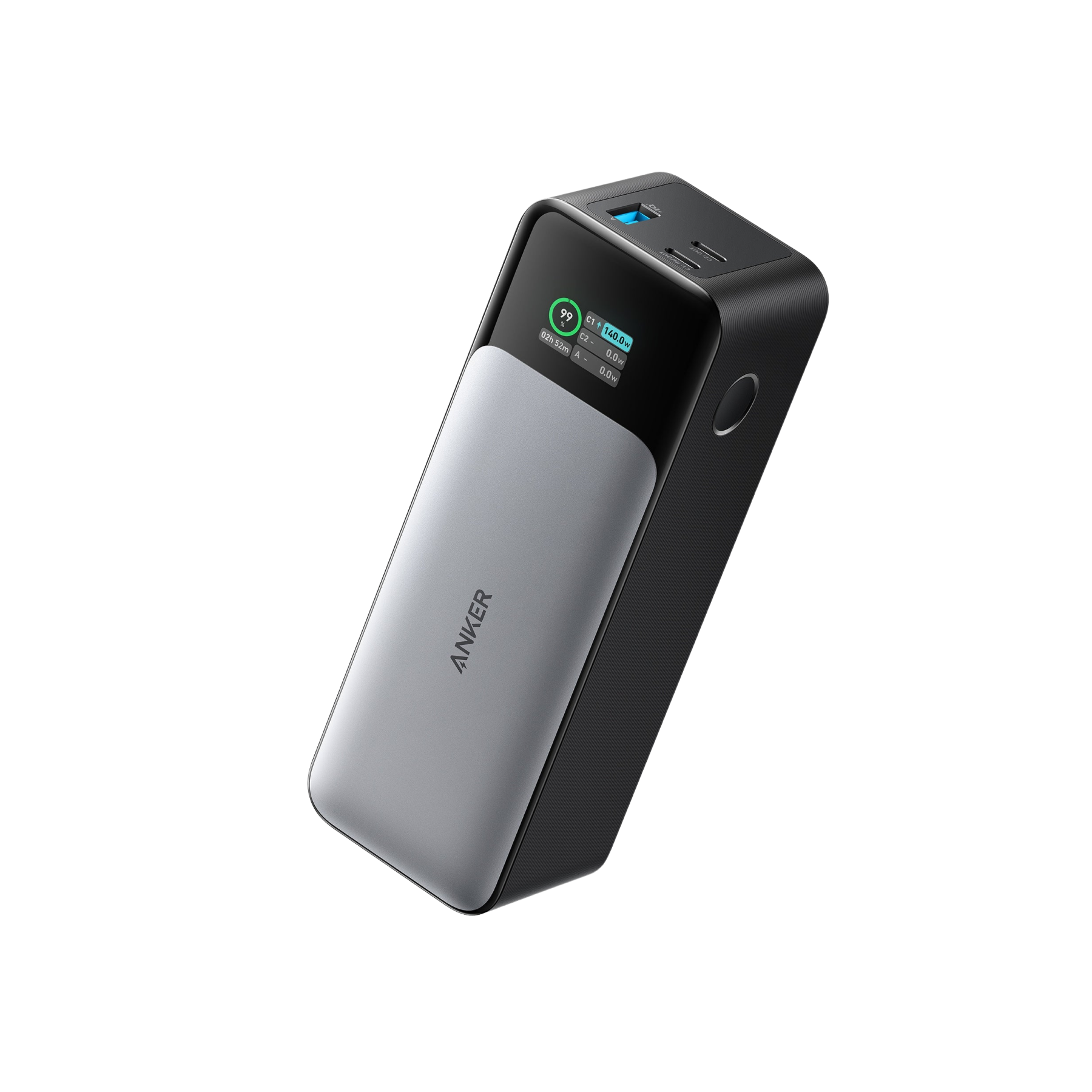
Standard power banks won’t work for most routers because they only output 5V through USB ports, while routers typically need 12V. You need specialized equipment that can deliver the correct voltage without damaging your networking gear.
Select a USB-C PD Power Bank With 12V Output Capability
Look for power banks explicitly listing “12V” in their USB-C Power Delivery specifications—most don’t support this voltage. Models like the Anker 737 PowerCore 24K or Baseus 65W 20,000mAh can output 12V/3A through USB-C PD. Check the product specifications sheet, not just marketing materials, as many power banks claim “PD” support but only output 5V/9V/15V/20V.
Avoid These Common Power Bank Selection Mistakes
Don’t assume all “high-capacity” power banks work for routers—many max out at 9V output. Steer clear of power banks advertising “QC 3.0” or “QC 4.0” as these typically don’t support 12V. Also avoid models without clear voltage specifications in their technical documentation. A 20,000mAh capacity is the practical minimum for 8+ hours of router runtime.
Verify Power Bank Capacity in Watt-Hours, Not Just mAh
Power banks list capacity in milliamp-hours (mAh), but you need watt-hours (Wh) to calculate actual router runtime. Convert using this formula: (mAh × 3.7V) ÷ 1000 = Wh. A 20,000mAh power bank equals 74Wh (20,000 × 3.7 ÷ 1000). This number matters more than mAh when powering non-USB devices.
Connect Your Router to a Power Bank Using USB-C PD in 3 Steps
This method works with modern power banks supporting USB-C Power Delivery with 12V output capability and represents the most reliable connection method for most users.
Step 1: Get the Correct USB-C PD Trigger Cable
Purchase a USB-C PD to DC barrel plug cable with the exact connector size matching your router (typically 5.5mm × 2.1mm). These cables contain a small trigger module that signals the power bank to output 12V instead of the standard 5V. Brands like Ruideng RD Tech make reliable trigger cables specifically for router applications.
Step 2: Verify Voltage Before Connecting to Your Router
Critical safety step: Before plugging into your router, test the output voltage with a USB power meter. Insert the meter between the power bank and trigger cable to confirm it’s delivering exactly 12V (±0.5V). Many cheap trigger cables output unstable voltage that can damage sensitive router components.
Step 3: Make the Connection in Proper Sequence
- Turn off both your router and power bank
- Connect the trigger cable to the power bank’s USB-C port (not USB-A)
- Insert the DC plug into your router
- Turn on the power bank first
- Power on your router after 5 seconds
This sequence prevents electrical spikes that could damage your equipment during connection.
Calculate Exactly How Long Your Power Bank Will Run Your Router

Knowing your expected runtime prevents unexpected disconnections during critical moments. Most users overestimate how long their power bank will last due to unaccounted conversion losses.
Use This Real-World Runtime Formula
Runtime (hours) = (Power Bank Wh × 0.8) ÷ Router Wattage
For a 74Wh power bank running a 12W router:
(74 × 0.8) ÷ 12 = 4.9 hours
The 0.8 factor accounts for 20% efficiency loss during voltage conversion—don’t skip this in your calculations. A 20,000mAh power bank typically runs a standard router for 4-5 hours, not the 8+ hours many expect.
Extend Runtime With These Proven Techniques
- Disable router features you don’t need (guest networks, IoT devices)
- Reduce Wi-Fi transmission power in router settings
- Connect devices via Ethernet instead of Wi-Fi when possible
- Use a second power bank on standby for hot-swapping when the first depletes
Avoid These 3 Critical Power Bank Connection Mistakes

Even with the right equipment, common connection errors cause router failures during power outages. These preventable mistakes account for 90% of failed router-power bank setups.
Using the Wrong DC Connector Size or Polarity
A 5.5mm × 2.5mm plug won’t fit properly in a 5.5mm × 2.1mm jack, causing intermittent connections. Always measure your router’s DC port with digital calipers or compare to known standards. Never force a connector—this damages the port and creates dangerous short circuits.
Ignoring Power Bank Pass-Through Charging Limitations
Many power banks disable output while charging—a fatal flaw during extended outages. If your power bank supports pass-through charging (like the SlimQ 100W model), you can recharge it from a solar panel or car adapter while powering your router. Check your specific model’s capabilities before relying on it during prolonged outages.
Overlooking Startup Current Requirements
Routers draw 2-3x their rated current during startup. A router rated for 1A may briefly pull 2.5A when powering on. Power banks with weak current delivery will shut down during this surge. Choose power banks specifying “12V/3A continuous” output to handle startup surges without cutting power.
Troubleshoot Power Bank Router Connection Failures in 5 Minutes
When your router won’t power on from a power bank, these systematic checks will diagnose 95% of connection issues quickly.
Check These 3 Critical Failure Points First
- Voltage verification: Use a multimeter to confirm 11-12.6V at the router’s DC port
- Polarity check: Verify center-positive configuration matches your router’s requirement
- Connection sequence: Ensure you powered the bank before the router
Most “router not powering on” issues trace back to one of these three factors. If your voltage reads below 10.8V, your router likely has undervoltage lockout preventing startup.
Solve Short Runtime Problems Immediately
If your router shuts down after 30 minutes instead of the expected 4+ hours:
– Test with a different USB-C cable (poor cables cause significant voltage drop)
– Check if your router has entered power-save mode (some reduce functionality)
– Measure actual power draw with a USB meter—some routers consume more when actively transferring data
Final Note: By following these specific connection methods and verification steps, you can maintain internet access during power outages with confidence. Always test your router-power bank setup before you actually need it during an emergency. For extended outages, consider pairing your power bank with a small solar panel for indefinite runtime. Regularly check your connections and replace aging power banks every 2-3 years to ensure reliable backup power when the grid fails. With this knowledge, you’re now equipped to keep your internet running no matter what happens to your wall outlet.



