
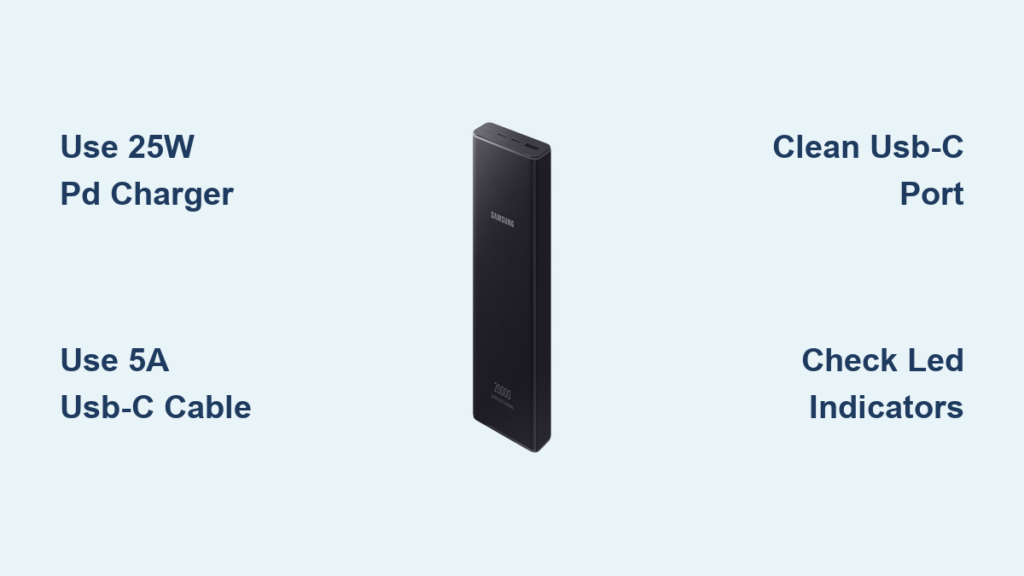
You’ve just unboxed your new Samsung 20000mAh power bank and need to get it charged for your upcoming trip, but you’re not sure which charger to use or how long it will take. Getting your Samsung EB-P3400 or EB-P5400 power bank properly charged ensures you’ll have reliable backup power when your phone dies at the worst possible moment. This guide shows you exactly how to charge your Samsung 20000mAh power bank correctly the first time—avoiding common mistakes that can reduce battery lifespan and performance.
Knowing how to charge your Samsung 20000mAh power bank properly makes all the difference between getting 800+ charge cycles or seeing performance degrade quickly. Whether you own the EB-P3400 or EB-P5400 model, following these charging procedures will maximize your power bank’s efficiency and longevity while ensuring you always have backup power when your devices run low.
Why Your Samsung 20000mAh Power Bank Won’t Charge Properly
Using Incorrect Charger Types
Most charging failures happen because users grab whatever charger is handy instead of using the right 25W PD charger. Your Samsung power bank requires a USB-C PD 3.0 compliant charger that delivers 9V/2.77A (25W) output. Standard 5W or 10W phone chargers will either charge extremely slowly or not at all. Even Samsung’s own 45W chargers work but won’t speed up charging beyond the power bank’s 25W input limit.
Damaged or Low-Quality Cables
Power banks need cables that support 5A current for 25W fast charging. Many users unknowingly use low-quality USB-C cables that only handle 3A, which restricts charging speed. Check for the 5A rating printed on the cable or purchase Samsung-certified cables. If your cable is frayed or bent at sharp angles, it likely has internal damage preventing proper charging.
Port Connection Issues
Dust and debris frequently clog the USB-C input port on Samsung power banks. When charging fails, examine the port with a flashlight—lint from pockets often accumulates inside. Gently clean with a toothpick or compressed air, being careful not to damage the delicate contacts. Never insert metal objects as this can cause short circuits.
Step-by-Step Guide to Charging Your Samsung Power Bank

Proper Charging Setup for Maximum Speed
- Grab your Samsung 25W EP-TA800 charger (or any USB-C PD 3.0 charger supporting 9V/2.77A)
- Use a certified 5A USB-C to USB-C cable (original Samsung cable works best)
- Connect to the USB-C input port located between the two USB-A output ports
- Plug into a wall outlet (avoid power strips that may limit power delivery)
Pro Tip: For the fastest charging, plug directly into a wall outlet rather than using extension cords or power strips, which can cause voltage drops that slow charging.
Monitoring Charging Progress with LED Indicators
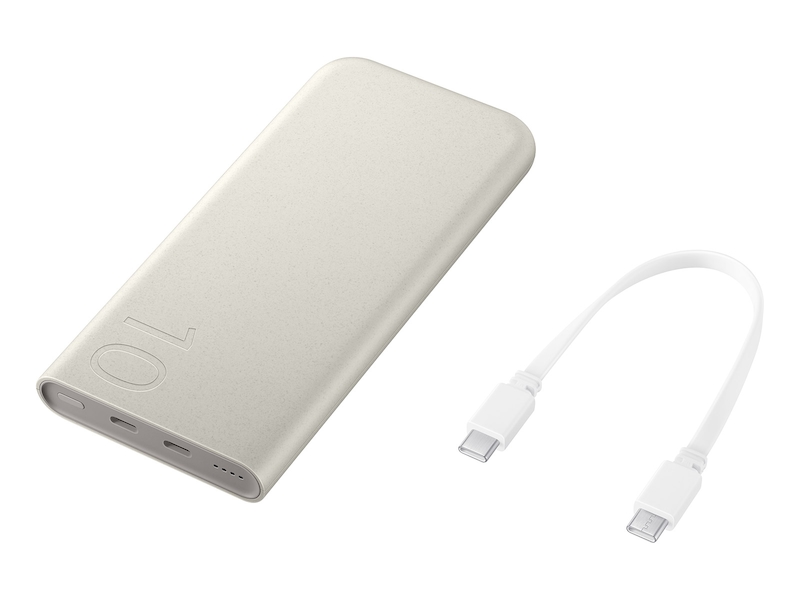
- Four blue LEDs flashing sequentially: Power bank is actively charging (normal operation)
- All four blue LEDs solid: 100% charged (typically after 4 hours)
- Red LED flashing: Overload or short circuit protection triggered
- No lights at all: Battery completely drained (below 3V) or unit malfunction
Critical Warning: If you see a flashing red LED, immediately disconnect the charger. This indicates a serious issue like moisture exposure or internal damage that requires professional service.
Troubleshooting Common Samsung Power Bank Charging Problems
Power Bank Doesn’t Recognize Charger
When your Samsung 20000mAh power bank shows no LED response:
1. Try a different USB-C cable (many cables only support data transfer, not power delivery)
2. Test with another 25W PD charger to rule out charger issues
3. Clean the USB-C port with compressed air to remove debris
4. Hold the power button for 30 seconds to reset the protection circuit
Time Saver: Keep a dedicated charging cable in your power bank case—mixing cables is the #1 cause of charging issues.
Charging Takes More Than 4 Hours
If your power bank takes longer than the standard 4 hours to charge:
– Verify your charger outputs 9V/2.77A (25W) – check the label
– Ensure you’re using a USB-C to USB-C cable rated for 5A
– Check for excessive ambient temperature (above 35°C slows charging)
– Confirm you’re not simultaneously charging devices while charging the power bank
Optimizing Your Samsung Power Bank Charging Routine
First-Time Charging Procedure
For maximum battery health with your new Samsung power bank:
1. Charge to 100% before first use (takes approximately 4 hours)
2. Avoid completely draining during initial usage cycles
3. Use Samsung-certified accessories exclusively for the first 10 charges
4. Store at 40-60% charge if not using for extended periods
Expert Note: Lithium-ion batteries perform best when kept between 20-80% charge during regular use—don’t wait until your power bank is completely dead before recharging.
Long-Term Battery Health Maintenance
To extend your power bank’s lifespan beyond 800+ charge cycles:
– Charge monthly even when not in use
– Store at room temperature (0-45°C)
– Avoid charging while in direct sunlight
– Don’t leave plugged in after reaching 100%
– Keep charge between 40-60% for long-term storage
Samsung Power Bank Charging Compatibility Guide
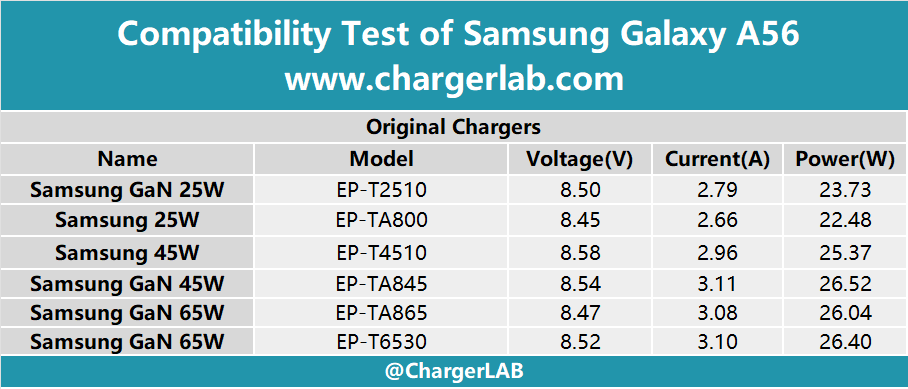
Best Chargers for Your Samsung 20000mAh Power Bank
| Charger Type | Compatibility | Charging Time | Notes |
|---|---|---|---|
| Samsung 25W EP-TA800 | Perfect match | ~4 hours | Optimal performance |
| Samsung 45W EP-TA845 | Compatible | ~4 hours | Won’t charge faster |
| Generic USB-C PD 3.0 | Usually works | 4-5 hours | Must support 9V/2.77A |
| Standard 5W Phone Charger | Poor | 10+ hours | Not recommended |
Critical Insight: Using non-PD chargers or low-quality cables can reduce your power bank’s effective capacity by up to 30% over time due to inefficient charging.
Frequently Asked Samsung Power Bank Questions
How do I know when my Samsung 20000mAh power bank is fully charged?
Watch the LED indicators—when all four blue lights remain solid without flashing, your power bank has reached 100% charge. The flashing sequence during charging indicates progress: 1 light = 25%, 2 lights = 50%, 3 lights = 75%, 4 solid lights = 100%.
Can I charge my phone while charging the power bank?
Yes, but with limitations—your Samsung power bank supports pass-through charging, allowing you to charge one device while the power bank itself charges. However, charging speed will be significantly reduced as power gets divided between the charging process and your device.
Why does my Samsung power bank show 4 hours charging time but takes longer?
Several factors affect actual charging time:
– Ambient temperature below 0°C or above 35°C slows charging
– Non-original cables often limit current to 3A instead of 5A
– Using power strips instead of direct wall outlets causes voltage drops
– Simultaneous device charging while powering the bank reduces input speed
Essential Safety Practices for Charging
Temperature Management During Charging
Never leave your Samsung power bank charging unattended on flammable surfaces like beds or couches. The unit should feel slightly warm during charging but never hot to the touch. If the power bank becomes uncomfortably warm:
– Immediately unplug the charger
– Move to a cooler, well-ventilated area
– Allow to cool completely before resuming
– Check for physical damage or swelling
Long-Term Storage Recommendations
For optimal battery health when storing your power bank:
1. Charge to 50% before storage
2. Store in a cool, dry place away from direct sunlight
3. Check charge level every 3 months and top up to 50% if needed
4. Avoid extreme temperatures (below 0°C or above 45°C)
Final Note: Properly charging your Samsung 20000mAh power bank extends its usable life significantly. By using the correct 25W charger, monitoring LED indicators, and following best practices for temperature and storage, you’ll maximize both performance and longevity. Remember to charge before it drops below 20% during regular use, and always use certified Samsung cables for optimal charging efficiency. With proper care, your Samsung power bank will deliver reliable backup power for hundreds of charging cycles, keeping your devices powered wherever your adventures take you.



