
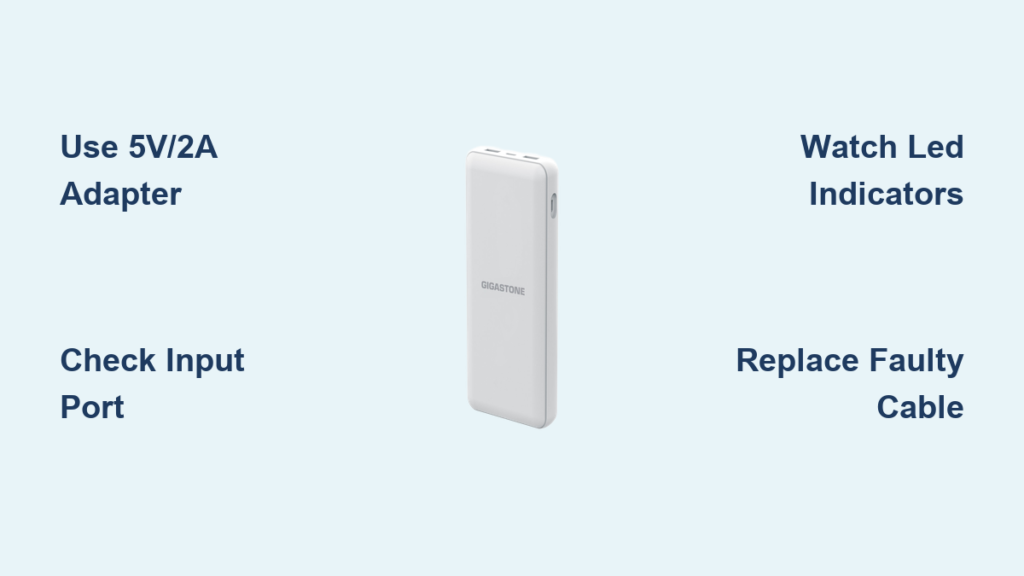
Your Gigastone power bank suddenly dies when you need it most—perhaps while traveling or during an important workday. This frustrating scenario happens to millions of users who don’t understand proper charging techniques for their portable power sources. Knowing exactly how to charge your Gigastone power bank correctly isn’t just convenient; it’s essential for maintaining battery health, ensuring safety, and maximizing your device’s lifespan. Whether you’re unpacking your first power bank or troubleshooting persistent charging issues, this complete guide delivers the specific steps and insider knowledge you need to keep your Gigastone unit reliably charged and ready when your devices need emergency power.
Why Your Gigastone Power Bank Isn’t Charging Properly
Identifying the Most Common Charging Mistakes
Most users unknowingly make critical errors that prevent their Gigastone power bank from charging correctly. The biggest mistake? Using incompatible charging equipment. Your Gigastone power bank requires specific voltage and amperage to charge efficiently—typically 5V/2A or higher. When you plug it into a low-power source like a standard computer USB port (which usually provides only 0.5A), charging becomes painfully slow or doesn’t happen at all. Another frequent error involves confusing the input and output ports. Your power bank has separate ports labeled “IN” for charging the unit itself and “OUT” for powering your devices. Attempting to charge through the output port is a common but critical mistake that leaves users puzzled when nothing happens.
How to Verify Your Power Bank’s Specific Requirements
Before connecting anything, locate your exact Gigastone model number—usually printed on the bottom or side of the unit. Different models have varying input specifications. For example, the Gigastone 10,000mAh model typically requires 5V/2.1A input, while newer USB-C models might accept 5V/3A or higher. Check your user manual (or Gigastone’s website) for your specific model’s input requirements. This knowledge prevents you from using underpowered adapters that lead to frustratingly slow charging. If you can’t find your model specifications, assume a standard 5V/2A requirement as a safe starting point for most Gigastone units manufactured in the last five years.
Essential Equipment for Fast, Safe Gigastone Power Bank Charging
Selecting the Perfect Wall Adapter for Your Model
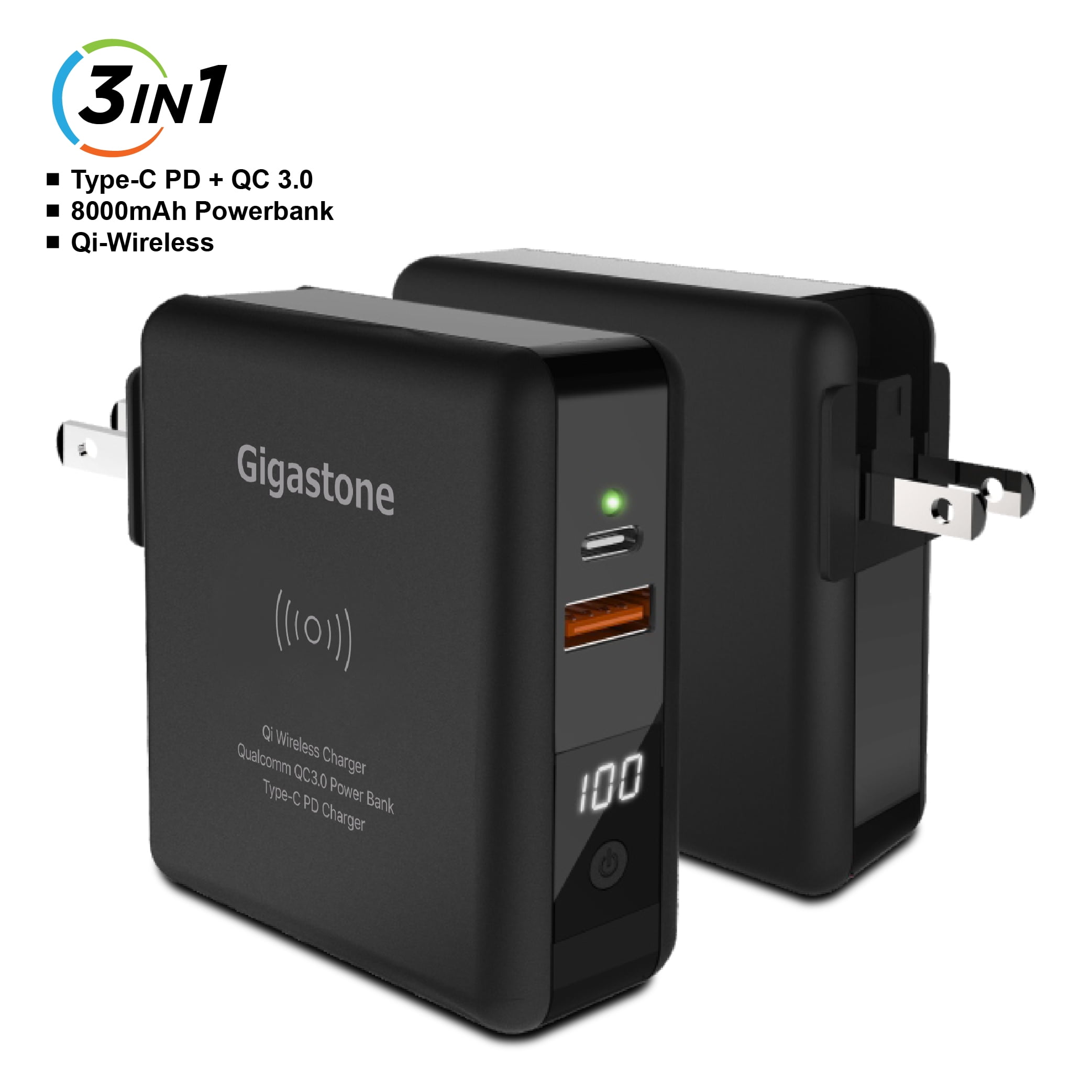
Your wall adapter makes or breaks the charging experience. For optimal results, choose a wall adapter labeled 5V/2A, 5V/2.1A, or 5V/2.4A—the higher amperage within this range provides faster charging without risking damage. Many smartphone chargers meet these specifications, so check your collection of adapters before purchasing a new one. Avoid cheap, no-name adapters that often deliver inconsistent power and can damage your power bank’s battery over time. If your Gigastone model features USB-C input (common in newer units), ensure your adapter supports USB Power Delivery (PD) for the fastest possible charging. The adapter’s output rating must match or exceed your power bank’s input requirements—using a weaker adapter won’t damage the unit but will significantly extend charging time.
Choosing the Right Cable for Maximum Efficiency
Never underestimate the importance of your charging cable. The original cable that came with your Gigastone power bank is always the best option because it’s specifically designed for your unit’s power requirements. If you’ve lost the original cable, select a replacement carefully: USB-C to USB-C cables for newer models or USB-A to Micro-USB for older units. Look for cables rated for at least 3A current capacity—they’re thicker and more durable than cheap alternatives. Test potential replacement cables by charging your smartphone first; if the cable charges your phone reliably at normal speed, it’s likely suitable for your power bank. Avoid cables with frayed ends, bent connectors, or inconsistent charging performance, as these can cause intermittent connections that prevent proper charging.
Step-by-Step Guide to Charging Your Gigastone Power Bank Correctly
Connecting Your Power Bank to the Wall Adapter
Begin by plugging the correct end of your cable into your Gigastone power bank’s input port—this is always labeled “IN” or “Input” and is separate from the output ports. For most modern Gigastone models, this will be a USB-C port, while older units use Micro-USB. Gently insert the connector until it clicks into place—never force it, as this can damage the port. Next, connect the other end (typically USB-A) to your wall adapter. Before plugging into the wall, double-check that both connections are secure and that you’re using the input port, not an output port. This simple verification prevents the most common charging failure.
Monitoring the Charging Process Through Indicator Lights
Within seconds of proper connection, your Gigastone power bank’s LED indicators should activate. Most models feature four LED lights that illuminate sequentially as charging progresses. During charging, these lights typically pulse or cycle through the available indicators. For example, one solid light indicates approximately 25% charge, two lights about 50%, and so on. Watch for consistent lighting patterns—flashing lights might indicate a connection issue or low battery state. If no lights appear within 30 seconds, disconnect and recheck your cable connections. Some deeply depleted units may take several minutes before showing any indicator lights, but if nothing appears after 5 minutes, troubleshoot your equipment.
Knowing Exactly When Charging Is Complete
Your Gigastone power bank is fully charged when all indicator lights remain solid without flashing. On a standard four-light model, this means all four LEDs stay steadily illuminated. The charging time varies significantly by model and capacity—expect 4-6 hours for a 10,000mAh unit using a 2.1A adapter, but potentially 8+ hours with a weaker adapter. Never rely solely on time estimates; always trust the indicator lights as your definitive signal that charging is complete. Once fully charged, disconnect the power bank promptly. While modern Gigastone units include overcharge protection, habitual overcharging still contributes to long-term battery degradation.
Troubleshooting Persistent Gigastone Power Bank Charging Problems

Power Bank Shows No Response When Plugged In
If your Gigastone unit shows absolutely no signs of life when connected, start with the simplest solutions first. Try a different electrical outlet to rule out a dead socket. Swap in a different cable and adapter—you might be dealing with a faulty component rather than a defective power bank. Inspect the input port for lint or debris using a bright light; compressed air can safely remove obstructions. If available, try charging with a different power source like a car charger or power strip. If none of these steps work, perform a hard reset by pressing and holding the power button for 15-20 seconds—this often revives seemingly dead units by resetting the internal circuitry.
Power Bank Charges But Won’t Power Devices
This frustrating issue usually indicates a depleted internal battery despite what the indicator lights suggest. Connect your Gigastone power bank to a wall adapter for a full 8-hour charge cycle, even if the lights indicate it’s “full.” Some units require extended charging to recover from deep discharge states. After charging, press the power button to activate the output—some models require this manual activation. Test with a single device using the appropriate cable, as attempting to power multiple devices simultaneously might exceed the available output. If problems persist, the internal battery may have reached end-of-life and require professional replacement.
Proven Strategies for Maximizing Your Gigastone Power Bank’s Lifespan

Optimal Charging Habits for Long-Term Battery Health
Lithium-ion batteries, which power all Gigastone units, perform best with partial discharges rather than complete drain cycles. Aim to recharge your power bank when it reaches 20-30% capacity rather than waiting until it’s completely dead. Avoid storing your power bank at full charge for extended periods—50% is the ideal storage charge level. When not in regular use, recharge your Gigastone unit every 3-4 months to prevent deep discharge that can permanently damage the battery. Always charge in well-ventilated areas away from direct sunlight or heat sources, as temperatures above 35°C (95°F) significantly accelerate battery degradation.
Recognizing When It’s Time for Replacement
Even with perfect care, Gigastone power banks typically last 2-3 years or 300-500 charge cycles before noticeable capacity reduction occurs. Warning signs include dramatically reduced runtime (powering fewer devices than before), unusually long charging times, or the unit getting excessively warm during normal use. If your power bank swells, emits unusual odors, or shows visible damage, discontinue use immediately for safety reasons. Most manufacturers consider these signs of end-of-life, and continued use could pose safety risks. When replacement becomes necessary, recycle your old unit properly through an electronics recycling program rather than discarding it in regular trash.
Following these precise charging procedures ensures your Gigastone power bank delivers reliable emergency power whenever you need it. By using the correct equipment, monitoring indicator lights properly, and adopting battery-friendly charging habits, you’ll maximize both immediate performance and long-term lifespan. Remember that proper charging isn’t just about getting your power bank to 100%—it’s about maintaining consistent reliability through hundreds of charge cycles. Implement these techniques starting today, and you’ll avoid the frustration of a dead power bank at critical moments while extending your device’s useful life by months or even years. For optimal results, revisit these guidelines every few months as a refresher, especially if you notice any changes in your power bank’s charging behavior.



