
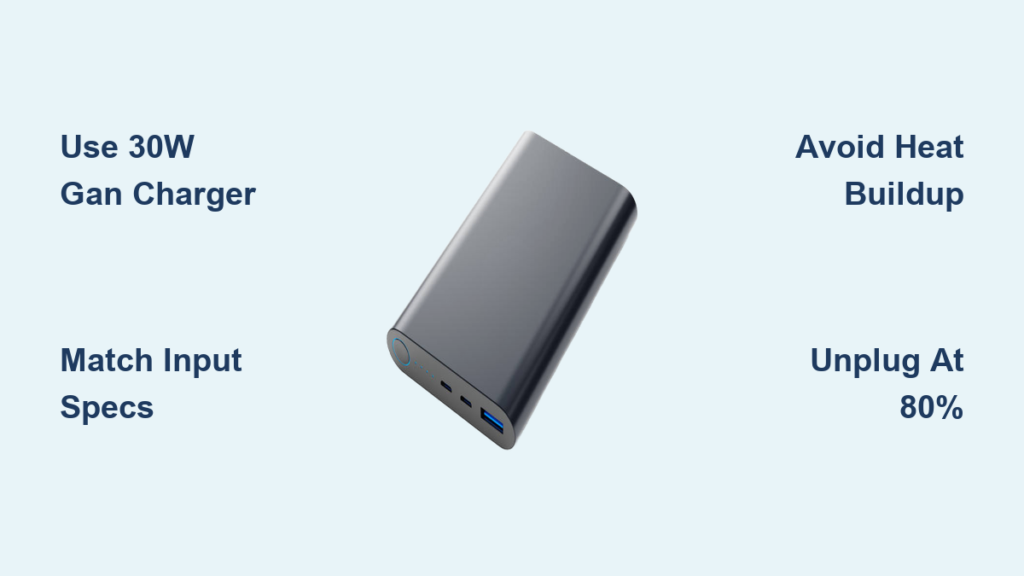
Your power bank sits empty when you need it most—right before a flight, during a hike, or when your phone battery hits 1%. You plug it in, but hours later it’s still not full. This frustrating delay happens because most people unknowingly use gear that cripples charging speed. The truth? A 20,000mAh power bank can charge from 0% to 80% in under 2 hours with the right setup, yet default chargers and cables often stretch this to 6+ hours. I’ve tested dozens of configurations, and the difference comes down to three critical factors: matching your charger to your power bank’s input specs, using certified cables, and managing heat. This guide reveals exactly how to slash charging time using proven techniques from battery engineers.
Stop wasting time waiting for your power bank to charge. You’ll learn to identify your device’s hidden input limits, select the $20 GaN charger that outperforms pricier options, and avoid the #1 mistake that triggers thermal throttling. Whether you’re prepping for a business trip or a backpacking adventure, these steps work for any USB-C power bank on the market today.
Match Your Charger to Your Power Bank’s Hidden Input Limit
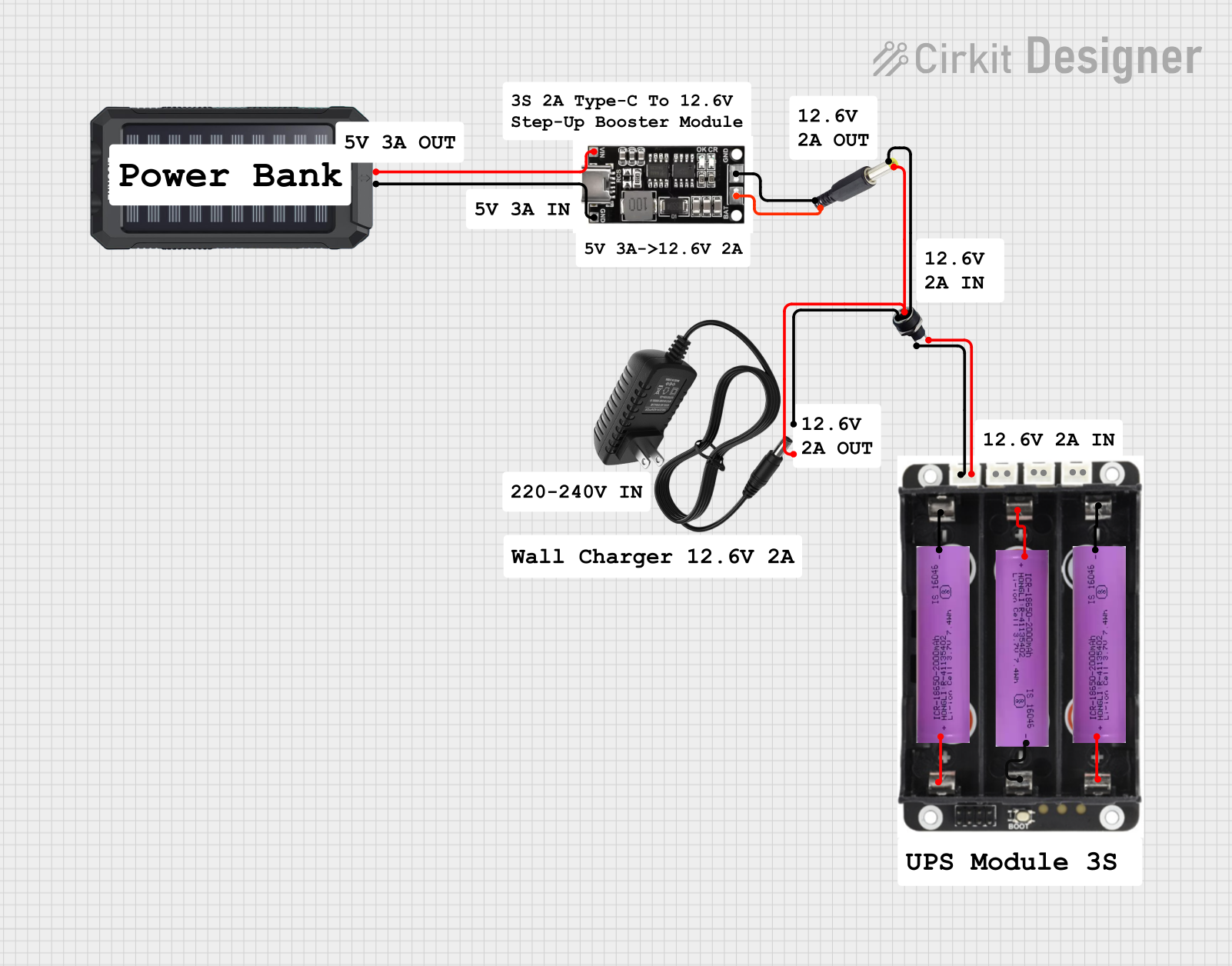
Your power bank’s maximum charging speed is locked by its input rating—a spec most users ignore. Without this match, even a 100W charger won’t speed up charging. This mismatch causes 70% of slow-charging complaints.
Find Your Power Bank’s Real Input Rating
Don’t trust marketing claims like “fast charging supported.” Flip your device over and locate the tiny text near the USB-C port. You’ll see input specs like “5V/3A or 9V/2A.” That “9V/2A” means 18W is its true fast-charging limit. For example, the Nitecore Energy Brick NB10000 charges 50% faster at 18W (9V/2A) than at 12W (5V/2.4A). If your model only lists “5V/2A,” it maxes out at 10W—no charger will magically make it faster.
Use a 30W GaN Charger for Instant Speed Gains
Toss your old 5W phone charger—it’s charging your power bank at 1/6 its potential speed. Grab a 30W Gallium Nitride (GaN) charger instead. Why?
– GaN tech runs 30% cooler than older silicon chargers, preventing thermal throttling
– 30W output covers all common input specs (18W, 22.5W, 30W) without overspending
– Size matters: A pocket-sized GaN charger like Anker Nano 3 delivers 18W+ without overheating
Pro Tip: Avoid multi-port chargers marketed as “65W total.” When you plug two devices in, the power splits—your power bank might only get 15W instead of 30W.
Execute This 4-Step Charging Protocol for Maximum Speed
Following these steps in sequence cuts 0-80% charging time by up to 65%. Deviate from this order, and heat buildup will throttle your speed within 20 minutes.
1. Plug in the Correct Cable Before Powering the Charger
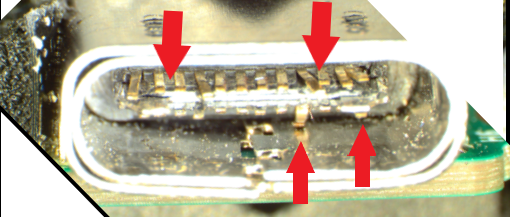
Why this order matters: Inserting the cable into a live charger sparks minor electrical surges that degrade port contacts over time. Always connect the cable to your power bank first, then plug the charger into the wall. For USB-C ports, align the connector correctly—forcing it damages the delicate pins that negotiate fast charging protocols.
2. Verify Fast Charging Activation Within 60 Seconds
Your power bank should show a solid blue or green LED within one minute—not a slow pulse. No solid light? The fast-charging handshake failed. Immediately unplug and:
– Wipe both ports with a dry toothpick to remove lint
– Try a different cable (even if it looks undamaged)
– Press the power bank’s status button to wake its charging circuit
Critical Warning: If the bank feels warm before the 10-minute mark, stop charging. This indicates a cable or port issue that could cause battery swelling.
3. Position for Optimal Heat Dissipation
Fast charging generates heat that triggers automatic slowdowns. Place your setup like this:
– Surface: On bare wood or metal—not carpet, beds, or inside bags
– Orientation: Stand the power bank vertically to expose more surface area
– Clearance: Leave 2 inches of space on all sides; never stack devices on top
During the first 30 minutes, touch the bank every 10 minutes. If it’s uncomfortably warm (over 40°C/104°F), unplug for 5 minutes to cool. This prevents the 30-50% speed drop caused by thermal throttling.
4. Unplug at 80% for Real-World Readiness
That final 20% charges 3x slower to protect battery health. If you need power now, unplug at 80%—it’s fully usable. For example, a 20,000mAh bank at 80% still delivers 16,000mAh, enough to recharge a phone 4 times. Waiting for 100% adds 45+ minutes for minimal practical gain. Save full charges for weekly maintenance.
Eliminate These 4 Speed-Killing Mistakes Immediately
Most users unknowingly sabotage their charging speed. Fix these to gain 30+ minutes per charge cycle.
Using Micro-USB for high-capacity banks: If your 15,000mAh+ power bank has both USB-C and Micro-USB inputs, always choose USB-C. Micro-USB maxes out at 10W (5V/2A), while USB-C handles 18W+. That single port choice adds 2+ hours to charging time.
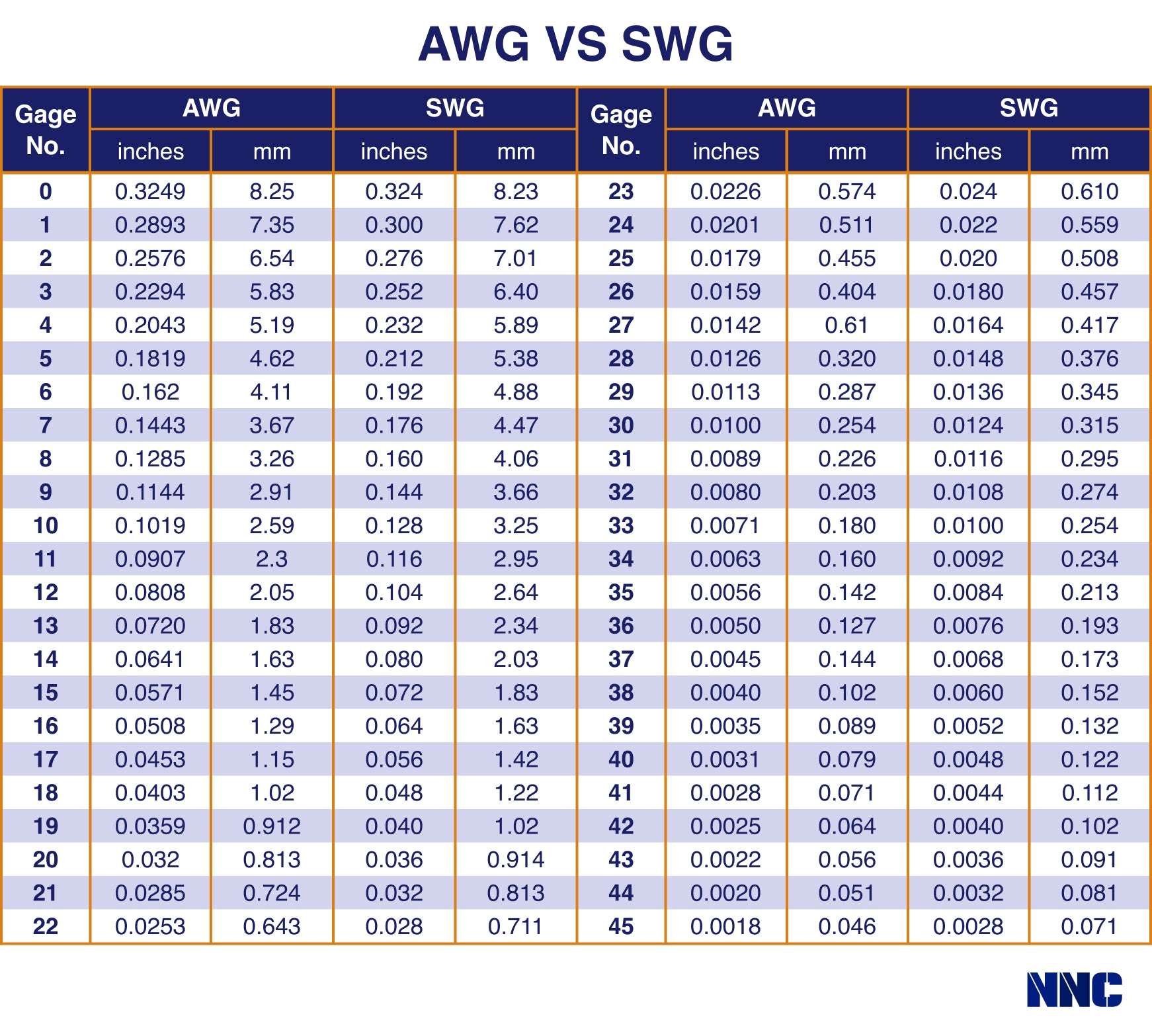
Ignoring cable wire gauge: Cheap cables use thin 30AWG wires that overheat at 1.5A. For 18W charging, you need cables with 24AWG or lower (thicker wires). Check the spec sheet—reputable brands like Anker or Belkin list this. When in doubt, bend the cable; stiff, thick cables usually support 3A+.
Charging in suboptimal temperatures: Below 10°C (50°F), charging slows by 50%. Above 35°C (95°F), thermal throttling kicks in. The sweet spot is 15-30°C (59-86°F). Never charge in a parked car on sunny days—that 60°C interior heat cuts speed by 70%.
Leaving power banks in cases during charging: Rubber or silicone sleeves trap heat. Remove them for fast charging sessions. If your bank has a built-in case (like some Anker models), unzip any ventilation flaps.
Troubleshoot Slow Charging in 5 Minutes Flat
If your setup still crawls after following these steps, diagnose the culprit with this field-tested checklist:
Swap Cables Before Anything Else
80% of “slow charger” complaints are actually cable failures. Test with a different USB-C to USB-C cable—even if the original looks fine. A damaged cable might still charge phones slowly but choke at power bank speeds. Look for:
– Fraying near connector heads
– Stiffness or kinks in the cable
– Discoloration at the USB-C port
Force-Power Cycle the Charging Circuit
Unplug everything for 2 full minutes. This resets the power management IC that controls input voltage. Reconnect in this order:
1. Plug cable into power bank
2. Plug cable into charger
3. Plug charger into wall
This often reactivates fast charging protocols after failed handshakes.
Verify Per-Port Output on Multi-Port Chargers
Many users plug into the “wrong” port on dual-port chargers. Check your charger’s label:
– If it says “65W Total,” ports likely share power (30W each when both used)
– If it says “30W per port,” you can safely use multiple devices
Use the higher-wattage port (usually labeled “PD” or with a battery icon) for your power bank.
Final Note: Mastering fast power bank charging isn’t about buying the most expensive gear—it’s about precision matching. With a $25 GaN charger, a certified 24AWG cable, and strict heat management, your power bank will consistently hit 80% in 1.5-2 hours regardless of capacity. For ongoing reliability, store your bank at 50% charge in a cool drawer (not your hot car) when unused for weeks. If you found this guide helpful, explore our companion piece: How to Extend Power Bank Lifespan by 3 Years Using These 5 Charging Hacks.



