

Your power bank seems harmless—just a convenient way to keep your phone alive when you’re on the go. But what if that sleek device in your pocket could secretly infect your phone with malware or steal your personal data while charging? The alarming truth is that yes, power banks can be hacked or carry viruses, though the risk varies dramatically based on the device type and how you use it. While basic models pose minimal threat, modern power banks with data capabilities and firmware have become legitimate cybersecurity concerns. This guide cuts through the fear-mongering to show you exactly how power bank hacking works, which threats are real versus exaggerated, and most importantly—how to charge your devices with confidence.
How Power Bank Hacking Actually Works (It’s Not Science Fiction)

Contrary to popular belief, power banks don’t “carry viruses” like infected USB drives. Instead, sophisticated attacks exploit the microchips and firmware inside modern power banks to deliver malware to your connected devices. Basic power-only models with no data capabilities present minimal risk, but any power bank with USB data functionality becomes a potential attack vector. When you plug your phone into a compromised power bank, it can masquerade as a trusted device—like a keyboard or storage drive—and execute malicious code within seconds of connection.
The BadUSB Attack: When Your Charger Pretends to Be a Keyboard
In a BadUSB attack, hackers reprogram the USB controller chip’s firmware to make your power bank appear as a different device to your phone or laptop. When you connect, instead of recognizing a simple charger, your device sees what looks like a keyboard. Within seconds, the power bank can type malicious commands that install malware, steal login credentials, or grant remote access—all while appearing to charge normally. The most dangerous aspect? This attack persists even after you unplug because the malware installs permanently on your device.
Time to execute: Less than 10 seconds
Your risk level: High if using public charging stations, low for personal power banks from reputable brands
Juice Jacking: Public Charging Stations as Malware Delivery Systems
Juice jacking occurs when public USB charging ports—like those at airports, malls, or hotels—are modified to steal data or install malware. These compromised ports often look identical to legitimate ones, but contain hidden hardware that accesses your device’s data while charging. The most common scenario: you connect your phone at the airport, your device prompts “Trust this computer?”, and if you accidentally tap “Trust,” you’ve just granted access to everything on your phone.
Pro Tip: Always carry a USB data blocker (sometimes called a “USB condom”). This small, inexpensive device physically blocks the data pins while allowing power to flow—making public charging completely safe. Look for models with clear plastic cases so you can verify they don’t contain hidden circuitry.
Supply Chain Attacks: Malware Hidden in New Power Banks
The most insidious threat occurs when malicious actors compromise power banks before they reach consumers. In 2022, security researchers discovered counterfeit power banks with pre-installed malware distributed through major online marketplaces. These devices function normally as chargers while secretly exfiltrating data from connected devices. High-profile targets like government officials or corporate executives face the greatest risk from this sophisticated attack method, but ordinary consumers aren’t immune—especially when purchasing from unauthorized sellers.
Spotting the 4 Warning Signs Your Power Bank Is Compromised
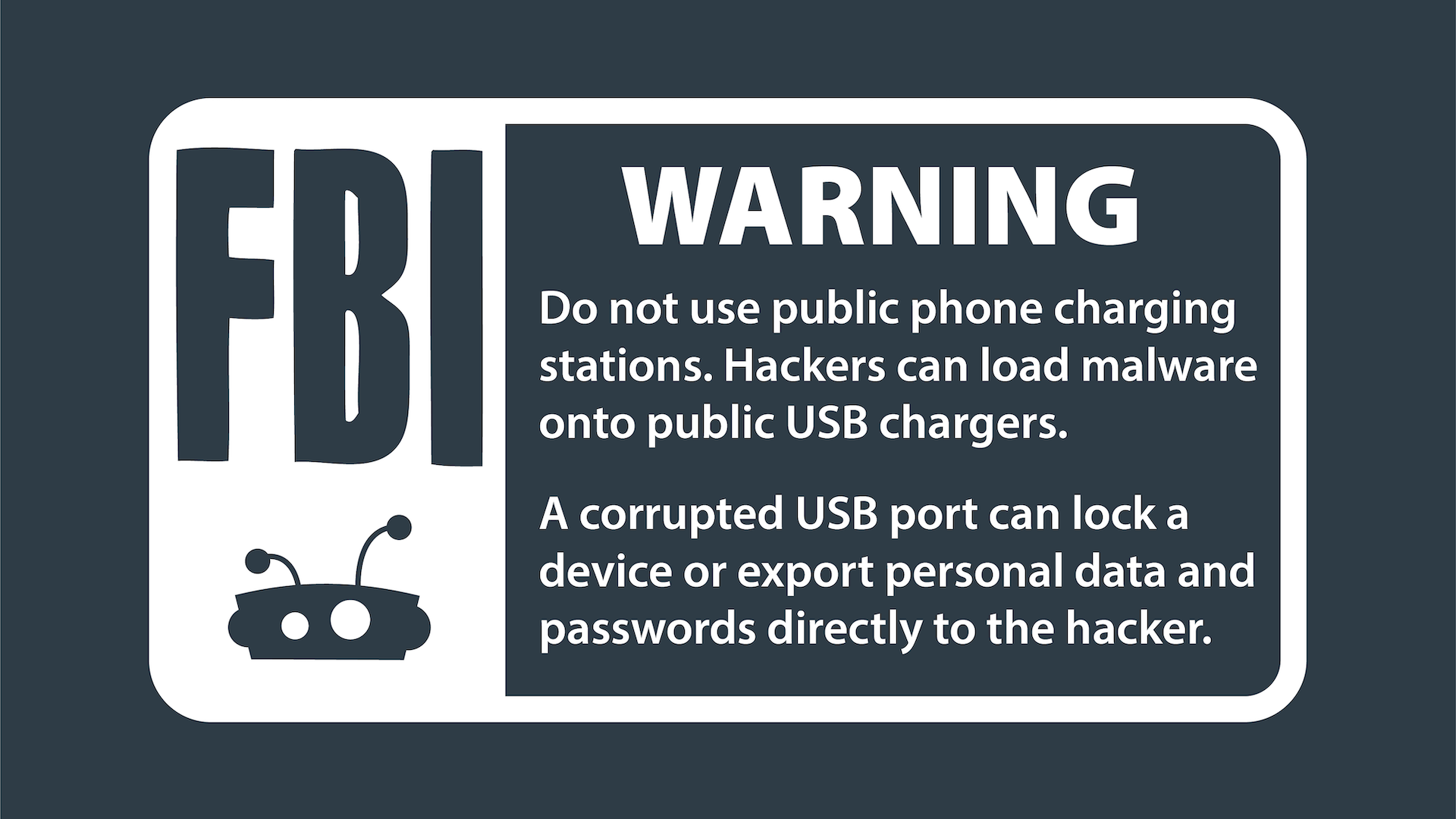
Unlike traditional malware infections, power bank-based attacks often leave subtle clues that something’s wrong. Recognizing these early warning signs can prevent catastrophic data loss before it happens.
“Trust This Computer?” Prompts That Mean Danger
If your phone displays a “Trust this computer?” prompt when connecting to what should be a simple charger, unplug immediately. Legitimate power banks shouldn’t trigger this message because they don’t request data access—only power. This is the single most reliable indicator that your charging device has been compromised or is maliciously designed to steal data. Even if the prompt appears only briefly before disappearing, consider your device potentially infected.
Why Your Phone Might Be Secretly Transferring Data When Charging
Watch for unusual behavior when charging: spontaneous app installations, unexpected pop-ups, or your phone’s data indicator flashing when it shouldn’t. Malware delivered via power banks often works silently in the background, but these subtle signs can reveal its presence. Some advanced threats like PowerSnail malware specifically activate only during charging sessions, making detection difficult without specialized monitoring tools.
Unexplained Overheating: More Than Just Battery Issues
While some warmth during charging is normal, excessive heat—especially when not charging a device—could indicate malicious activity. Compromised firmware may force the power bank to work harder than necessary, generating abnormal heat while performing unauthorized tasks like data exfiltration. If your power bank becomes uncomfortably hot during normal use, discontinue use immediately and inspect for physical damage or tampering.
How Sketchy Brands Increase Your Malware Risk
Power banks from unknown brands, especially those sold at suspiciously low prices on third-party marketplaces, pose significantly higher security risks. These devices often lack basic security features like firmware signing, making them easy targets for pre-installation of malware. In 2023, researchers found that counterfeit power banks from unverified sellers were 17 times more likely to contain security vulnerabilities than those from established brands.
How to Completely Neutralize Power Bank Hacking Risks
You don’t need to abandon portable charging—just implement these practical security measures that dramatically reduce your risk while maintaining convenience.
The $5 USB Data Blocker That Makes Public Charging Safe
Carry a USB data blocker whenever you travel. These small adapters (about the size of a standard USB plug) physically prevent data transfer while allowing power to flow. Insert it between your charging cable and the power source at airports or hotels. When shopping, look for data blockers with transparent cases to verify they contain no hidden circuitry—some malicious versions actually contain malware delivery systems themselves.
Why Your Charging-Only Cable Might Still Be Risky
Even “charging-only” cables can become security threats if they’ve been physically modified. Hackers can splice in malicious hardware that enables data transfer despite the cable’s design. The only truly safe approach is using your own verified equipment or a USB data blocker with any public charging station. Remember: if a public USB port triggers your device’s “Trust this computer?” prompt, the cable or port has been compromised regardless of its labeling.
Step-by-Step: Checking for Power Bank Tampering
- Inspect physical seals: Look for broken tamper-evident seals on the casing
- Verify weight: Counterfeit devices often feel lighter due to inferior components
- Check connector pins: Genuine power banks have clean, uniform USB port pins
- Test with multiple devices: A compromised unit may trigger trust prompts on different devices
- Monitor charging behavior: Abnormal charging speeds or patterns indicate potential issues
Buying Safe Power Banks: Anker vs. Generic Brands Compared

Your purchasing decisions directly impact your security risk. Reputable brands invest in security features that cheap alternatives lack.
3 Specific Security Certifications to Look For
When shopping for a power bank, verify these security credentials:
– CE and FCC marks with legitimate certification numbers (not just printed logos)
– USB-IF certification indicating compliance with USB security standards
– RoHS compliance ensuring proper manufacturing processes
Counterfeit products often display fake versions of these marks, so check certification numbers on official databases when possible.
How to Verify Authenticity When Buying Online
Purchase directly from manufacturer websites or authorized retailers—not third-party marketplaces. Check for:
– Consistent product descriptions matching the official site
– Packaging with holographic security labels
– QR codes that link to official verification pages
– Complete documentation with security information
If a deal seems too good to be true (like a 20,000mAh Anker for $15), it almost certainly contains compromised hardware.
Smart Power Bank Security: Why Bluetooth and Wi-Fi Add Risk
Feature-rich power banks with wireless connectivity introduce additional attack surfaces that basic models don’t have.
The Hidden Dangers of “Smart” Power Banks with Apps
Power banks with companion apps often require Bluetooth pairing, creating vulnerabilities. Hackers can intercept Bluetooth connections to:
– Install malicious firmware updates
– Track your location through the device’s GPS
– Gain access to your phone through app vulnerabilities
Unless you absolutely need these features, choose basic models without wireless capabilities for maximum security.
How to Disable Wireless Features for Maximum Security
If you own a smart power bank, immediately:
1. Disable Bluetooth when not in use
2. Uninstall companion apps you don’t regularly use
3. Disable location permissions for charging apps
4. Check for firmware updates monthly
These simple steps eliminate most wireless-related security risks while preserving charging functionality.
Future Threats: AI-Powered Charging Attacks Coming in 2025
Security researchers warn that emerging technologies will create new power bank vulnerabilities. AI-enhanced attacks could analyze your device during charging to identify specific vulnerabilities and deliver customized malware. Wireless charging presents another frontier—researchers have already demonstrated proof-of-concept attacks that exploit the communication protocols between devices and wireless chargers.
Manufacturer Security Failures That Put You at Risk
Most power banks lack fundamental security features that would prevent these attacks. Secure boot mechanisms—which verify firmware integrity before loading—are rare in consumer power banks. Without this protection, malicious firmware can load undetected. Demand better security from manufacturers by:
– Choosing brands that publish security documentation
– Supporting industry initiatives for charging security standards
– Providing feedback to manufacturers about security concerns
The Bottom Line: Your Power Bank Security Action Plan
While power banks can be hacked or carry malware, your personal risk remains low if you follow these essential precautions: always use your own charging equipment from reputable brands, employ USB data blockers with public stations, and never trust unknown charging ports. The greatest danger comes not from your personal power bank, but from public USB ports and suspiciously cheap charging devices. By implementing these practical security measures, you can charge with confidence knowing your data stays protected. Remember—the most effective security tool isn’t expensive hardware—it’s your awareness and smart charging habits. Stay vigilant, charge safely, and keep your digital life secure.



