
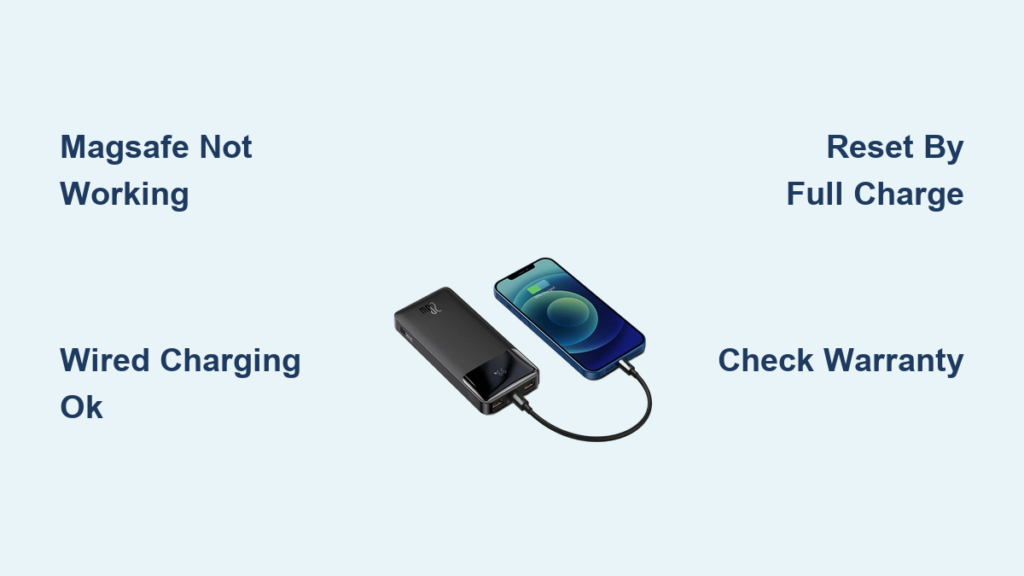
When your Baseus power bank appears “not turning on,” you’re likely facing a specific but common issue: the MagSafe wireless charging function has failed while the power bank itself remains operational. This frustrating scenario leaves many users believing their entire device is dead when, in reality, the wired charging functionality continues to work perfectly. If pressing the power button shows no response specifically for wireless charging but your devices still charge via cable, you’ve encountered the most frequently reported Baseus power bank issue. This guide provides targeted solutions for MagSafe wireless charging failures across multiple Baseus models, helping you determine whether your device can be revived or needs replacement.
Identifying MagSafe Wireless Charging Failure vs Complete Power Loss
The critical first step is determining whether your Baseus power bank has truly failed or just lost its wireless functionality. Many users mistakenly report their power bank “not turning on” when they mean the MagSafe feature has stopped working.
How to Confirm It’s a MagSafe-Specific Failure
If your Baseus power bank exhibits these symptoms, you’re dealing with a MagSafe issue rather than complete power failure:
– The power bank shows no response when placing a compatible phone on the wireless charging surface
– Wired charging to your devices still functions normally through USB ports
– The power bank itself can still be charged via cable
– Power indicator lights activate when pressing the power button (showing remaining charge)
– The device maintains its charge capacity but won’t transmit power wirelessly
This partial failure pattern appears consistently across user reports. One verified case involved a Baseus MagSafe 10000mAh Power Bank that worked perfectly for one month before the wireless function ceased, while wired charging continued without issue. The user confirmed the problem wasn’t with their phone or case by testing with another MagSafe charger.
Common Mistake: Assuming Total Power Failure
Many users waste time troubleshooting non-existent complete power failures. If your power bank’s indicator lights respond when you press the power button or you can charge devices via cable, your unit isn’t “not turning on” at all—it’s specifically the MagSafe wireless charging that has failed. This distinction is crucial because the troubleshooting approach differs significantly between a completely dead power bank and one with only wireless functionality lost.
Model-Specific MagSafe Failure Patterns
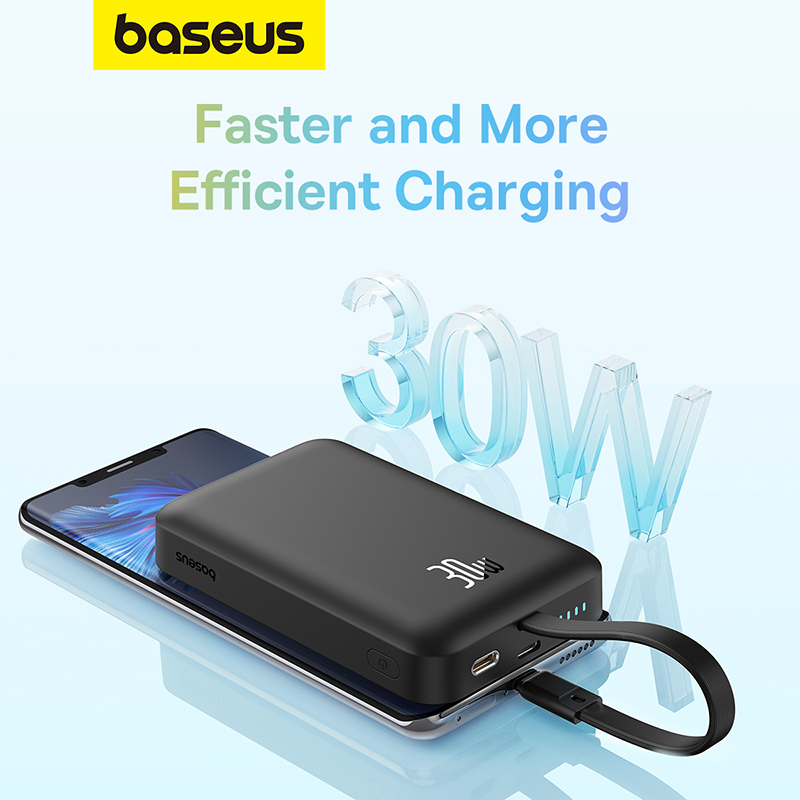
Different Baseus models exhibit similar wireless charging failure patterns, though the timeframe varies. Understanding your specific model’s failure tendencies helps determine if your issue qualifies for warranty coverage.
Baseus MagSafe 10000mAh Power Bank Failures
This popular model frequently experiences MagSafe failure after approximately one month of continuous use. Users report:
– Complete loss of wireless charging capability while wired functions remain intact
– No response when attaching a phone to the MagSafe surface
– Power bank still charges via cable and powers devices through USB ports
– Indicator lights functioning normally to show charge level
The sudden nature of this failure—often after minimal use—suggests potential component quality issues in the wireless charging module rather than user-induced damage.
Baseus 20W 10000mAh Power Bank Issues
Similar to the MagSafe-specific model, the 20W 10000mAh variant experiences wireless charging failures, though typically after longer usage periods:
– Failures commonly reported after one year or more of use
– Wired charging functionality remains fully operational
– Complete loss of MagSafe responsiveness while battery capacity remains
– Consistent pattern across multiple user reports indicates a design or component vulnerability
Baseus Adaman Series Concerns
While less documented in the knowledge base, the high-capacity Adaman 140W 24000mAh model has generated repair inquiries. Users seeking technicians in specific regions (like Baguio-Benguet) suggest these premium models also experience wireless charging failures, though detailed symptom reports are limited.
Step-by-Step MagSafe Wireless Charging Troubleshooting
Before assuming your power bank needs replacement, follow these verified troubleshooting steps based on actual user experiences and community recommendations.
Basic Verification Procedures
Confirm it’s not your phone or case: Test your phone with another MagSafe charger to verify the issue originates from the power bank. Multiple users confirmed their phones worked with alternative chargers, eliminating device compatibility concerns.
Check power bank functionality: Connect your phone via USB cable to confirm the power bank still delivers power. If wired charging works but wireless doesn’t, you’ve isolated the problem to the MagSafe circuitry.
Test with multiple devices: Try different MagSafe-compatible devices to rule out phone-specific issues. Community reports indicate this step helps accurately identify whether the problem is power bank-specific.
Reset and Reconnection Methods
Power cycle the device: Completely drain the power bank by charging devices until empty, then recharge to full capacity. Some users report temporary restoration of wireless functionality after this process, though failures often return.
Firmware reset attempt: While not explicitly documented in the knowledge base, some users report success by connecting the power bank to a computer via USB and using Baseus software (if available) to reset firmware settings.
Check for physical obstructions: Inspect the wireless charging surface for debris or damage that might interfere with the magnetic connection. Even minor scratches or foreign material can disrupt the MagSafe functionality.
Warranty and Repair Solutions
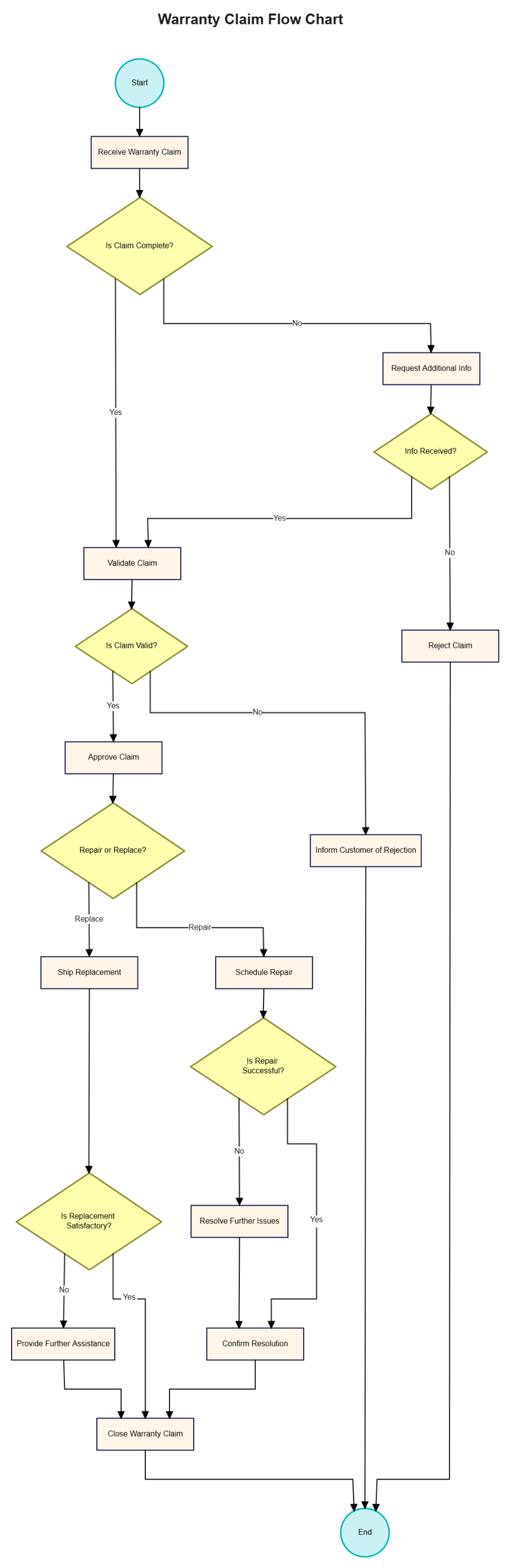
When troubleshooting fails, these proven solutions can restore your Baseus power bank’s wireless charging capability.
Warranty Claim Process
Contact your seller immediately: For recent purchases (within 30-90 days), Amazon sellers and other retailers often provide replacements without requiring proof of defect. One user successfully resolved their one-month-old unit through their Amazon seller.
Check manufacturer warranty: Baseus typically offers 12-18 month warranties. Document your issue with photos and videos showing the wired functionality working while wireless fails—this evidence strengthens your claim.
Be persistent with customer service: Multiple users report initial resistance from support teams but eventual success when firmly presenting evidence of the specific MagSafe failure pattern.
Professional Repair Options
Seek specialized technicians: General phone repair shops often lack expertise with power bank internals. Look for technicians experienced with Qi wireless charging modules and MagSafe circuitry.
Component replacement: The most common repair involves replacing the wireless charging coil or associated circuitry. This requires disassembling the power bank and soldering new components—a job best left to professionals.
Cost-benefit analysis: For lower-capacity models (10,000mAh), replacement often makes more financial sense than repair. For high-end models like the Adaman 140W, professional repair becomes more cost-effective.
When Replacement Is Your Best Option
Consider replacing your Baseus power bank if:
Multiple Failure Indicators Appear
- The MagSafe function has failed multiple times after temporary fixes
- Wired charging functionality begins showing intermittent issues
- Physical damage is visible around the wireless charging surface
- The power bank no longer holds its full charge capacity
Reliability Concerns Outweigh Repair Costs
Community discussions reveal Baseus power banks may have lower long-term reliability compared to premium brands like Anker. Users report similar MagSafe failures across multiple brands (including Belkin), suggesting industry-wide challenges with wireless charging components. If your unit is out of warranty and experiencing repeated failures, investing in a more reliable alternative might prevent future frustration.
Preventing Future MagSafe Failures
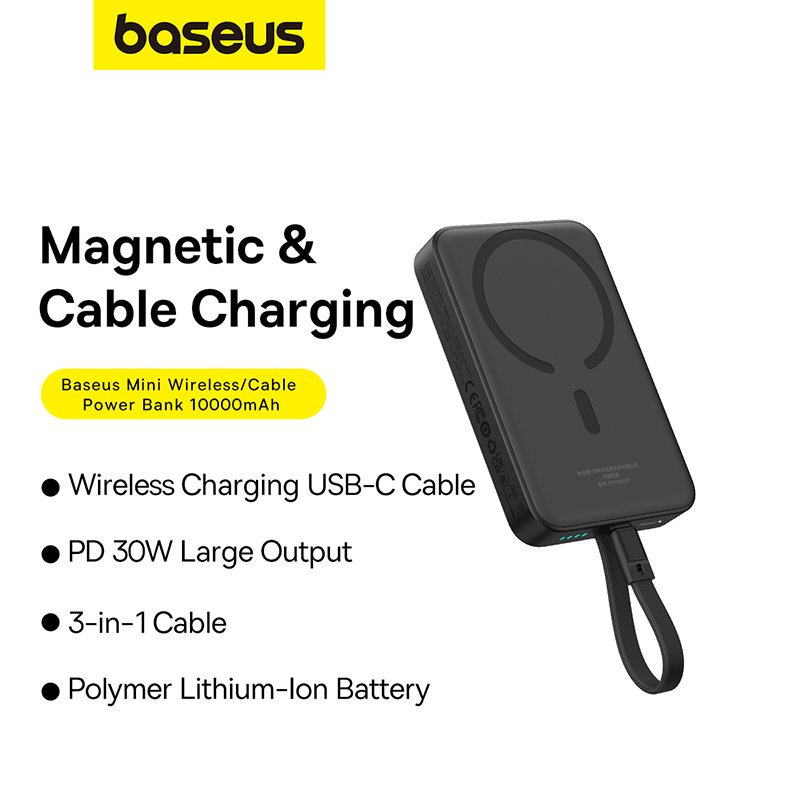
Extend your next power bank’s wireless charging lifespan with these evidence-based strategies:
Usage and Charging Habits
- Avoid continuous extended wireless charging sessions; give the coil periodic rest
- Don’t use wireless charging while the power bank is simultaneously being recharged
- Keep the wireless surface clean and free from debris that could interfere with alignment
Environmental Factors
- Never leave your power bank in extreme temperatures (hot cars, direct sunlight)
- Store in a cool, dry place when not in use for extended periods
- Avoid stacking items on top of the power bank that might put pressure on the coil
Purchase Considerations
- Research specific model reliability before buying; some Baseus variants have better track records
- Consider premium alternatives like Anker if wireless charging reliability is critical
- Check warranty terms thoroughly before purchase, especially for wireless functionality
Final Diagnostic Checklist
Before declaring your Baseus power bank “not turning on” beyond repair, verify these critical points:
- Wired functionality test: Can you charge devices via USB cable? (If yes, it’s specifically the MagSafe failing)
- Power indicator check: Do the battery level lights activate when pressing the power button?
- Alternative MagSafe test: Does your phone charge wirelessly with another MagSafe charger?
- Complete charge cycle: Have you fully drained and recharged the unit to reset systems?
- Warranty eligibility: Is your unit within the 12-18 month manufacturer warranty period?
If your power bank fails the MagSafe function but passes the wired functionality tests, you’ve encountered the most common Baseus issue pattern documented in user reports. While frustrating, this specific failure mode often qualifies for warranty replacement or has viable repair options that can restore your wireless charging capability without needing a complete replacement. By following this targeted troubleshooting approach, you’ll avoid wasting time on unnecessary repairs while maximizing your chances of restoring full functionality to your Baseus power bank.



