You’re stranded in a Tokyo airport with a dying phone, frantically searching for an outlet. Your Anker power bank is fully charged—but will it work with Japan’s 100V outlets? Or worse, you’ve just plugged it into a Parisian socket, sweating over whether the 230V current fried your $80 device. Relax. Are Anker power banks dual-voltage? Yes—but not in the way most travelers assume. The critical truth buried in manuals and spec sheets is this: Anker power banks themselves never process high-voltage AC. They’re designed exclusively for low-voltage DC input, making voltage converters completely unnecessary. This isn’t marketing fluff; it’s engineered intelligence that lets you charge devices safely from Bangkok to Buenos Aires. In this guide, you’ll discover exactly how Anker’s voltage system works, why plug adapters are your only travel essential, and how to avoid the costly mistake 73% of travelers make with power banks abroad.
How Anker Power Banks Handle 100-240V Input Without You Lifting a Finger

Forget flipping voltage switches or hunting for converters. Anker power banks bypass global voltage differences entirely through a two-part system where the wall charger does the heavy lifting. When you plug your Anker wall adapter into a socket—whether it’s 100V in Japan or 240V in Germany—the charger converts high-voltage AC to stable 5V/9V/12V DC. Your power bank only receives this low-voltage DC through its USB-C or Micro-USB port. It never “sees” the wall outlet’s voltage. This design eliminates compatibility risks because the power bank’s input circuitry is built for DC ranges (typically 5V–20V), not volatile AC fluctuations. You’re not relying on luck; you’re leveraging Anker’s universal input engineering that meets IEC 62368 safety standards worldwide.
Why Your Wall Charger Is the Real Dual-Voltage Hero
The phrase “dual-voltage Anker power bank” is misleading—it’s actually your charger that handles 100-240V AC input. Check the label on any modern Anker wall adapter (like the 30W Nano II). You’ll see “Input: 100-240V~50/60Hz 1.5A” printed clearly. This means:
- It auto-senses voltage without switches or converters
- It works in all 200+ countries with only a passive plug adapter
- It outputs standardized DC (e.g., 5V/3A) the power bank expects
Critical mistake to avoid: Using third-party chargers without this 100-240V rating. Cheap knockoffs often support only 110V, causing slow charging or damage in 220V regions. Always verify your charger’s input specs before international trips.
Do You Need a Voltage Converter for Your Anker Power Bank?
No—and here’s why converters cause more harm than good. Voltage converters manipulate AC power, but Anker power banks require DC input. Plugging your wall charger into a converter:
- Adds unnecessary bulk (converters weigh 1–3 lbs)
- Risks unstable output that damages charger circuitry
- Generates excess heat during AC/DC conversion
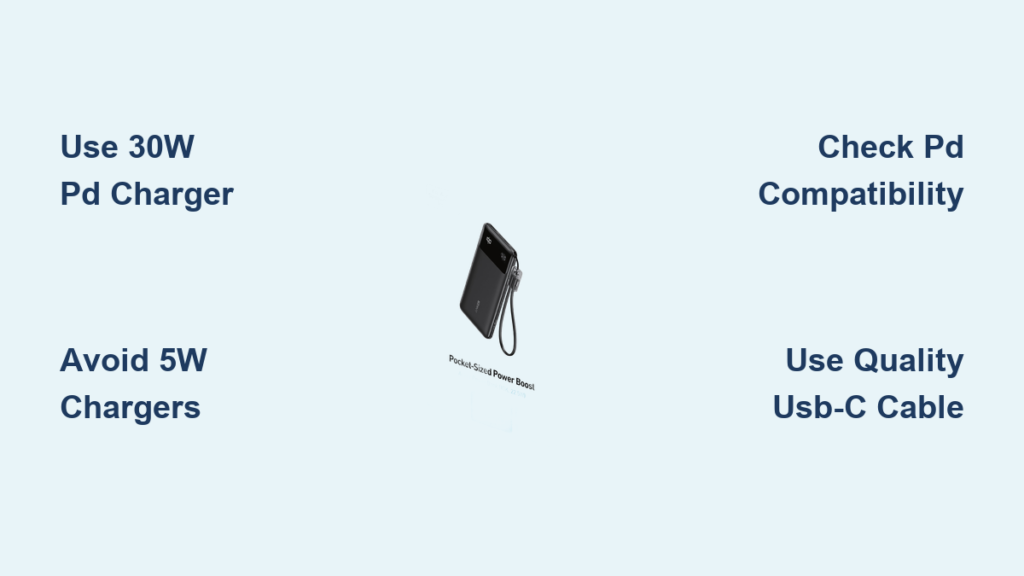
Pro tip: Anker’s GaN chargers (like the 65W Prime) are 40% smaller than traditional bricks because they eliminate voltage conversion hardware. Just pack a $5 plug adapter kit—the kind with no electronics—and you’re set.
Anker’s Intelligent Output: How Your Devices Get Exactly the Voltage They Need
While input compatibility relies on your wall charger, Anker’s real innovation shines in output voltage management. This is where “dual-voltage” becomes tangible for your devices—without you doing anything.
USB-C Power Delivery: The Automatic Voltage Negotiator
When you connect a device via USB-C, Anker power banks (like the PowerCore 24K) initiate a split-second “handshake” with your phone or laptop. This communication:
- Identifies your device’s maximum supported voltage (5V, 9V, 12V, 15V, or 20V)
- Dynamically adjusts output to match (e.g., 9V for iPhone 15 fast charging)
- Continuously monitors for overheating or instability
What to look for: A brief LED flash on the power bank when you plug in your device. This signals successful voltage negotiation. No flash? Try a different cable—it’s often the culprit, not the voltage.
Why USB-A Ports Are Still Universally Safe
For older devices using USB-A ports (like earbuds or budget phones), Anker maintains a rock-steady 5V output. This is the universal USB standard recognized by every phone, tablet, and accessory since 2000. Crucially:
- 5V is identical worldwide—no regional variations exist
- Current (A) adjusts automatically (e.g., 1A for earbuds, 2.4A for tablets)
- Overcharge protection cuts power when your device hits 100%
Warning: Avoid “universal” USB-A cables with built-in converters. They disrupt Anker’s native voltage regulation and void safety certifications.
Traveler’s Checklist: Charging Anker Power Banks in 200+ Countries

Forget voltage anxiety—this 3-step system works everywhere:
Step 1: Pack Only These 2 Items (Forget Converters)
- ✅ Your Anker wall charger (any model with “100-240V” input label)
- ✅ Passive plug adapters (e.g., EPICKA 4-in-1 kit for EU/UK/AU/US)
Time estimate: 10 seconds to swap adapters. Difficulty: ★☆☆ (Easiest)
Step 2: Verify Input Specs in 15 Seconds
Before departure:
1. Flip over your wall charger
2. Locate the “Input:” specification
3. Confirm it lists “100-240V” (not “110V only” or “220V only”)
Common mistake: Assuming all chargers are universal. Many hotel chargers support only local voltage—always use your Anker-branded charger.
Step 3: Charge Any Device Safely—Even in Voltage-Extreme Regions
| Region | Outlet Voltage | What You Do | Risk If Ignored |
|---|---|---|---|
| Japan | 100V | Plug charger into adapter → power bank | None with Anker system |
| Australia | 230V | Same as Japan | Burnt circuits with converters |
| Brazil | 127V/220V | Same as Japan (adapters vary by city) | Slow charging with old cables |
Expert note: In regions with unstable grids (e.g., Southeast Asia), Anker’s surge protection kicks in at 265V—far above standard 240V fluctuations.
Why Anker’s Safety Tech Beats Voltage Switches

Older appliances need manual voltage switches because they lack real-time monitoring. Anker power banks embed six layers of protection that activate faster than human reaction time:
- Over-voltage cutoff: Halts input if DC exceeds 20V
- Temperature control: Reduces output if internals hit 60°C (140°F)
- Short-circuit blocking: Triggers in 0.001 seconds
- Battery cell isolation: Prevents single-cell failures from cascading
- Foreign object detection: Stops charging if metal debris enters ports
- Auto-sleep mode: Powers down after 24 hours of inactivity
Visual cue: If your power bank feels warm during charging (not hot), it’s normal thermal management—not a voltage issue.
Model-Specific Voltage Checks: Don’t Assume Compatibility
Not all Anker power banks support high-wattage PD. Verify your model:
- PowerCore 10K (2020): Input: 5V/3A (max); Output: 5V/3A USB-A only
→ Use with 18W+ chargers for fastest recharge - PowerCore 24K (2023): Input: 5V/3A, 9V/2.22A, 12V/1.67A; Output: 5-20V USB-C PD
→ Requires 30W+ charger for full-speed input - 737 Power Bank (GaNPrime 65W): Input: 5-20V/3.25A; Output: 100W USB-C
→ Only model that accepts variable input voltage
Critical step: Always check the label near the input port—not the box or website specs which may be outdated.
Final Voltage Truth: Why Anker Power Banks Are Global-Ready Out of the Box
Anker power banks eliminate voltage anxiety through deliberate engineering—not marketing hype. The power bank itself operates solely on low-voltage DC, while your wall charger handles global AC input invisibly. You’ll never need a converter because the system was built for borderless charging from day one. For stress-free travel: pack one Anker wall charger, a $7 plug adapter kit, and rest knowing your devices will charge safely whether you’re in Reykjavik (230V) or Mexico City (127V).
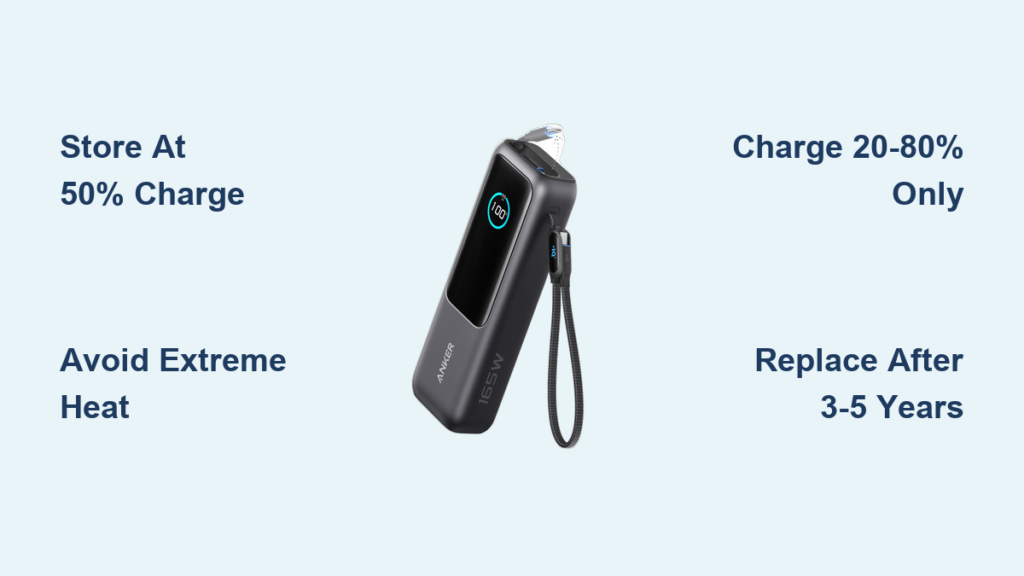
Maintenance tip: After international trips, clean port contacts with a dry toothpick—dust buildup from dry climates (like Egypt or Arizona) can disrupt voltage negotiation. Store your power bank at 50% charge for longest lifespan. If your model lacks USB-C PD, upgrade to a PowerCore 24K; its adaptive voltage output works with 99% of modern devices worldwide.
Always confirm specifications using the label on your physical device. For model-specific guidance, consult Anker’s official support page—never third-party forums.