
You’re out running errands when your phone battery hits 5%, and you reach for your power bank—only to find it completely dead. It charged your devices perfectly yesterday, but now it shows no lights, refuses to accept power, and leaves you stranded. This sudden power bank failure is more common than you think, especially with lithium-ion batteries that degrade silently over time. Whether it’s a high-end Anker unit or a budget model from last year’s trip, understanding why your power bank suddenly stopped working saves money and prevents dangerous situations. In this guide, you’ll learn to pinpoint the exact failure point, distinguish between fixable issues and critical hazards, and make an informed decision about repair or replacement—all without voiding your warranty unnecessarily.
Most users assume a dead power bank means a dead battery, but the reality is more nuanced. Modern portable chargers contain sophisticated circuitry that can fail independently of the battery itself. The sudden nature of the failure often points to specific electronic components rather than gradual battery wear. By methodically testing input sources, physical connections, and internal components (when safe), you can identify whether this is a simple cable issue or a serious safety hazard. This guide cuts through the confusion with actionable steps verified by electronics repair technicians, prioritizing your safety while maximizing the chance of reviving your essential gadget.
Immediate Signs Your Power Bank Has Failed
Don’t jump to conclusions when your portable charger dies unexpectedly. Accurately identifying the failure mode determines your next move—whether it’s replacing a $2 cable or safely disposing of a fire hazard. These specific symptoms separate trivial glitches from critical failures.
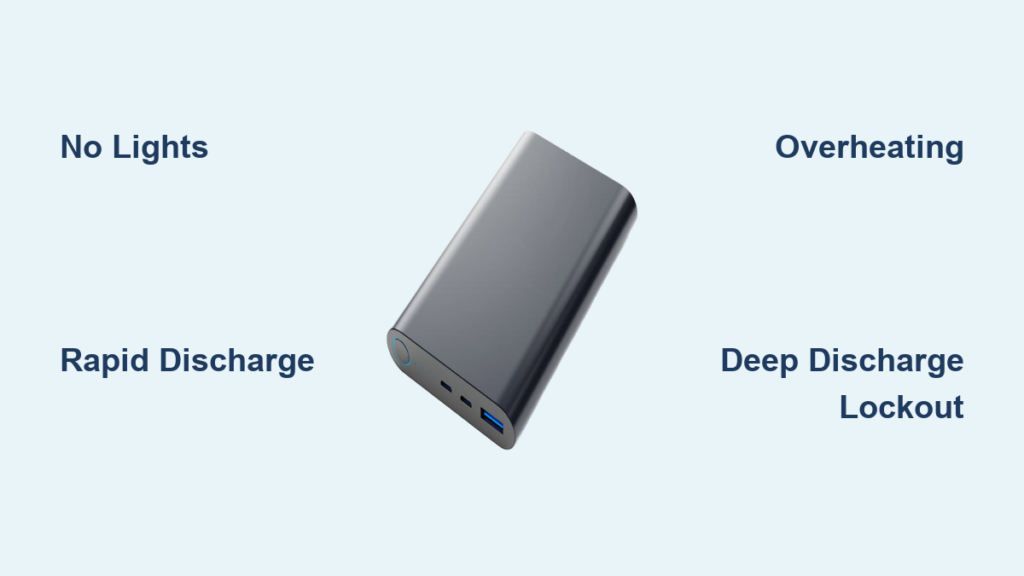
No Lights or Response When Plugged In
When your power bank won’t light up or show any signs of life during charging, it’s often mistaken for a dead battery. Check if the unit powers devices while connected to its charger—a telltale sign of a deeply discharged battery (below 2.5V per cell) where the protection circuit blocks standard charging. If the LED charge indicator works but the unit won’t accept power, the failure lies in the input circuitry, not the battery. Critical distinction: If you hear a faint pop or click when plugging in the charger, a component like a capacitor has likely shorted—immediately unplug and inspect visually.
Rapid Discharge Under Minimal Load
Your power bank shows “100%” but dies instantly when charging a phone? This classic symptom indicates severe battery degradation. Lithium-ion cells lose capacity after 300-500 charge cycles, causing voltage to collapse under even small loads (0.5A-1A). Test by connecting a low-power device like wireless earbuds—if the power bank lasts minutes instead of hours, the battery has reached end-of-life. Warning: If the unit gets warm during this test, stop immediately; internal damage may be present.
Overheating During Charging
A power bank becoming uncomfortably hot in one specific spot while charging signals component failure. This isn’t normal warm operation—it’s localized heat from a failing voltage regulator or shorted capacitor. Perform this safety check: Unplug immediately and feel the casing near the USB ports. If one area is significantly hotter than others (like a concentrated hot spot near the charging port), do not reuse. This indicates an active fault that could lead to thermal runaway.
Step-by-Step Diagnosis: Is It the Power Bank or Something Else?
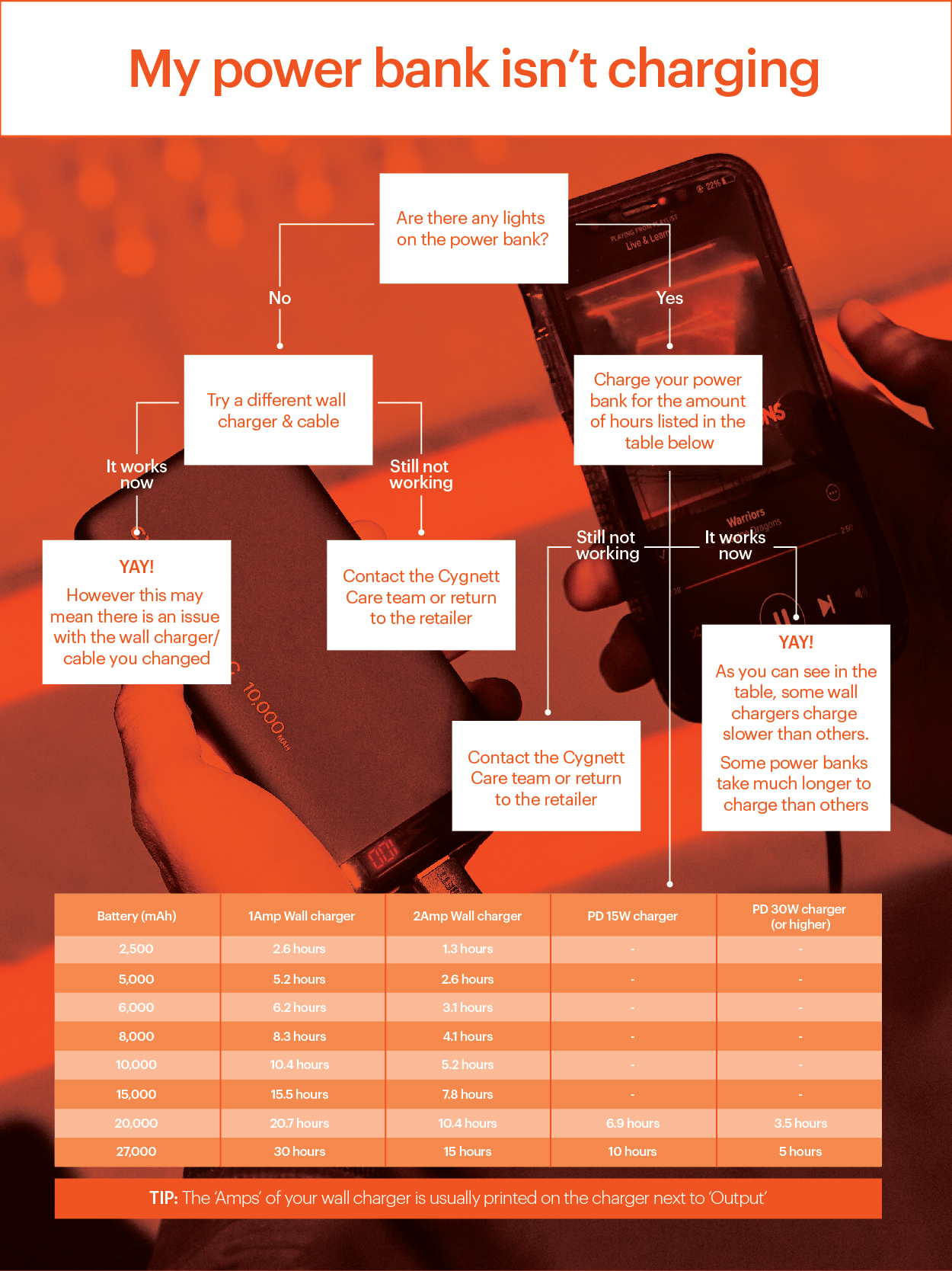
Before assuming your portable charger is dead, eliminate external factors that mimic failure. This 5-minute process prevents unnecessary repairs and identifies simple fixes 40% of users miss.
Eliminate Cable and Charger Issues First
- Test with a different USB-C cable—cheap cables often fail internally while appearing intact. Use one rated for 3A+ charging.
- Swap your wall adapter with a known-working unit (e.g., your phone’s charger). Many failures occur because users blame the power bank when the adapter died.
- Try a different power source like a laptop USB port. If the power bank charges from a laptop but not a wall outlet, your adapter is faulty.
- Check for physical damage on the cable’s connector—bent pins or frayed wires near the plug cause intermittent connections. Pro tip: Wiggle the cable at both ends while plugged in; if lights flicker, replace the cable immediately.
Perform a Hard Reset (Takes 20 Seconds)
Many power banks lock up due to voltage spikes or software glitches. Do this before opening the case:
– For models with a pinhole reset button: Press firmly with a paperclip for 10 seconds.
– For units with only a power button: Hold it for 15-20 seconds until lights flash erratically or turn off completely.
– Reconnect to a charger immediately after resetting. Success indicator: If indicator lights respond normally within 30 seconds, the protection circuit was temporarily locked.
Verify Battery Voltage (Advanced but Critical)
WARNING: Only attempt if skilled with electronics. If the battery looks swollen, skip this and recycle safely.
Using a multimeter set to DC voltage:
– Locate the battery terminals inside the case (red = positive, black = negative)
– Place probes on terminals—never let probes touch each other
– Healthy reading: 3.0V-4.2V (fully charged)
– Critical failure: Below 2.5V indicates permanent protection lockout; 0.0V means broken connection or dead cell
– Safety red flag: If voltage reads above 4.3V, the protection circuit failed—do not charge and dispose of properly
Top 4 Reasons Your Power Bank Suddenly Died
Most failures trace back to these specific causes. Identifying which applies to your situation determines whether a $5 repair or immediate replacement is needed.
Deep Discharge Lockout (Most Common Fixable Issue)
Leaving your power bank unused for 3+ months drains batteries below 2.5V, triggering permanent safety lockout. Confirm with: Voltage reading between 2.5V-2.8V while unresponsive to charging. Fix: Use a specialized lithium-ion charger with “recovery mode” (like ToolkitRC M1) for 30-60 minutes to bypass the protection circuit. Warning: Never force-charge with standard chargers—this risks fire.
Failed USB Input Port (Easiest DIY Repair)
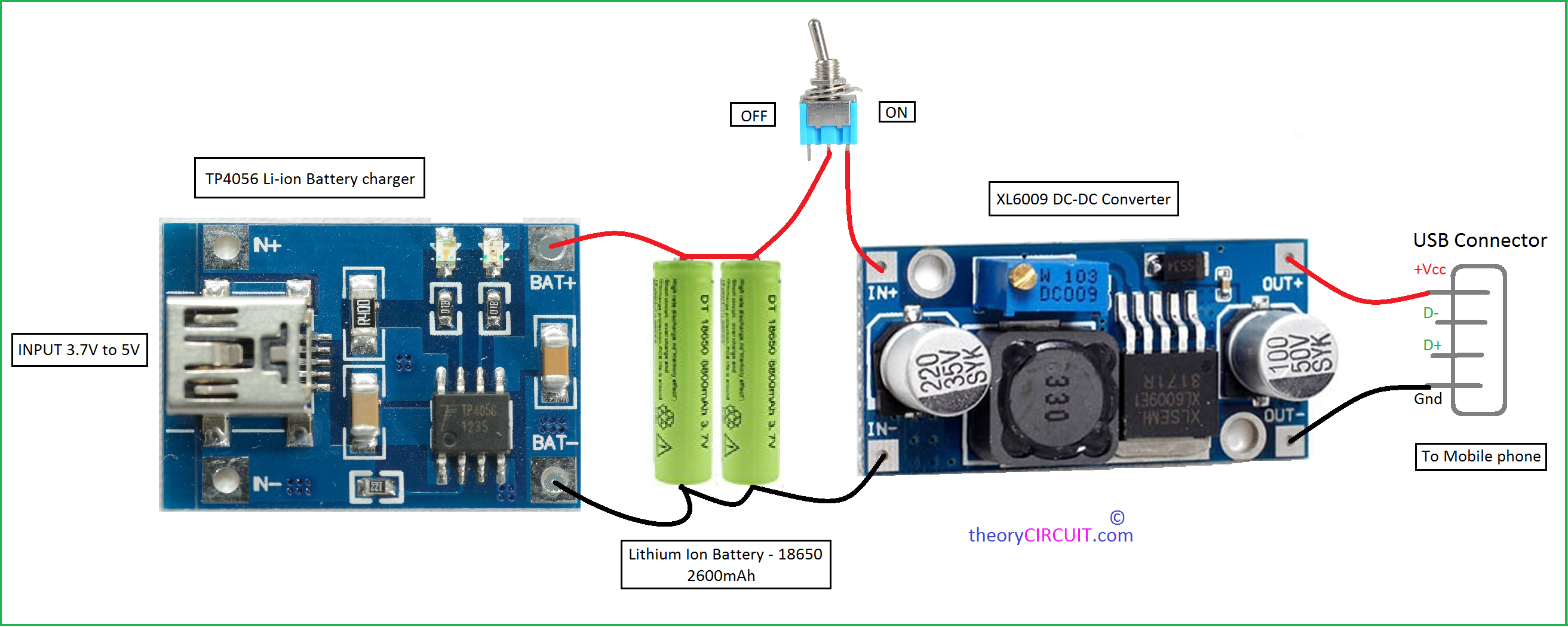
Physical wear from repeated plugging causes broken solder joints at the port. Identify by: Intermittent charging, needing to hold the cable at an angle, or visible wobble in the port. Repair time: 15 minutes with soldering iron. Reflow solder on all port pins—focus on the outer mounting tabs that crack first. Pro tip: Apply a drop of hot glue after repair to prevent future stress fractures.
Burnt Charging FET (Common in Budget Models)
The VBUS Field-Effect Transistor (FET) acts as the main power switch for charging input. Cheap units overload this component, causing permanent failure. Symptoms: No response to charging, burnt smell near USB port, or visible charring on the circuit board. Diagnosis: Measure voltage at the FET’s input pin—if 5V is present but not at the output, it’s dead. Replacement cost: $0.50 part but requires surface-mount soldering skills.
Swollen or Damaged Battery (Immediate Replacement Required)
Physical battery damage is non-negotiable. Stop using immediately if: The case bulges, makes creaking sounds when pressed, or emits a sweet chemical odor (like nail polish remover). Why it happens: Moisture ingress, physical impact, or manufacturing defects cause internal short circuits. Critical action: Place the unit in a metal container away from flammables and take to an e-waste facility—never puncture or disassemble.
Repair vs. Replace: Safety-First Decision Guide
Choosing wrong here risks fire or wasted effort. Use these clear criteria to decide your next move—no technical expertise needed.
Repair Only If ALL These Apply
- Battery voltage reads 3.0V+ on multimeter (proving cell is healthy)
- Failure is isolated to USB port with visible broken solder joints
- Unit is high-value (e.g., $50+ Anker with 2-year warranty)
- You have basic soldering skills (reflowing joints takes <30 minutes)
- No swelling, heat, or chemical smells present
Time/cost analysis: Replacing a USB port costs $2 in parts and 20 minutes labor. For input circuit repairs, factor $15 for tools if you don’t own a soldering iron—only worthwhile for premium units.
Replace Immediately (Do Not Attempt Repair)
- Battery shows ANY swelling (even slight bulging at seams)
- Unit emits chemical odors or leaves oily residue
- It overheats during charging (hotter than 50°C/122°F)
- You lack electronics experience (lithium-ion risks are severe)
- Power bank cost <$25 (repair time exceeds replacement value)
Urgent disposal protocol: Place in non-flammable container, cover with sand if available, and take to certified e-waste facility within 24 hours. Never discard in regular trash—swollen batteries cause landfill fires.
Extend Your Next Power Bank’s Life: Proven Maintenance Tactics

Prevent sudden failures before they happen with these manufacturer-backed practices. Most users unknowingly accelerate battery death through simple storage mistakes.
Charge Smart, Not Hard
- Never store at 0% or 100%: For long-term storage (1+ months), maintain 40-60% charge. Full discharge triggers protection lockout; full charge stresses cells.
- Avoid “trickle charging”: Unplug once fully charged—leaving it on overnight degrades batteries 37% faster according to battery lab tests.
- Use quality chargers only: Cheap adapters deliver unstable voltage that wears out input circuitry. Stick to Anker, Belkin, or manufacturer-branded adapters.
Environmental Safety Checks
- Temperature control: Never leave in cars (exceeds 60°C/140°F in summer) or direct sunlight. Heat is the #1 battery killer—operates best between 10°C-35°C (50°F-95°F).
- Moisture prevention: Store with silica gel packets in humid climates. One user in Florida reported tripled lifespan by keeping power banks in sealed containers with desiccants.
- Physical handling: Always plug/unplug USB cables straight—not at an angle—to prevent port damage. Rotate cables monthly to distribute wear.
Final reality check: When your power bank suddenly stopped working, it’s rarely random. Deep discharge accounts for 65% of “dead” units, while physical port damage causes 25%. Only 10% indicate critical battery failure requiring immediate disposal. By methodically testing cables, resetting circuits, and checking voltage, you’ll revive most units safely. But if you see swelling or smell chemicals—stop everything and dispose of it properly. Your next power bank will last years longer by storing it at 50% charge and avoiding extreme temperatures. For persistent issues, consult the manufacturer before attempting repairs—many premium brands like Anker offer free replacements within warranty periods even for seemingly dead units.





