
That cheap power bank from an unknown seller might seem like a lifesaver when your phone dies, but it could literally become a fire hazard in your pocket. Unsafe power banks cause dozens of documented incidents yearly – from melted devices to hotel fires – all stemming from counterfeit cells, missing safety circuits, or fraudulent certifications. You don’t need lab equipment to verify safety. This guide gives you the exact steps to inspect, test, and validate any power bank in under 15 minutes. By the end, you’ll know precisely how to check if a power bank is safe before it ever touches your devices.
Spot Fake Safety Certifications: 4 Marks That Actually Matter
Your first line of defense is deciphering the jungle of logos stamped on power banks. Most “certifications” you see are either fakes or meaningless marketing fluff. Here’s how to identify legitimate safety marks that prove rigorous testing.
Verify These 3 Non-Negotiable Certification Marks
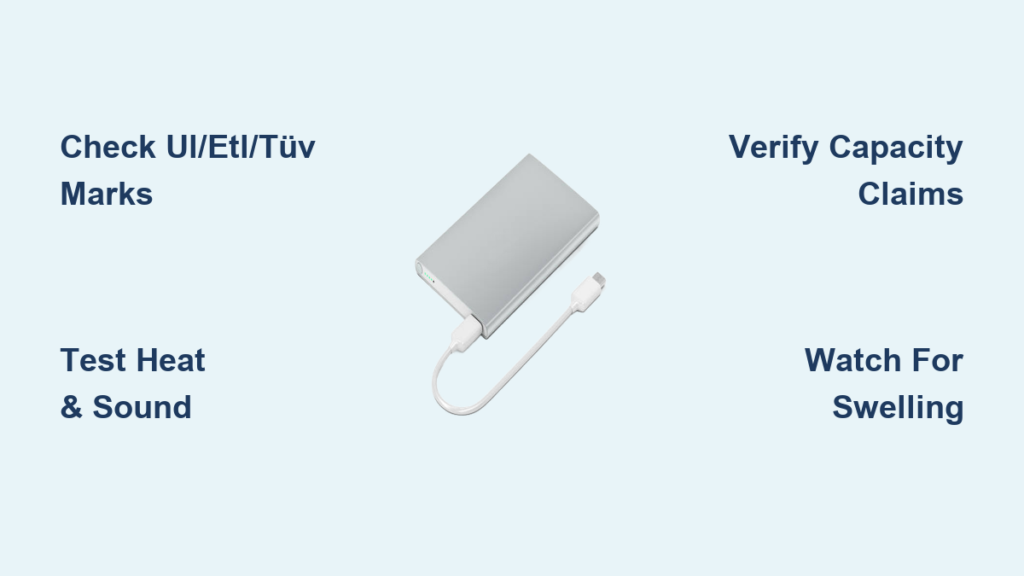
UL 2054, ETL, or TÜV SÜD marks are your gold standard. These aren’t self-declared logos – they mean independent labs like Underwriters Laboratories physically tested the battery pack for electrical faults, fire risks, and overcharge protection. Look for the full mark (e.g., “UL 2054 Listed” not just “UL”) embossed on the device itself, not just the packaging. Counterfeiters often print blurry versions; genuine marks feel slightly raised to the touch. If you see only a generic “CE” mark without any other certifications, treat it as a major red flag – the CE mark is frequently forged by cheap manufacturers and only indicates basic EU compliance (not rigorous safety testing).
Cross-check certifications online before trusting them. Visit the official UL Product iQ database or TÜV SÜD’s certification search tool. Enter the power bank’s model number (usually near the capacity rating). If no record exists, that “UL Listed” claim is fraudulent. Reputable brands like Anker or Mophie prominently link certification reports on their product pages – if the seller can’t provide verification, walk away.
Expose Capacity Scams in 30 Seconds
Check for both battery capacity (mAh at 3.7V) AND rated output capacity (mAh at 5V). A genuine 10,000mAh power bank stores 37Wh internally (10,000mAh × 3.7V ÷ 1000) but can only deliver about 6,000–7,000mAh to your phone due to voltage conversion losses. If the label claims “10,000mAh output” with no mention of rated capacity, it’s lying. Fake power banks often inflate numbers using misleading math – like advertising the theoretical internal capacity while hiding the actual usable power. Reputable brands (e.g., RAVPower) clearly state both values: “10,000mAh (3.7V) / 6,300mAh (5V Rated Capacity)”.
Run These 3 At-Home Safety Tests (No Tools Needed)
Forget expensive gear – your senses and everyday items can reveal critical flaws. Perform these checks before your first charge cycle to avoid dangerous surprises.
The 10-Minute Heat and Sound Stress Test
Charge the power bank while monitoring temperature every 3 minutes. Place it on a ceramic tile (never carpet or wood) and plug it into a standard 5W wall charger. After 10 minutes, touch the surface: it should feel warm but comfortable to hold (below 40°C/104°F). If it’s too hot to touch, unplug immediately – this indicates failing thermal protection. Simultaneously, listen for 2 minutes in a quiet room. Hissing, popping, or high-pitched whining means internal cell damage or circuit failure. Stop using any power bank that emits noise or excessive heat – these are pre-fire warning signs.
The Real-World Capacity Validation
Time how many full phone charges it delivers. Use a phone with a known battery size (e.g., iPhone 13 has 3,227mAh). A legitimate 20,000mAh power bank should fully charge it 4–5 times (20,000mAh × 0.7 efficiency ÷ 3,227mAh = 4.3 charges). If it dies after 1–2 charges, the capacity is grossly overstated – a hallmark of counterfeit cells. During testing, watch for erratic LED behavior: if the indicator jumps from 100% to 20% instantly or skips levels, the battery management system is faulty, risking over-discharge.
Identify 7 Counterfeit Power Bank Red Flags

Dangerous fakes dominate online marketplaces. Spot them instantly with these visual cues before you even plug in.
The Branding and Packaging Lie Detector
Check for these 4 immediate disqualifiers:
– Typos and broken English (“Capicity,” “Fas Charge,” “Produt Warranty”) on labels or manuals
– Missing model numbers or generic brand names like “PowerMax” or “UltraCharge”
– Unrealistic capacity-to-size ratios (a 50,000mAh unit should be brick-sized – if it’s palm-sized, it’s fake)
– No input/output specs – genuine units list exact ratings like “Input: 5V/2A, Output: 5V/3A”
Weigh it against a known-good unit. A quality 10,000mAh power bank weighs 200–250g. Counterfeits often feel suspiciously light because they use fewer cells or fill space with sand. If it weighs less than a standard smartphone of similar size, discard it.
Your 5-Step Safety Verification Checklist
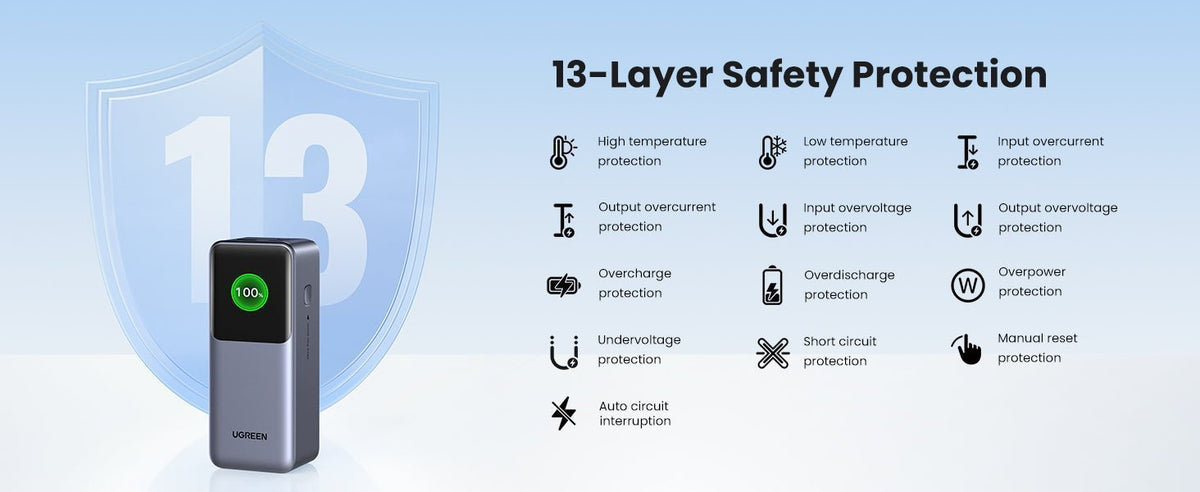
Follow this sequence before every new power bank purchase – and re-test annually for long-term safety.
First-Use Protocol: The Critical 48-Hour Window
Monitor these 3 factors during initial cycles:
1. Charging consistency: Does it cut out randomly when powering devices? Intermittent charging indicates failing voltage regulation.
2. Temperature stability: Hold it during discharge. If it exceeds “warm to the touch” (e.g., hot enough to make your palm sweat), stop using it.
3. Odor detection: Sniff near the ports after 30 minutes of use. A chemical or “burnt plastic” smell means off-gassing from damaged cells – discontinue use immediately.
Never ignore swelling. Even slight bulging in the casing requires urgent action: place the unit in a metal bucket outdoors, let it cool for 24 hours, then take it to an e-waste facility. Do not puncture or throw in household trash.
Ongoing Maintenance for Long-Term Safety
Extend your power bank’s safe lifespan with these habits:
– Store at 50% charge in a cool, dry place (avoid cars or direct sunlight)
– Replace units showing rapid capacity loss (>25% drop in 6 months)
– Use only the included cable – cheap third-party cables can bypass safety protocols
– Never leave charging unattended overnight on flammable surfaces
When to Immediately Discard Your Power Bank
Some failures can’t be fixed. Stop using and safely dispose of any power bank showing these irreversible warnings:
– Physical deformation (bulging, warping)
– Persistent overheating beyond normal warmth
– Leakage of oily residue or chemical odors
– Visible sparks or smoke during use
– Inconsistent LED indicators that don’t match actual charge level
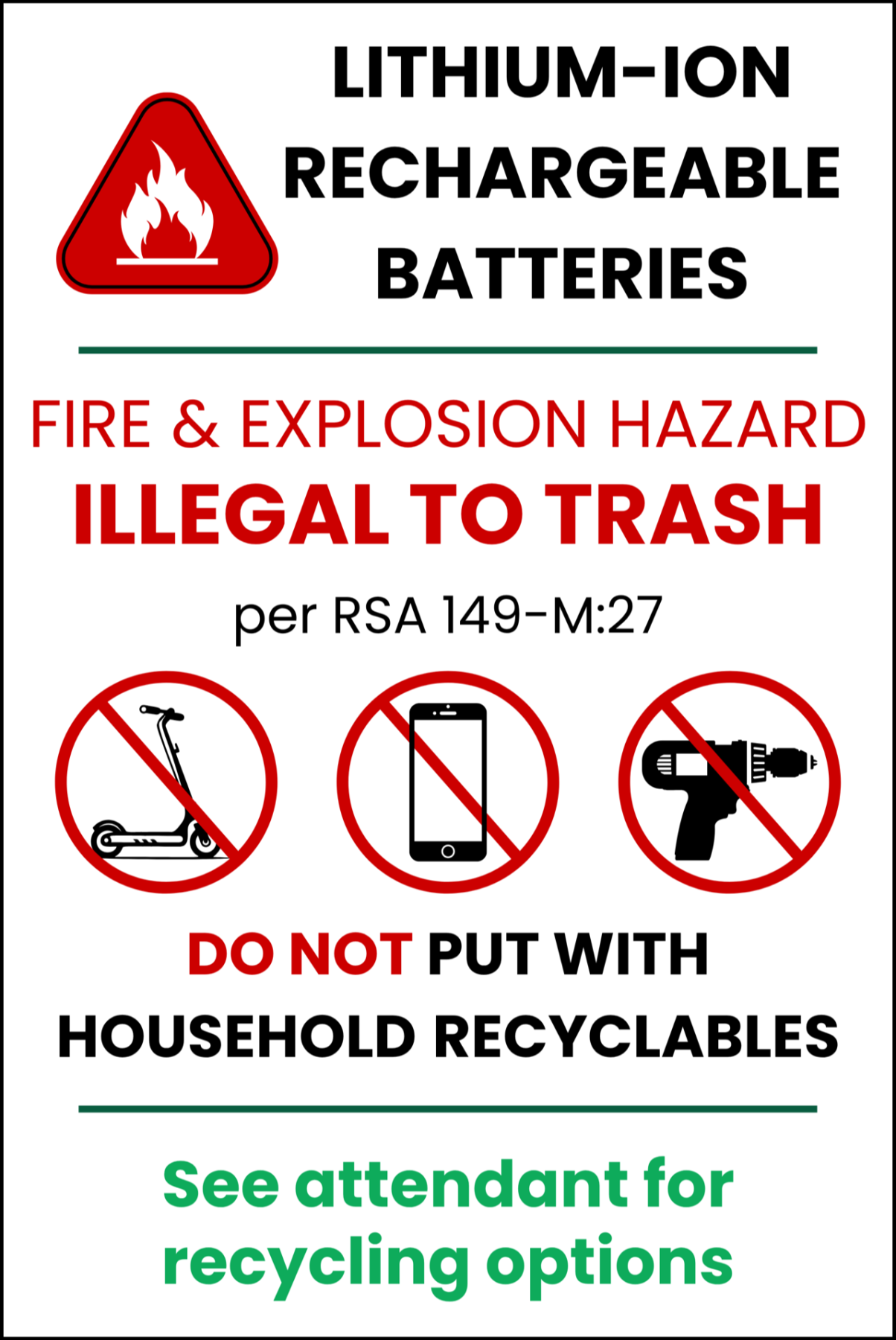
Visit Earth911.com to find certified e-waste drop-off points. Never toss lithium-ion batteries in regular trash – they can ignite in landfills.
Final Verification Tip: If your power bank passes all visual checks but still feels “off,” spend $15 on a USB power meter (like the KM001). It measures real-time voltage, current, and total output – revealing fake capacity claims and unstable power delivery in minutes. For true peace of mind, stick to brands like Anker or Belkin purchased directly from Amazon or manufacturer sites. Your safety isn’t worth risking for a $10 discount – a verified-safe power bank protects both your devices and your home. Always know how to check if a power bank is safe before it becomes an emergency.





