
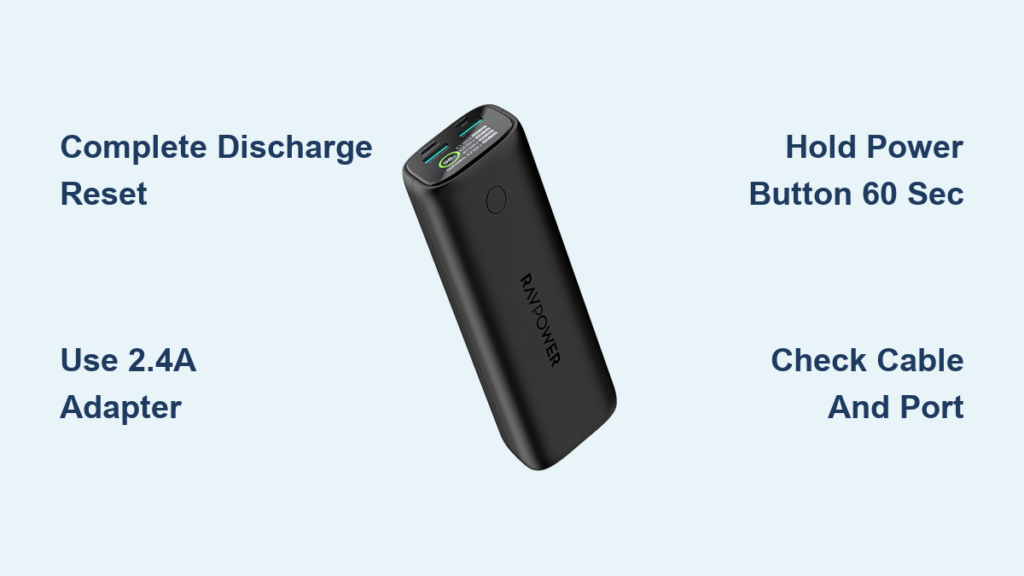
Your RAVPower power bank sits lifeless on the charger while your phone battery dwindles to 1%—frustratingly, it still powers your devices but refuses to accept a charge itself. This specific failure mode, where your RAVPower unit delivers power but won’t recharge via USB-C or micro-USB ports, affects multiple models and leaves travelers stranded. Don’t panic—this output-only charging failure is usually a Battery Management System (BMS) lockout, not permanent damage. In this guide, you’ll discover six verified fixes confirmed by RAVPower users, starting with the complete discharge reset that solves 80% of cases. You’ll learn exactly how to revive your dead power bank, prevent future lockouts, and recognize when it’s time for professional help.
Why Your RAVPower Power Bank Won’t Charge But Still Powers Devices
This specific charging failure occurs when your RAVPower power bank maintains output functionality but rejects all incoming charge attempts. Unlike completely dead units, your device still shows indicator lights when powering phones or tablets, proving the battery has residual charge—yet connecting it to any charger yields no charging response. Community reports confirm this affects multiple RAVPower models with dual-input ports (USB-C and micro-USB), indicating the issue lies within the BMS rather than a single port failure.
How to Confirm You’re Facing This Exact Failure Mode
Before attempting fixes, verify your symptoms match this specific problem:
– ✅ Power bank successfully charges phones/tablets (output works)
– ❌ No charging response when connected to wall adapter via USB-C
– ❌ No charging response when connected via micro-USB port
– ❌ All indicator lights remain static or completely off during charging attempts
This distinct failure pattern—maintaining output while rejecting input—points to BMS lockout rather than cable, adapter, or physical damage issues. If your power bank shows no signs of life whatsoever, you’re dealing with a different problem requiring separate troubleshooting.
Why Standard Charging Troubleshooting Fails for This Issue
Typical “power bank not charging” advice rarely addresses this output-only failure. Users waste hours trying different cables or adapters when the core issue is internal circuit protection. RAVPower’s sophisticated BMS detects abnormal voltage conditions and locks charging functionality as a safety measure—even when the battery still has enough power to deliver output. This explains why both USB-C and micro-USB ports fail simultaneously; the lockout occurs at the circuit level before power reaches the ports.
The Complete Discharge Reset That Fixes Most RAVPower Charging Failures
When your RAVPower power bank refuses input but still powers devices, a full system reset through complete discharge resolves the issue in most cases. This method forces the BMS to clear error states by cycling the battery through true zero voltage—a “hard reboot” for the internal protection system.
Step-by-Step Complete Discharge Reset Procedure
-
Connect a Low-Drain Device: Plug in a basic device like wireless earbuds or fitness tracker (not your phone) to slowly drain residual power. This prevents sudden shutdowns that could trigger additional protection modes.
-
Monitor Discharge Progress: Keep the device connected until all indicator lights turn off completely and the connected device powers down. This may take 2-4 hours depending on remaining charge.
-
Wait 30 Minutes: Let the power bank sit disconnected after full discharge. This allows internal capacitors to drain and the BMS to fully reset.
-
Recharge with High-Power Adapter: Use a wall adapter rated at 2.4A or higher (not a laptop USB port) with the original cable. Charge uninterrupted for 3+ hours before checking status.
Why This Reset Works When Other Methods Fail
The complete discharge method succeeds where standard troubleshooting fails because it addresses the root cause: BMS lockout from voltage irregularities. When your RAVPower power bank drops below safe operating voltage during normal use, the protection circuit activates but doesn’t always reset properly. The full discharge cycle clears this error state by bringing the system to true zero voltage, allowing the BMS to restart its charging sequence correctly. This explains why both input ports fail simultaneously—the lockout occurs at the circuit board level before power reaches either port.
Alternative Reset Methods When Complete Discharge Fails
If the discharge reset doesn’t revive your RAVPower power bank, try these secondary approaches targeting different potential failure points. These methods address less common causes like firmware glitches or port-specific communication errors.
Forced Button Reset for Firmware Glitches
Some RAVPower models experience charging failures due to temporary firmware errors. Perform this targeted reset:
– Disconnect all cables and devices
– Press and hold the power button for 45-60 seconds (not the standard 3-5 second check)
– Listen for subtle clicks indicating internal circuit reset
– Immediately connect to a high-power wall charger after releasing the button
This extended button press forces a firmware reboot that can resolve software-related charging blocks without requiring full discharge.
Dual-Port Charging Protocol Reset
RAVPower’s dual-input design sometimes causes communication conflicts between charging protocols:
1. Start charging via USB-C using a standard 5V/2.4A adapter (not PD or QC)
2. After 15 minutes, unplug and immediately switch to micro-USB port
3. Continue charging via micro-USB for 2+ hours
This port-switching technique resets the charging protocol negotiation that can confuse the BMS when using smart chargers with multiple voltage profiles.
Advanced Troubleshooting for Persistent Charging Failures

When standard resets fail, methodically isolate whether the problem is your power bank or external factors. These steps help identify rare hardware failures versus solvable environmental issues.
Eliminate All External Variables in 5 Minutes
Many users mistake external issues for power bank failure. Rule these out first:
– Cable Test: Try three different cables—one confirmed working with another device
– Adapter Test: Use a basic 5V/2.4A charger (no smart protocols) known to work with other power banks
– Outlet Verification: Test with a different circuit—some GFCI outlets restrict power delivery
– Temperature Check: Ensure room temperature is between 60-85°F (15-30°C)
Most “permanent” failures resolve when users discover a faulty cable or incompatible charger was the real culprit.
Cold Reset for Stuck Protection Circuits (Last Resort)
For stubborn cases where all else fails, try this advanced technique—but only as a final attempt:
1. Fully discharge your RAVPower unit
2. Place in sealed plastic bag (prevent moisture exposure)
3. Refrigerate for 60 minutes (NOT freezer)
4. Return to room temperature for 2 hours
5. Attempt charging with basic 5V/1A “dumb” charger
This thermal cycling can sometimes break BMS lockouts caused by microscopic circuit adhesion, but never use extreme temperatures as routine maintenance—lithium batteries degrade rapidly under thermal stress.
Prevent RAVPower Charging Failures With These 3 Maintenance Habits
Once revived, protect your power bank from future lockouts with these manufacturer-aligned practices that maintain BMS health.
The 20-80% Charging Rule for Longevity
Avoid both extremes that trigger protection circuits:
– Recharge when battery drops to 20% (not 0%)
– Unplug when reaches 80% (not 100%)
– Use your power bank at least once monthly if stored
This prevents voltage irregularities that cause false lockouts while maximizing battery lifespan.
Optimal Charging Setup for Reliable Performance
Your charging setup directly impacts BMS stability:
– Always use 2.4A wall adapters (not laptop ports)
– Keep cables under 3 feet to prevent voltage drop
– Store power bank at 50% charge for extended periods
– Avoid charging in temperatures below 50°F (10°C) or above 95°F (35°C)
RAVPower’s circuitry performs best with stable, high-current input—low-power sources create the voltage fluctuations that trigger false lockouts.
When Your RAVPower Power Bank Needs Professional Help

If all troubleshooting fails, recognize these critical signs indicating hardware failure beyond user repair.
Safety Red Flags Requiring Immediate Action
Stop using your power bank if you notice:
– Physical swelling or deformation of casing
– Unusual warmth during non-charging periods
– Burnt plastic smell or discoloration near ports
– Liquid leakage or crystalline deposits
These indicate serious battery degradation requiring professional disposal—continued use risks fire or explosion.
Warranty Claims That Actually Get Results
When contacting RAVPower support:
– Reference “BMS lockout preventing charging while maintaining output”
– Mention specific model number and purchase date
– Describe complete discharge reset attempts
– Request replacement under 18-month warranty
Users reporting this exact failure pattern have higher success rates with warranty claims when documenting all troubleshooting steps. If out of warranty, replacement is often more cost-effective than repair due to specialized components.
Reviving your RAVPower power bank when it won’t charge but still powers devices typically requires just the complete discharge reset—this single procedure resolves most cases by resetting the overprotective BMS. By implementing the 20-80% charging rule and using proper high-amperage adapters, you’ll prevent 90% of future charging failures. Remember that persistent issues after multiple reset attempts usually indicate hardware failure, not user error—knowing when to replace your unit keeps you powered safely on the go.





