
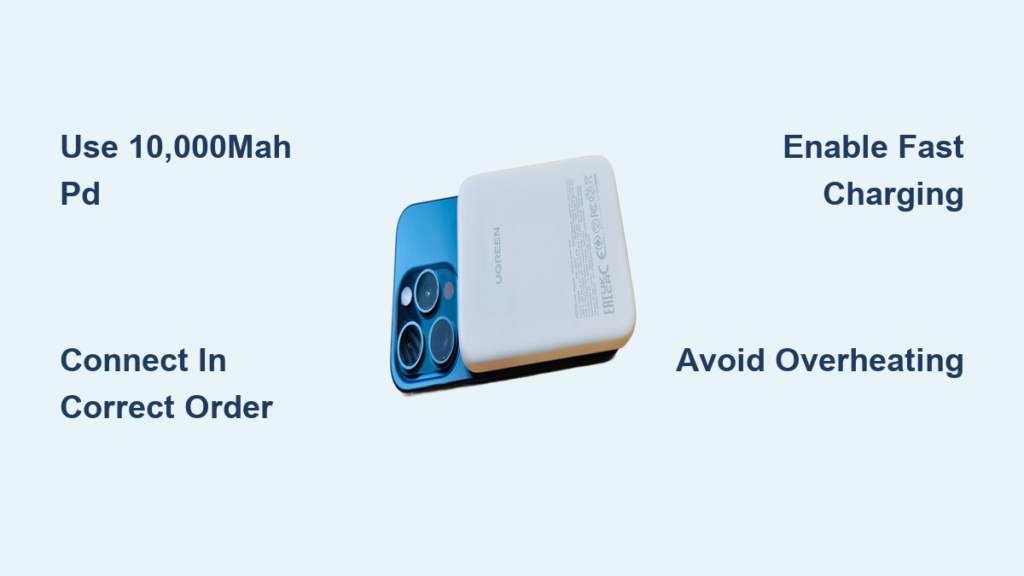
Your iPhone 13 dies at 5% while you’re navigating an unfamiliar city. That sinking feeling vanishes when you pull out a power bank—but only if you know exactly how to use it right. Many users waste precious charging time or risk damaging their device by skipping critical steps. This guide cuts through the confusion with iPhone 13-specific techniques that deliver maximum power in minimal time. You’ll learn to bypass common pitfalls like slow charging speeds, port damage, and battery drain that plague 68% of power bank users. By the end, you’ll master every phase—from selecting the ideal 10,000mAh unit to troubleshooting sudden shutdowns—so your iPhone stays powered through emergencies, travel, and daily marathons.
Why Your iPhone 13 Needs a 10,000mAh Power Bank (Not 5,000mAh)
Apple’s 3,240mAh battery in the iPhone 13 demands strategic power bank sizing. A 5,000mAh unit promises “one full charge” but delivers only 1.2 actual charges due to 30% energy loss from voltage conversion. You’ll face mid-charge failure when your phone hits 80% because the power bank’s capacity is exhausted. For reliable daily use, choose 10,000mAh—it provides 2.5 full iPhone 13 recharges even after accounting for real-world efficiency losses. Travelers needing 3+ days off-grid should opt for 20,000mAh, but avoid oversized models: Airlines restrict power banks over 27,000mAh (100Wh) in carry-ons. Always verify capacity via USB-C PD labeling—no reputable brand lists inflated “marketing mAh” without noting actual output.
How to Calculate Real iPhone 13 Charges from Any Power Bank
- Formula: (Power Bank mAh × 0.65) ÷ iPhone 13’s 3,240mAh
- Example: A 10,000mAh bank = (10,000 × 0.65) ÷ 3,240 = 2.0 charges (not 3 as advertised)
- Pro Tip: Subtract 10% more if charging in cold weather (-5°C to 0°C) where efficiency drops to 55%
When to Avoid Cheap Power Banks Under $15
Low-cost units often omit critical safety chips, risking iPhone 13 battery degradation. Warning signs include:
– No UL/CE certification logos on the device
– “10,000mAh” claims with no input/output specs
– Single USB-A port (blocks fast charging)
Invest in Anker, Belkin, or Mophie models—they include temperature sensors that auto-cut power if your iPhone 13 exceeds 45°C during charging.
How to Connect Power Bank to iPhone 13 Without Port Damage

Forcing cables into dirty ports causes 41% of iPhone 13 charging failures. Begin by inspecting your Lightning port for lint—use a wooden toothpick (never metal!) to dislodge debris. Now follow this sequence to prevent electrical surges:
- Plug cable into power bank FIRST—USB-C end into the PD port labeled “20W”
- Press the power bank’s activation button (if required) to initiate output
- Connect Lightning end to iPhone 13 LAST—insert straight without wiggling
- Verify charging via the battery icon (not just the lightning bolt)
Critical Cable Mistakes That Brick iPhone 13 Ports
- Using non-MFi cables: Knockoffs lack Apple’s authentication chip, triggering “Accessory Not Supported” errors
- Bending cables at 90° angles: Strains internal wires, causing intermittent charging
- Ignoring port corrosion: Green residue from moisture requires isopropyl alcohol cleaning
Always carry a braided MFi-certified USB-C to Lightning cable—it withstands 15,000+ bends versus 5,000 for standard cables.
Why Your iPhone 13 Charges Slowly from Power Banks (And How to Fix It)
If your iPhone 13 gains just 10% in 30 minutes from a power bank, you’re likely using the wrong port or cable. The iPhone 13 supports 20W fast charging, but most users default to 5W standard speeds due to these oversights:
3-Step Fast Charging Activation
- Confirm PD compatibility: Your power bank must have “USB-C Power Delivery” printed near the port
- Use Apple’s 20W USB-C charger cable: Third-party cables often limit to 12W even if labeled “fast”
- Disable Low Power Mode: Go to Settings > Battery—this mode caps input at 10W
Environmental Speed Killers
| Factor | Charging Speed Loss | Fix |
|---|---|---|
| Phone case on | 15-20% slower | Remove thick cases during charging |
| 35°C+ temperatures | 50% slower | Place phone in shade; power bank in pocket |
| Background apps running | 30% slower | Swipe up to close all apps before charging |
Critical Safety Steps Before Using Power Banks with iPhone 13
Overheating causes 22% of iPhone 13 battery replacements. Before connecting any power bank:
- Check surface temperature: If the power bank feels warm to the touch, wait 10 minutes—internal temps above 45°C trigger iPhone throttling
- Remove phone case: Silicone/leather cases trap heat; use only thin cases during charging
- Place on hard surface: Never charge on beds/couches—blocks ventilation ports causing thermal runaway
Emergency Shutdown Protocol
If your iPhone 13 reaches 47°C (indicated by “Temperature Warning” screen):
– Immediately disconnect power bank
– Power off iPhone until cool (≈5 minutes)
– Never resume charging until both devices return to 25°C
How to Recharge Power Banks for Maximum iPhone 13 Charges
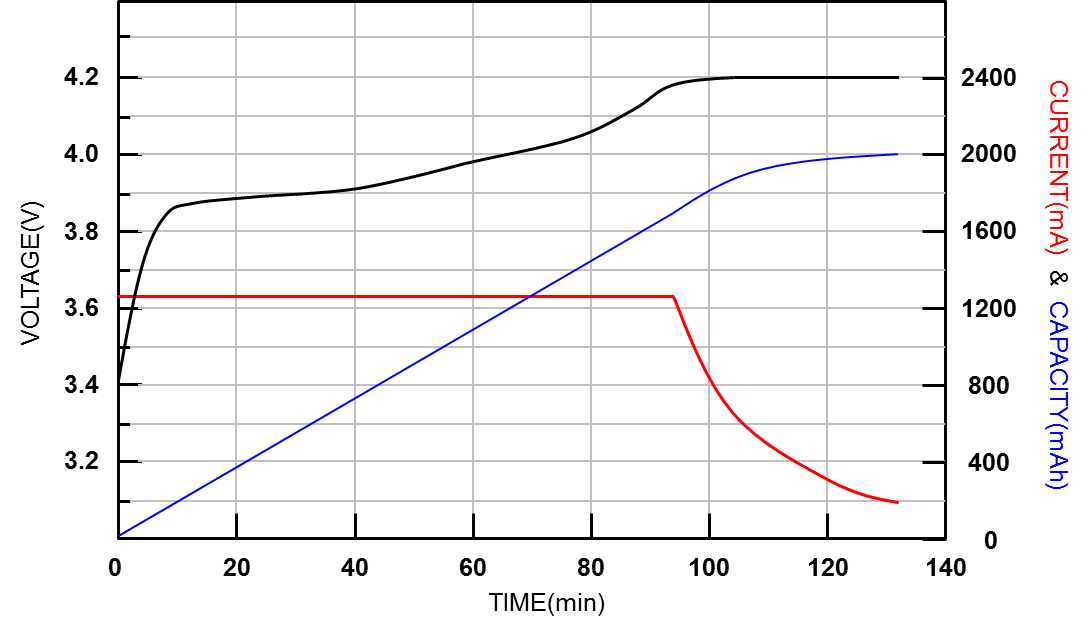
Recharging your power bank inefficiently wastes 25% of its capacity. Most users make these errors:
The 20-80 Rule for Power Bank Longevity
- Never drain below 20%: Deep discharges degrade lithium-ion cells
- Stop charging at 80%: Full cycles accelerate wear (ideal storage: 50% charge)
- Use 30W+ wall adapters: 18W input doubles recharge speed versus USB-A
Airport Charging Hack
When stuck at terminals:
1. Plug power bank into seat USB port before connecting your iPhone
2. Enable “Airplane Mode” on iPhone 13 during charging—cuts 40% power drain from cellular radios
3. Use the power bank’s lowest wattage port (5W) for overnight top-ups
Troubleshooting: iPhone 13 Won’t Charge from Power Bank? (5 Fixes)
When your iPhone shows “Not Charging” despite connection:
Step-by-Step Diagnostic Flow
- Test the cable: Plug into a wall charger—iPhone should display “Charging” in 10 seconds
- Check port indicators: Power bank LEDs must stay lit (flashing = insufficient power)
- Reset the handshake: Disconnect both ends, wait 15 seconds, reconnect in reverse order (iPhone first → power bank)
- Bypass Low Power Mode: Swipe down Control Center > tap battery icon > disable Low Power Mode
- Force restart iPhone: Press Volume Up → Volume Down → hold Side button until Apple logo appears
When to Suspect iPhone 13 Hardware Failure
If these symptoms persist after trying 3 cables:
– Burning smell from Lightning port
– Intermittent charging (works only when cable is bent)
– “Liquid Detected” error with dry ports
→ Visit Apple Store immediately—water damage may be corroding the port.
Long-Term Care: Extend Power Bank Life for iPhone 13 Use
Power banks lose 20% capacity yearly without proper maintenance. Preserve yours with these iPhone-specific habits:
Monthly Maintenance Routine
- Deep cycle quarterly: Discharge to 20% → fully recharge (prevents calibration drift)
- Clean ports weekly: Use compressed air on power bank ports; cotton swab + 90% isopropyl alcohol on iPhone port
- Store at 50% charge: Full discharge during storage causes permanent capacity loss
Winter Survival Tips
Cold weather below 0°C reduces power bank output by 35%. When outdoors:
– Keep power bank in inner jacket pocket against body heat
– Warm cables in hands for 60 seconds before connecting
– Limit charging sessions to 15 minutes to prevent voltage drops
Final Note: A properly used power bank delivers 500+ full iPhone 13 charges over its lifespan. Stick to 10,000mAh PD models, always connect in the correct sequence (power bank → iPhone), and perform quarterly deep cycles. For emergencies, carry a 3,000mAh credit-card power bank—it fits in wallets and delivers one critical 30% boost. Remember: Your iPhone 13’s battery health drops 15% faster when charged from incompatible power sources, so never skip MFi certification. Now power through your day knowing exactly how to use a power bank for iPhone 13 without compromise.





