
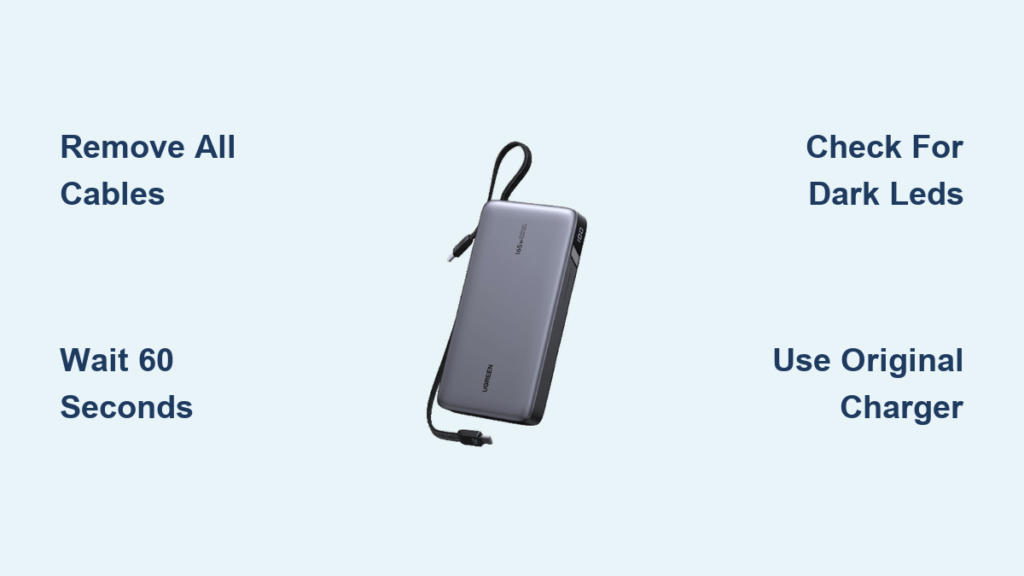
You’ve charged your phone, disconnected the cable, but your Ugreen power bank’s lights stubbornly stay on. This frustrating scenario happens to countless users who don’t understand how to properly turn off their Ugreen power bank. Unlike traditional electronics with clear on/off switches, Ugreen power banks operate with intelligent power management that makes manual shutdown unnecessary in most cases. Understanding how to properly turn off your Ugreen power bank is crucial for preserving battery life and ensuring your portable charger remains reliable for years to come.
Most Ugreen power banks don’t have a traditional “off” function because they’re engineered to automatically power down when not in use. This energy-saving feature extends the lifespan of your power bank’s internal battery. Whether you own a compact 10,000mAh model for daily commutes or a high-capacity 30,000mAh unit for laptop charging, knowing exactly how and when your device enters standby mode will prevent unnecessary battery drain and optimize performance.
Why Your Ugreen Power Bank Stays Lit After Disconnecting Devices
Ugreen power banks keep their LED indicators illuminated for 30-60 seconds after you disconnect your device to confirm the charging process completed successfully. This brief period allows you to verify your phone received its charge before the unit enters deep sleep mode. If your power bank’s lights remain on for more than two minutes after removing all cables, it’s likely detecting a minimal current draw from a connected cable or experiencing a temporary glitch in the protection circuit.
The auto power-off mechanism activates when the internal circuitry detects zero current flow for the designated period. During this process, all LED indicators will sequentially turn off until the unit appears completely dormant. This isn’t a malfunction—it’s working exactly as designed to preserve your stored energy. Higher-capacity models like the 20,000mAh 65W version may take slightly longer (up to 90 seconds) to power down due to their more complex circuitry managing multiple output protocols.
Using the Power Button Correctly on Ugreen Power Banks

Most Ugreen models feature a single multifunction button that serves three critical purposes depending on press duration:
How a Short Button Press Checks Battery Status
A quick tap (less than one second) activates the battery level indicator system. Four LED lights typically represent charge levels:
– 4 LEDs lit = 75-100% remaining
– 3 LEDs lit = 50-75% remaining
– 2 LEDs lit = 25-50% remaining
– 1 LED lit = 5-25% remaining
– Flashing single LED = less than 5% (time to recharge)
Activating Output With a Long Button Press
When connecting a device to higher-wattage models (65W+), you’ll need to press and hold the button for 2-3 seconds to initiate power delivery. This safety feature prevents accidental discharge when cables are connected but no device is actively drawing power. The button must be pressed each time you connect a new device to these high-power models.
Manually Turning Off Output During Charging
If you need to stop charging mid-session on models with manual output control (primarily 65W+ units), press and hold the button for 3-5 seconds until all LEDs turn off. This immediately terminates power delivery, though the unit will still auto-power-off completely after 30 seconds of inactivity regardless.
Forcing a Complete Shutdown When Auto Power-Off Fails
When your Ugreen power bank refuses to enter sleep mode despite disconnecting devices, follow these precise steps:
Step 1: Remove All Physical Connections
Unplug every cable from both input and output ports. Even a disconnected cable left in the port can create a tiny circuit that prevents full shutdown. Inspect for debris in ports that might cause false connections.
Step 2: Wait the Required Duration
Place your power bank on a non-flammable surface and wait 60-90 seconds. Higher-capacity models (20,000mAh+) may require the full 90 seconds for complete shutdown. Resist the urge to press buttons during this period, as this resets the auto power-off timer.
Step 3: Verify Complete Shutdown
Confirm true shutdown by checking that:
– All LED indicators are completely dark (not dimly lit)
– No ports show any residual power (test with a compatible device)
– The unit feels cool to the touch (indicates no active circuitry)
Troubleshooting Ugreen Power Banks That Won’t Wake Up
Why Your “Dead” Power Bank Isn’t Responding
When your Ugreen unit appears completely unresponsive with no LED activity, it’s typically in deep sleep mode after being fully drained, not permanently damaged. This protective state engages when internal battery voltage drops below safe operating levels.
How to Revive a Dormant Ugreen Power Bank
- Connect ONLY the original Ugreen charging cable to a wall adapter (not a computer USB port)
- Plug into a standard wall outlet with at least 5V/2A output
- Wait 10-15 minutes without pressing any buttons
- Look for subtle LED activity indicating it’s receiving power
- After consistent LED indication, press the power button normally
Avoid using third-party cables during revival attempts, as incompatible voltage can prevent the wake-up sequence. If after 30 minutes of proper charging there’s still no response, contact Ugreen support for potential battery replacement.
Model-Specific Shutdown Procedures You Need to Know
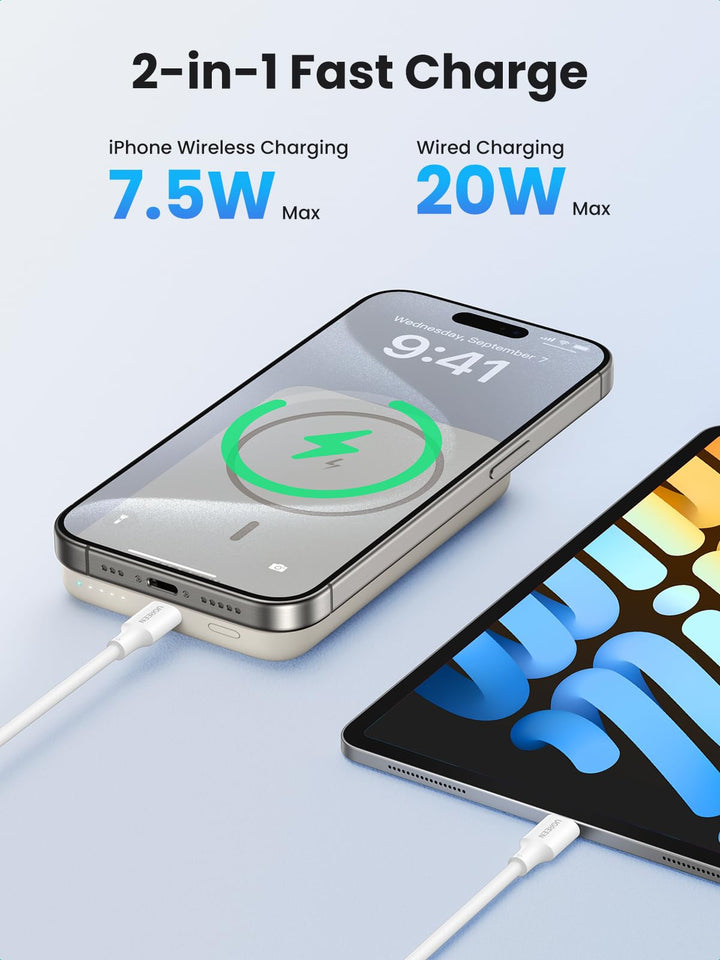
Turning Off the Ugreen 10000mAh 20W Power Bank
This compact model relies entirely on auto power-off with no manual shutdown option. After disconnecting devices, wait 45 seconds for complete shutdown. Its single LED indicator will blink twice before powering down completely—a unique feature not found on larger models.
Shutting Down the Ugreen 20000mAh 65W Power Bank
This popular model requires manual output termination during active charging sessions. Press and hold the power button for 4 seconds to stop power delivery, then wait 60 seconds for full shutdown. The four LED indicators will sequentially turn off from right to left during this process.
Power Management for the Ugreen 30000mAh 100W Model
High-capacity models feature separate controls for different output ports. To fully power down:
1. Terminate all active charging sessions via long button presses
2. Disconnect all devices and cables
3. Wait 90 seconds for complete shutdown
4. Verify all six LED indicators are dark (three for battery, three for output status)
Critical Mistakes That Prevent Proper Power Bank Shutdown
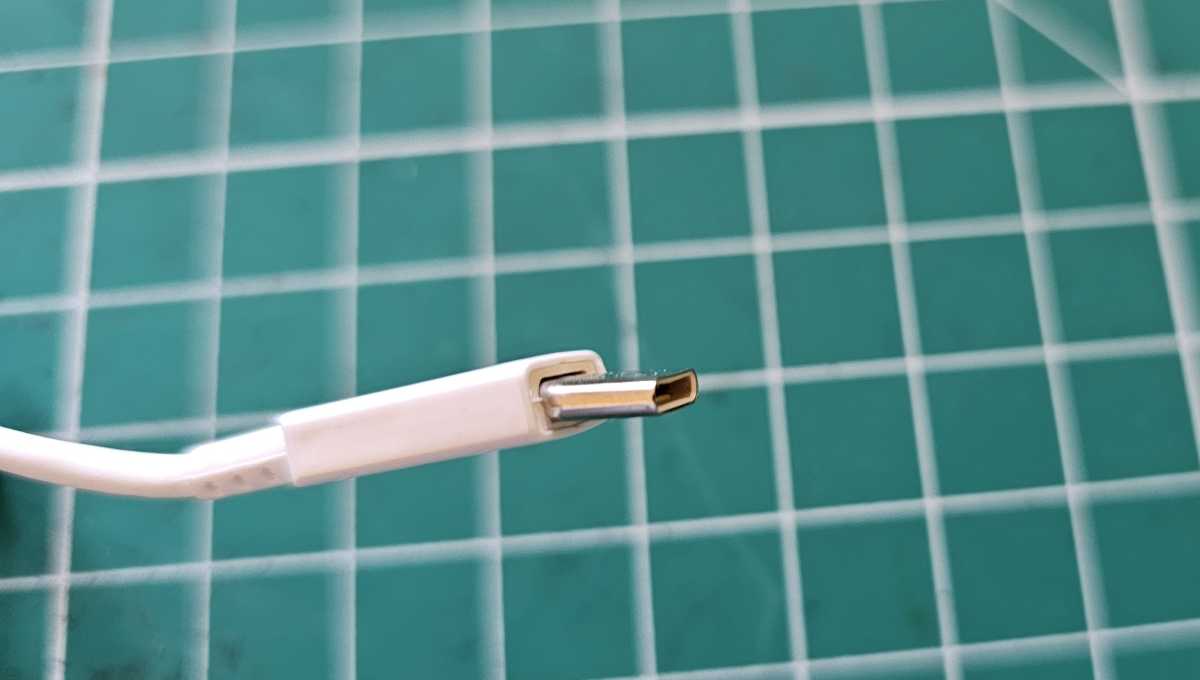
Leaving Cables Partially Connected
Even when disconnected from devices, cables left in power bank ports can create micro-connections that prevent full shutdown. Always remove cables completely from both ends.
Using Damaged or Incompatible Cables
Worn cables with exposed wires or improper specifications can cause continuous current draw. Replace frayed cables immediately and only use certified USB-C or USB-A to USB-C cables designed for your specific Ugreen model.
Pressing Buttons During Auto Power-Off Sequence
Many users instinctively press the power button when lights stay on, unknowingly resetting the auto power-off timer. Allow the full 60-second period without interaction for proper shutdown.
Optimal Storage Practices After Powering Down
For maximum longevity when storing your powered-down Ugreen power bank:
– Maintain 40-60% charge level (neither full nor empty)
– Store in temperatures between 50-77°F (10-25°C)
– Place in a dry location away from metal objects
– Recharge to 50% every 3-4 months during extended storage
Fully drained power banks left in storage can develop “voltage depression” that makes revival difficult after several months. Units stored at 100% capacity experience accelerated battery degradation due to constant high-voltage stress.
Why Manual Shutdown Is Usually Counterproductive
Ugreen’s auto power-off system conserves more battery than forced manual shutdowns by precisely timing the transition to deep sleep mode. The circuitry draws minimal power during the brief active period before shutdown—far less than the energy consumed by repeatedly pressing buttons to manually turn the unit off and on. Trusting the auto power-off feature actually extends your power bank’s usable lifespan by reducing unnecessary circuit activation.
Proper power management means disconnecting devices when charging completes and allowing the intelligent system to handle the rest. For most users, the only time manual output termination is necessary is when switching between multiple high-power devices on 65W+ models. In nearly all everyday scenarios, your Ugreen power bank knows exactly when to power down—no button pressing required.
When your Ugreen power bank’s lights stay on longer than expected, remember it’s working as designed, not malfunctioning. By understanding the precise shutdown sequence for your specific model and avoiding common connection mistakes, you’ll maximize both convenience and battery longevity. The next time you unplug your phone, simply walk away and let your Ugreen power bank manage its own power state—you’ll preserve more charge for when you truly need it.





