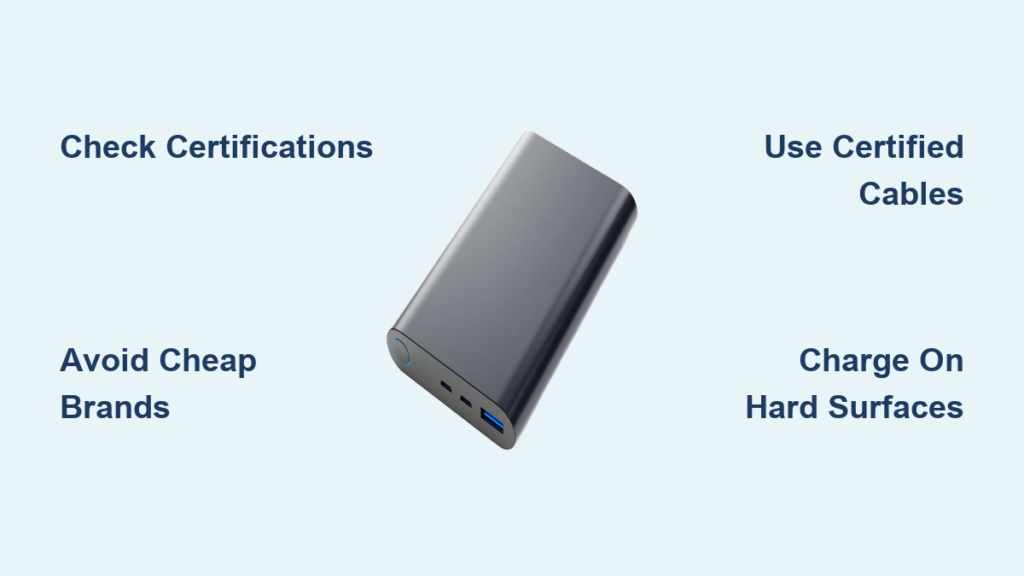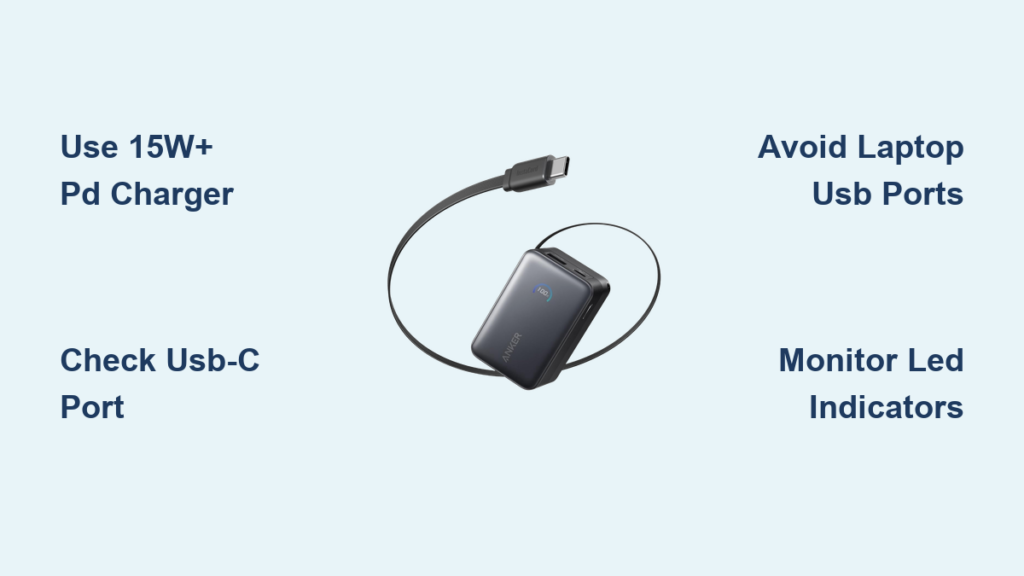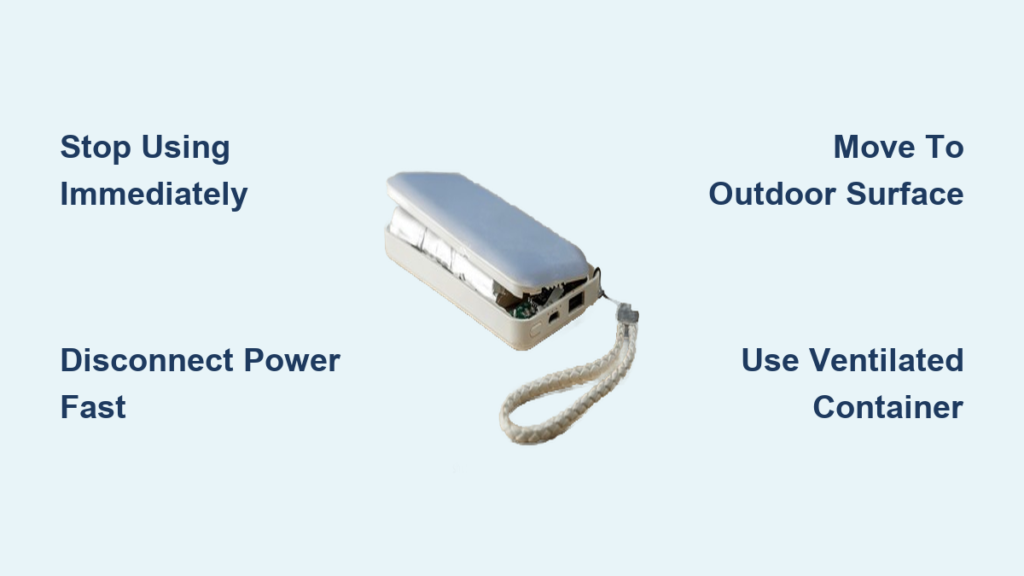
That unsettling bulge in your power bank isn’t just cosmetic damage—it’s a visible warning sign of dangerous internal gas buildup. When lithium-ion cells fail, they release flammable gases that can trigger fires or explosions within minutes. Ignoring a swollen power bank puts your home, family, and belongings at immediate risk. This guide delivers the exact steps to neutralize the threat right now, safely dispose of the device, and prevent future incidents. You’ll learn manufacturer-specific disposal tricks, transportation protocols that avoid triggering reactions, and proven habits to keep your next power bank safe for years.
Stop Using Your Swollen Power Bank Immediately
Every second of continued use accelerates the chemical reaction inside a compromised battery. That subtle bulge means internal pressure has already exceeded safe limits—further charging or discharging could ignite thermal runaway within minutes. Your first action must be total disconnection. Unplug both the power bank from its charger and any devices attached to it. Never attempt to “finish one last charge” or test functionality. If the device feels warm, move faster—heat dramatically increases rupture risk.
Disconnect All Power Sources Within 10 Seconds
Time is critical when handling a swollen power bank safely. Use oven mitts or thick fabric to handle the device (avoid direct skin contact) and immediately:
1. Sever wall connections: Yank the charging cable from the outlet first—never pull by the cord.
2. Detach device cables: Gently unplug phones or tablets without stressing the swollen casing.
3. Power down companion devices: Ensure connected electronics aren’t drawing residual current.
Move to a Non-Flammable Surface Outdoors
Indoor surfaces like wood floors or carpets create fire propagation pathways. Within 30 seconds of disconnection:
– Place the power bank on concrete, stone, or bare earth at least 10 feet from structures
– If outdoors isn’t possible, use a metal tray on a tile floor away from curtains/furniture
– Never set it on vehicles, beds, or near paper/plastic storage—these ignite at 400°F, far below battery rupture temperatures (1,100°F+)
5 Critical Mistakes That Trigger Power Bank Explosions
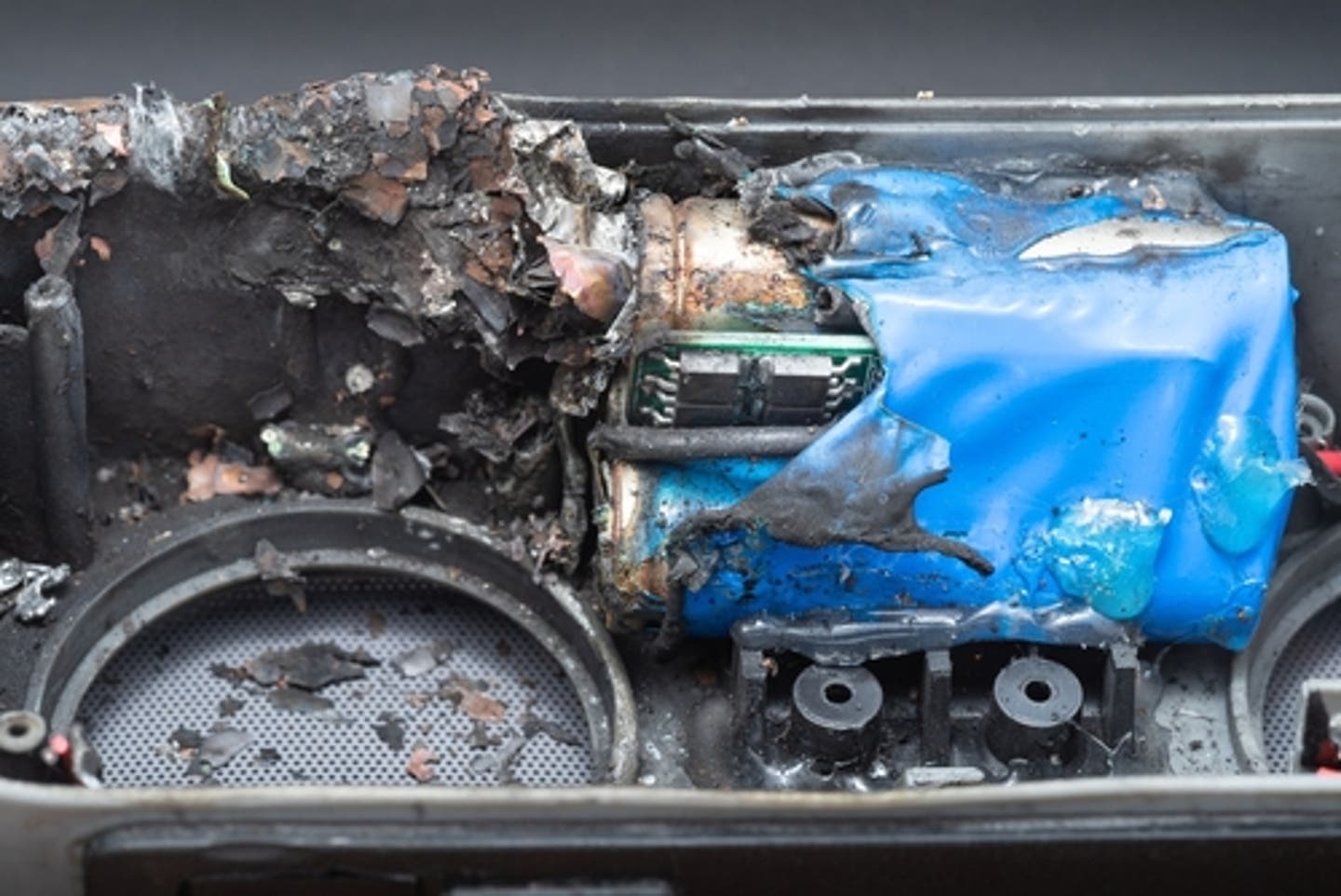
Most swollen battery incidents escalate due to preventable errors. These actions transform a hazardous situation into a catastrophe:
Puncturing or Pressing the Swollen Area
Applying pressure ruptures weakened battery seals, releasing flammable electrolytes that ignite on contact with air. In documented cases, users attempting to “pop” the bulge caused immediate jet flames reaching 5 feet high.
Storing in Airtight Containers
Sealing the device traps hydrogen and carbon monoxide gases building inside. Pressure multiplies until the container explodes—like a miniature bomb. Always use ventilated containers during transport.
Using Household Trash or Recycling Bins
Municipal waste compactors crush swollen batteries, triggering fires in garbage trucks. Over 200 U.S. waste facility fires in 2023 were traced to improperly discarded lithium batteries.
Charging to “Stabilize” the Battery
Adding electrical current to a failing cell accelerates decomposition. One user reported flames erupting 8 seconds after plugging in a slightly swollen unit “to check capacity.”
Leaving Near Flammable Materials
Even minor venting can ignite nearby items. Keep a 6-foot clearance from gasoline, aerosols, or fabrics—these ignite from battery sparks at distances users don’t expect.
Prepare Your Swollen Power Bank for Safe Recycling Transport

Never carry a bulging power bank loose in your car trunk or bag. Follow this protocol to prevent in-transit ignition:
Terminal Protection Process
Exposed metal contacts can short against keys or coins during transport. Within your isolated outdoor location:
1. Cut non-conductive tape (electrical or packing tape) into 2-inch strips
2. Completely cover both input and output ports—no metal visible
3. Wrap the entire device in 2-3 layers of tape to contain potential leaks
Ventilated Container Requirements
Use only these container types (ranked safest to acceptable):
– Best: Metal ammo can with ¼-inch drilled ventilation holes
– Good: Ceramic bowl covered with wire mesh
– Minimum: Cardboard box lined with aluminum foil (never plastic bins)
Place the taped power bank inside with non-flammable packing like sand or kitty litter to prevent movement.
Locate Certified Swollen Battery Recycling Near You
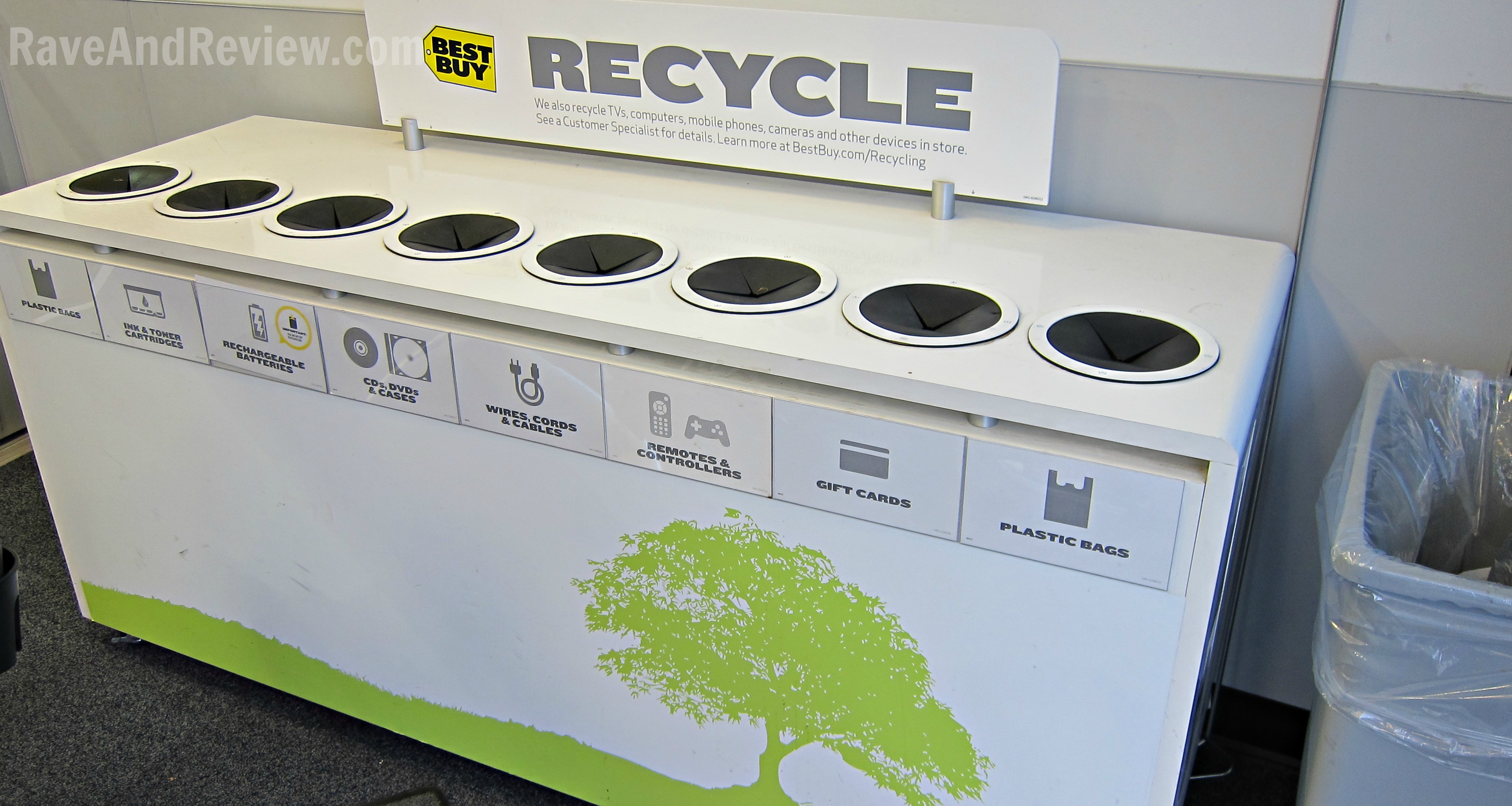
Standard e-waste bins reject visibly damaged batteries. Use these verified channels:
Retailer Drop-Off Protocols
Major chains accept swollen units with special handling:
– Best Buy: Place in designated battery recycling kiosk—staff will inspect for swelling
– Home Depot/Lowe’s: Hand directly to customer service (do not use public bins)
– Staples: Call ahead—some locations require pre-approval for damaged units
Emergency Manufacturer Returns
Brands like Anker and Samsung have 24-hour safety hotlines for swollen units:
1. Email photos to support@anker.com with “SWOLLEN BATTERY EMERGENCY” in subject line
2. Request a prepaid hazardous shipping kit—they cover disposal costs even post-warranty
3. Pro tip: Mention “UL 2054 violation” to trigger immediate replacement (safety standard for battery containment)
Prevent Future Power Bank Swelling: 4 Non-Negotiable Habits
Swelling rarely happens without warning signs. Implement these habits to catch issues early:
Temperature Control Protocol
Lithium batteries degrade 5x faster above 95°F (35°C). Always:
– Store power banks in climate-controlled spaces (never cars or garages)
– Discard units left in direct sunlight for >20 minutes—internal temps exceed 140°F
– Use cooling pads during high-drain charging sessions (e.g., laptop charging)
Charge Cycle Management
Deep discharges and constant 100% charging stress cells. Instead:
– Maintain 30-80% charge for daily use (use low-power mode on devices)
– Store long-term at 40% charge in 60-70°F environments
– Replace units older than 18 months—battery chemistry degrades irreversibly
Swollen Power Bank FAQs: Safety-Critical Answers
“My power bank is only slightly bulging—can I finish this one charge?”
Absolutely not. Even 1mm of swelling indicates gas pressure exceeding 50 PSI—enough to rupture casing during charging. One documented case showed a “minimally swollen” unit igniting while powering a smartwatch.
“How do I know if it’s too late to transport safely?”
Check for these emergency signs requiring professional intervention:
– Hissing sounds or chemical odors (like nail polish remover)
– Visible electrolyte leakage (oily residue or white crystals)
– Surface temperatures above 120°F (use infrared thermometer)
If present, call fire department’s non-emergency line—they have battery containment bags.
“Why can’t I just mail it to the manufacturer?”
Postal services prohibit swollen lithium batteries due to in-transit fire risks. Only use manufacturer-issued hazardous shipping kits with fireproof pouches. Never use standard envelopes or boxes.
Replace Your Power Bank: Safety-First Buying Checklist
Don’t repeat the same mistake. Prioritize these features in your next purchase:
Must-Have Safety Certifications
- UL 2054 certification (not just “UL listed”)—verifies physical containment during failure
- IEC 62133-2 mark—international standard for battery safety testing
- Avoid units with only “CE” marking—easily faked on counterfeit products
Physical Design Red Flags
- No visible vents: Safe units have micro-perforations for controlled gas release
- Thin plastic casing: Thicker polycarbonate shells resist rupture better
- Missing brand name: Reputable brands (Anker, Samsung) never sell unbranded units
Swollen power banks demand immediate, precise action—not hesitation. By stopping use within seconds, avoiding critical mistakes like puncturing or improper disposal, and using certified recycling channels, you eliminate fire risks in under 15 minutes. Remember: no data or device is worth risking your safety. Implement the temperature controls and charge management habits outlined here, and your next power bank will deliver years of reliable service without danger. When in doubt, treat every swollen unit as an active fire hazard—because it is. Your decisive action today prevents disasters tomorrow.