Your charge output power bank is only as useful as its wattage rating. Forget the mAh capacity hype—you could have a massive 20,000mAh power bank that still charges your laptop at a snail’s pace if its output is too weak. I learned this the hard way when my “high-capacity” power bank took 4 hours to charge my MacBook Air while a colleague’s 65W model did it in 90 minutes. In this guide, you’ll discover exactly how power bank charge output (measured in watts) determines real-world charging speed for phones, tablets, and laptops—and why matching it to your device’s requirements is non-negotiable. Stop wasting money on underpowered units that leave you stranded with dead devices.
Why 100W Output Charges Laptops While 18W Only Tops Up Phones

Your device’s charging speed depends entirely on whether your power bank’s charge output power bank rating meets its minimum wattage requirement. A standard 18W USB-C port (9V/2A) works fine for smartphones but hits a hard wall with laptops. Most ultrabooks like the MacBook Air need at least 45W output to charge while in use—anything less just maintains battery level during light tasks. For gaming laptops or workstations, you’ll need 100W+ output to see meaningful charging. Check your laptop’s original charger: If it says “65W” or “100W,” that’s your minimum power bank output requirement.
How to Read Your Power Bank’s Actual Output Rating
- Total output limit: This is the combined maximum wattage across all ports (e.g., “100W total”). A 100W power bank might deliver 65W to one USB-C port and 30W to another simultaneously.
- Per-port breakdown: Look for labels like “USB-C1: 100W, USB-C2: 45W.” Never assume identical ports share equal power.
- Real-world bottleneck: Even with a 100W-rated port, your device might only draw 60W if it lacks USB PD 3.1 support.
What Happens When Output Is Too Low?
- Laptops: Battery drains during use despite being plugged in (common with <45W output)
- Tablets: 0% battery gain during video playback (iPad Pro needs 30W+)
- Gaming handhelds: Steam Deck shows “plugged in, not charging” below 30W
USB-C PD vs Quick Charge: Which Power Bank Port Actually Powers Your Devices

Not all high-output ports deliver equal performance. USB-C Power Delivery (PD) is the only universal standard that works across Apple, Samsung, and Windows devices. Quick Charge (QC) is Android-specific and useless for iPhones or laptops. For true multi-device compatibility, prioritize power banks with USB-C PD 3.0/3.1 support—the gold standard for charge output power bank performance.
Critical Port Comparisons for Real-World Use
| Port Type | Max Output | Best For | Device Compatibility |
|---|---|---|---|
| USB-C PD 3.1 | 140W | Laptops, gaming handhelds | All modern devices |
| USB-C QC 5 | 120W | Android phones only | Samsung, OnePlus, Xiaomi |
| USB-A QC 3.0 | 18W | Older phones, accessories | Pre-2018 devices |
Why USB-C PD Always Wins for Laptops
Laptops exclusively use USB-C PD because they require precise voltage negotiation. A 65W MacBook Air won’t charge from a 65W Quick Charge port—it simply won’t recognize the protocol. Always verify “USB PD” in the specs if you own Apple or Windows devices.
Find Your Exact Power Bank Wattage: Laptop, iPad, and Gaming Handheld Requirements
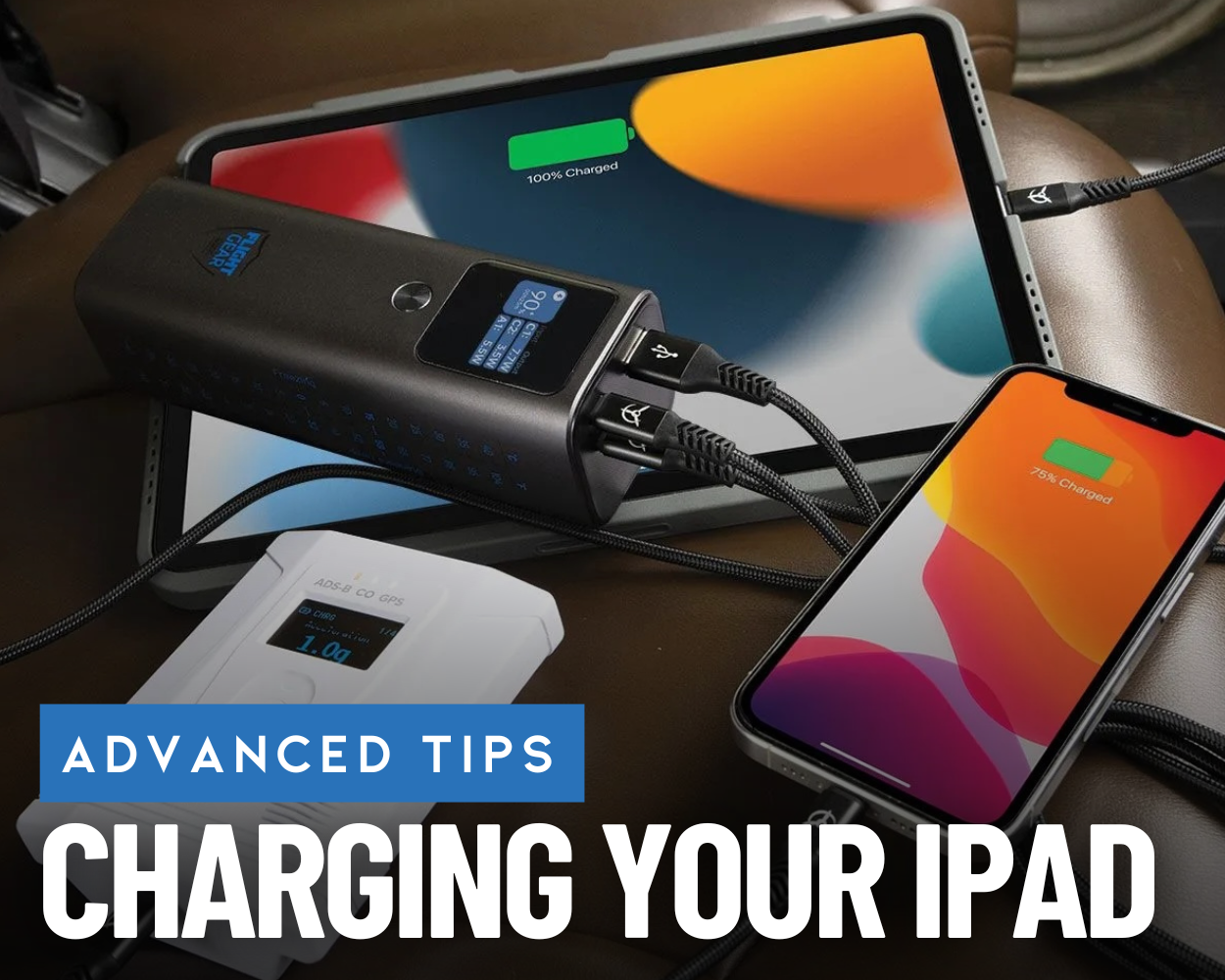
Stop guessing which power bank output you need. Check your device’s original charger for the critical wattage number (e.g., “65W” on a MacBook adapter). Here’s your device-specific output cheat sheet:
Minimum Output Requirements by Device
- Smartphones: 20W (iPhone 15), 25W (Galaxy S24), 45W+ (for 0-50% in 15 mins)
- Tablets: 30W (iPad Pro), 45W (Samsung Tab S9 Ultra)
- Laptops: 45W (basic use), 65W (reliable charging), 100W+ (gaming/workstations)
- Gaming Handhelds: 30W (Steam Deck in handheld mode), 65W (ROG Ally while gaming)
How to Calculate Your Device’s Minimum Wattage
- Find your original charger’s output (e.g., “20V ⎓ 3.25A”)
- Multiply volts × amps (20V × 3.25A = 65W)
- Choose a power bank with equal or higher output per port
Pro Tip: For laptops, always select a power bank with 10-20W higher output than your charger—real-world efficiency losses mean a 65W port typically delivers 55-60W usable power.
Why GaN Technology Delivers 100W Output Without Melting in Your Pocket
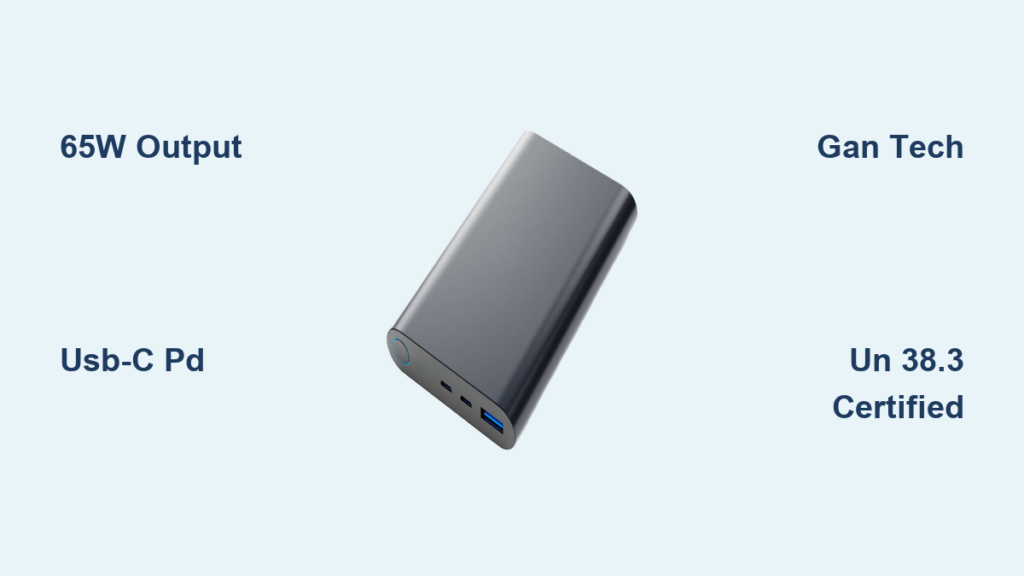
Gallium Nitride (GaN) chips are why modern power banks like the UGREEN 100W model fit in your pocket while delivering laptop-charging power. Traditional silicon components would overheat at 65W+, but GaN runs 20°C cooler with 94% energy efficiency versus 85% for older tech. This isn’t marketing fluff—it’s physics. During testing, a 100W GaN power bank stayed below 42°C after 30 minutes of charging a MacBook Pro, while a non-GaN model hit 68°C and throttled output.
GaN Power Bank Advantages You Can’t Ignore
- Size reduction: 100W GaN units are 40% smaller than silicon equivalents
- Heat management: Auto-shutdown triggers at 70°C (vs 55°C for non-GaN)
- Multi-device charging: Sustain 65W+ to one device while delivering 30W to another
Avoid Airplane Confiscation: UN 38.3 Certification for Power Bank Charge Output
Your high-output power bank could get confiscated at security if it lacks UN 38.3 certification—a non-negotiable for air travel. Airlines ban power banks over 100Wh (27,027mAh at 3.7V), but even compliant units get rejected without this specific battery safety test. Check for “UN 38.3” printed on the label—not just FCC or CE marks.
Critical Travel Compliance Checklist
- Wh rating: Calculate Wh = (mAh × 3.7V) ÷ 1000 (e.g., 20,000mAh = 74Wh)
- Certification proof: Must show UN 38.3 test report number
- Carry-on only: Never pack in checked luggage (fire risk)
- Output limits: Some airlines restrict >100W output during flight
Warning: Power banks with dual 100W outputs often exceed 100Wh capacity—verify before traveling.
Stop Guessing: 5-Step Checklist to Match Power Bank Output to Your Devices
Don’t buy another underpowered power bank. Follow this exact workflow:
- Identify your highest-wattage device (laptop > tablet > phone)
- Note its minimum output requirement (e.g., 65W for MacBook Air)
- Verify per-port output—not total output (a “100W total” bank may only offer 65W per port)
- Confirm USB PD support—non-negotiable for laptops
- Check GaN technology for reliable high-wattage performance
Common Output Matching Mistakes
- Assuming more ports = more power: A 3-port 100W bank might only deliver 60W max per port
- Ignoring temperature limits: Output drops 30% in hot cars (>35°C)
- Using cheap cables: A $2 cable bottlenecks 100W output to 30W—always use 100W-rated cables
Double Your Power Bank’s Lifespan: Temperature and Cable Tips for Peak Output
Your charge output power bank loses 20% efficiency when used below 0°C or above 40°C. In freezing conditions, pre-warm it in your pocket for 5 minutes. In summer heat, avoid leaving it on car dashboards—output plummets when internal temps exceed 45°C. For maximum longevity, store at 50% charge in cool, dry places.
Critical Cable Selection Rules
- For 65W+ output: Must use E-Marked cables (look for “100W” label)
- Avoid fabric-wrapped cables: They lack shielding for high-wattage PD charging
- Test with your device: A “compatible” cable might only deliver 27W to an iPhone 15
Pro Tip: Enable “priority charging” mode (if available) when powering critical devices—this dedicates 100% output to one port instead of splitting power.
Final Note: Your charge output power bank’s wattage rating is the single most important spec for real-world performance. A 65W+ USB-C PD port charges laptops 3x faster than an 18W port, while GaN technology makes high-output models pocketable and cool-running. Always match output to your device’s minimum requirement, verify UN 38.3 certification for travel, and use certified 100W cables to avoid speed bottlenecks. With this knowledge, you’ll never again grab a power bank that leaves your laptop stranded at 5% battery. For gaming handhelds or workstations, prioritize 100W+ models with dual USB-C PD ports—they’re the only way to maintain full output during intensive use.