
You’ve just bought a sleek new wireless charging pad, but now you’re wondering: how to use wireless charger pad correctly? The good news is, it’s simpler than it looks. With just a few steps, plug it in, place your phone down, and go, you can power up your device without ever touching a cable. But to get the best performance, avoid overheating, and ensure fast charging, you need to know the right setup and habits.
Wireless charging uses Qi inductive technology, which transfers power through an electromagnetic field between the pad and your phone. No buttons, apps, or settings needed. Just proper alignment and a compatible device. Whether you’re using an iPhone with MagSafe, a Samsung Galaxy, or a Google Pixel, this guide walks you through every step to charge safely, efficiently, and seamlessly.
Power Up Your Charger the Right Way

Before placing your phone, you must connect the charging pad to a power source. This step is often overlooked but critical for reliable charging.
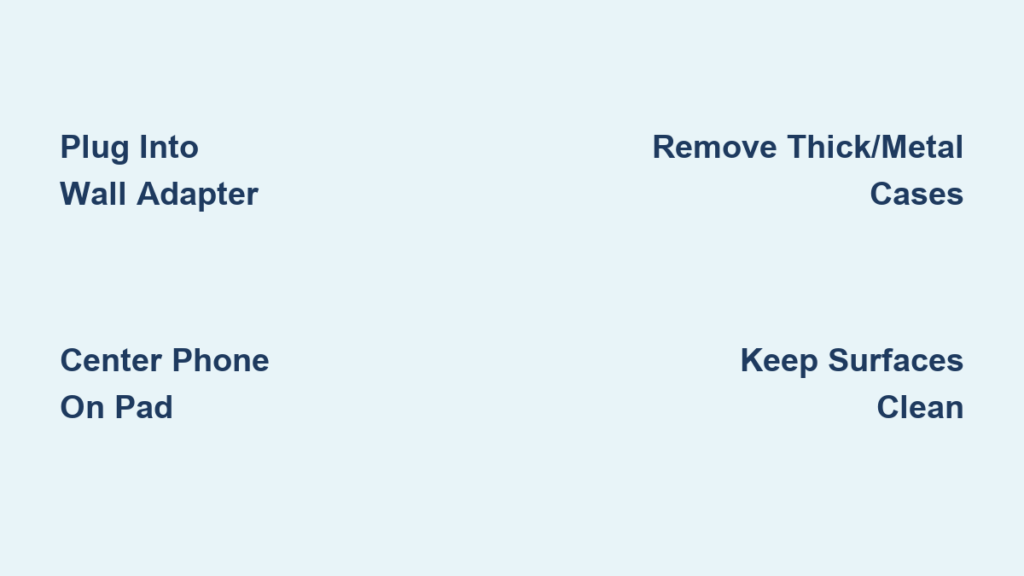
Plug Into a Wall Adapter
Most wireless chargers come with a USB-C or USB-A cable. Connect one end to the charging pad and the other end to a wall adapter, not your laptop or a low-output USB port. These often do not supply enough power for reliable charging.
Use a USB-PD 20W or higher wall adapter, especially for fast charging or MagSafe. This ensures your pad gets the full power it needs. Cheap or underpowered adapters may cause slow or intermittent charging.
Confirm the Power Light Is On
Once plugged in, most pads light up with an LED, usually blue, white, or green. This tells you the unit is receiving power and ready to charge. If the light does not turn on, try a different wall outlet, swap the cable or adapter, or check for loose connections. No power means no charging, so verify this step first.
Where to Place Your Wireless Charger for Best Results
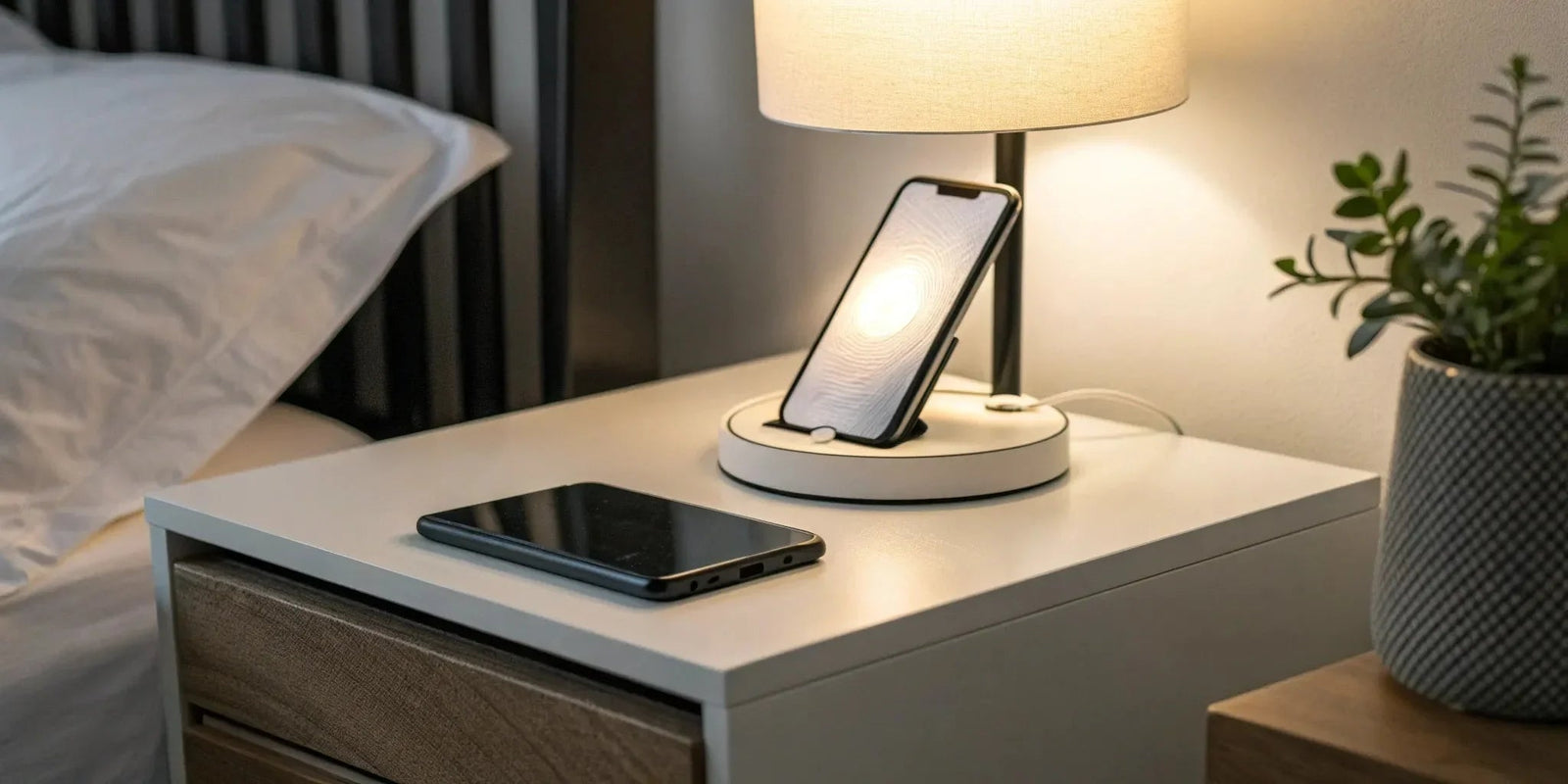
Where you place your charger matters for safety and performance. The right location ensures efficient power transfer and prevents overheating.
Choose a Stable, Dry Surface
Set the pad on a flat, dry, stable surface like a bedside table, office desk, kitchen counter, or car center console if built-in. Avoid uneven, vibrating, or hot spots. Keep it away from water, direct sunlight, and metal objects that could interfere with charging.
Keep the Area Clear
Do not place the pad under blankets, pillows, or thick mats. These trap heat and can trigger overheating protection, stopping the charge. Also, remove keys, coins, or magnetic items nearby. Foreign Object Detection will disable charging if metal is sensed.
For in-car use, ensure the ignition is in On, Accessory, or RAP mode. Many vehicle chargers only work when the car is powered.
Is Your Phone Compatible with Wireless Charging
Not all phones can charge wirelessly. Make sure yours supports Qi before attempting to charge.
Smartphones That Support Wireless Charging
Your device must have a built-in Qi receiver coil. Most flagship phones do, including iPhone 8 and later, Samsung Galaxy S6 and newer, Google Pixel 3 and later, OnePlus 7 Pro and newer, and Xiaomi, Huawei, and Sony flagship models. Older or budget phones usually lack wireless charging. If your phone is not on this list, it likely will not work.
Compatible Accessories
Many small gadgets also support Qi, including AirPods with wireless charging case, AirPods Pro, Samsung Galaxy Buds Pro, Live, 2, and 3, and some Fitbit models. Apple Watch uses a proprietary magnetic charger and will not charge on a standard wireless pad.
Remove Cases and Clean Before Charging
Even compatible phones can fail to charge due to simple issues like case interference or dirty surfaces.
Take Off Problematic Cases
Thick, metal, or magnetic cases block the electromagnetic field. Remove cases over 3mm thick, wallet cases with credit cards, magnetic mounts or metal plates, and finger rings or kickstands that cover the back. MagSafe cases are fine on iPhones because they are designed to work. But third-party magnetic cases may interfere.
Wipe Both Surfaces
Dirt, oil, or dust reduces charging efficiency. Wipe the back of your phone and the top of the pad with a soft, dry cloth. For embedded car chargers, use compressed air to blow out debris.
Position Your Phone Correctly on the Pad
Proper placement triggers charging instantly. Alignment is everything with wireless charging.
Center Your Device
Set your phone screen-up, centered on the pad. The internal receiver coil must line up with the transmitter coil. On iPhone 12 and later, you will feel a magnetic snap with MagSafe, which means perfect alignment. On non-MagSafe phones, centering is critical. Even slight misalignment can slow or stop charging.
If charging does not start, try rotating the phone 180 degrees. Some pads have off-center coils.
Car Charger Positioning
In vehicles, ensure the phone fully covers the coil symbol and is not touching the sides of the tray. A tight fit can lift the phone, breaking contact. A thin silicone mat underneath can help maintain contact.
Verify Your Phone Is Actually Charging
Do not assume it is working. Look for proof that charging has started.
Check Visual and On-Screen Indicators
Look for the LED light on the pad turning solid or changing color, the battery icon appearing on your phone with a lightning bolt or charging symbol, the iPhone MagSafe charging animation, or some devices playing a chime or giving haptic feedback. No sign of charging? Reposition, remove the case, or clean both surfaces.
Let Your Phone Charge Without Interruption
Wireless charging works best when the phone stays still. Movement breaks the connection.
Avoid Frequent Movement
Lifting or shifting the phone breaks the connection. On non-magnetic pads, even small movements can stop charging. For best results, set it and forget it. Avoid using the phone heavily while charging.
Overnight Charging Is Safe
It is perfectly safe to leave your phone on the pad overnight. Modern systems stop charging at 100% and use overcharge protection. iPhones even use Optimized Battery Charging to delay full charge until you wake up. But if you notice excessive heat, remove the case or switch to wired charging.
Get Faster Wireless Charging Speeds

Wireless charging is convenient, but speed depends on several factors.
Use the Right Charger and Adapter
Standard Qi pads deliver 5W to 7.5W, suitable for overnight charging. Fast charging pads deliver 10W to 15W for Samsung and Pixel phones. MagSafe delivers up to 15W for iPhone 12 and later with a 20W adapter.
To hit top speeds, use a 20W or higher USB-PD wall adapter, choose a fast-charging certified pad, and ensure your phone supports fast wireless charging.
Avoid Heat and Usage During Charging
Heat slows charging. Avoid playing games or streaming video, using GPS navigation, leaving the phone in direct sunlight, or charging under a pillow or blanket. Phones reduce power when hot, above 35°C or 95°F. Remove the case if it feels too warm.
Fix Common Wireless Charging Problems
Even with the right setup, problems can happen. Here is how to solve them.
Phone Not Charging
Reposition and rotate the phone to center it or try 180 degrees. Remove the case to test. Test with a new cable and adapter to rule out hardware failure. Clean the pad and phone to remove dust or debris blocking the connection.
Intermittent Charging
Check the power source and use a wall outlet, not a USB port on a TV or laptop. Low power causes stop-start charging. Ensure proper ventilation and keep the phone in a cool, open area.
Overheating Phone
Stop using the phone while charging to reduce heat generation. Remove thick or non-breathable cases like silicone or leather that trap heat. Avoid direct sunlight and never charge on a hot car dashboard.
Charging Stops at 80%
This is likely battery optimization. On iPhone, disable Optimized Battery Charging. On Android, turn off Adaptive Charging. These features slow charging to extend battery life, but you can override them if needed.
Set Up Multiple Chargers Around Your Home
Smart users charge where they live, work, and drive. Multiple pads eliminate the need to remember charging cables.
Build a Multi-Location Charging System
Set up pads in the bedroom for overnight full charge, in the office for daytime top-ups, in the car for commute charging, and in the kitchen for charging while cooking or eating. This drop-and-charge habit keeps your battery at 80% to 100% all day.
Try Multi-Device Charging Stations
All-in-one stands charge your phone, watch, and earbuds together. Popular options include Belkin 3-in-1 Boost Charge Pro, Apple MagSafe Duo for iPhone and Apple Watch, Anker 3-in-1 Station, and Spigen Qi2 Charging Stand. Some users report AirPods overheating on 3-in-1 pads, so monitor temperature or disable overnight charging for earbuds.
Keep Your Charger Working for Years
A little care extends your pad is lifespan.
Clean Regularly
Wipe the surface weekly with a dry, lint-free cloth. Never use water, alcohol, or cleaners. For car pads, use compressed air to clear dust.
Inspect the Cable
Check for fraying, bent connectors, or stiffness. Replace damaged cables immediately. They can cause power loss or safety risks.
Store Properly
Unplug during long absences or storms. Avoid extreme temperatures below 0°C or above 40°C. Most pads last 3 to 5 years with proper care.
Pick a Safe, Certified Wireless Charger
Not all chargers are equal. Safety matters when charging your expensive devices.
Look for These Certifications
Choose chargers with Qi Certified for compatibility and safety, FCC for interference regulation, CE for European safety standards, RoHS for hazardous material limits, and Apple MFi for MagSafe accessories. Avoid cheap, unbranded pads from unknown sellers. They often lack Foreign Object Detection and can overheat.
Recommended Brands
Apple MagSafe Charger is best for iPhone users. Belkin, Anker, and Spigen offer reliable third-party options. Samsung Wireless Charger Pad is optimized for Galaxy phones. Third-party pads often match OEM performance at lower prices.
Know the Pros and Cons of Wireless Charging
Wireless charging is convenient but not perfect. Understanding both sides helps you use it effectively.
Advantages
Wireless charging offers no cables, just place and charge. It protects your ports from wear. It reduces clutter on your desk, nightstand, or console. It supports multiple devices on one station. It is more hygienic since you handle dirty cables less.
Limitations
Wireless charging is slower than wired, even 15W wireless is slower than 20W plus wired. Heat buildup can degrade battery over time. Alignment sensitivity means non-MagSafe phones need precise placement. Many cases must be removed. Good multi-device stations cost $50 or more.
Wireless Charging Best Practices
Follow these habits for seamless charging.
Use a 20W or higher USB-PD adapter for fast charging. Keep the pad clean and dry. Remove thick or metal cases. Charge overnight, it is safe and effective. Combine wired and wireless charging, wired for speed, wireless for convenience. Update your phone software, some updates enable faster charging. Buy certified chargers for safety.
Avoid unbranded, no-name pads that lack safety features. Do not charge under pillows or blankets, fire risk from heat. Do not expect full speed with weak adapters.
Frequently Asked Questions About Wireless Charger Pads
Can any phone charge on a wireless pad?
No, only phones with built-in Qi receiver coils support wireless charging. Most flagship phones from iPhone 8 onward, Samsung Galaxy S6 onward, and Google Pixel 3 onward are compatible. Budget and older phones typically lack this feature.
Why is my phone not charging on the pad?
The most common cause is misalignment. Try centering the phone or rotating it 180 degrees. Other causes include thick or metal cases blocking the signal, dirty surfaces, or a faulty cable or adapter. Test each possibility systematically.
Is wireless charging bad for battery health?
Slight warmth is normal, but excessive heat from poor ventilation or heavy phone use while charging can accelerate battery degradation over time. Using certified chargers and avoiding charging under blankets helps minimize this risk.
How fast is wireless charging compared to wired?
Wireless charging is slower. Even fast 15W wireless charging is slower than 20W or higher wired charging. A Samsung Galaxy S23 can reach 50% in 30 to 40 minutes on a 15W pad, while wired charging reaches the same in about 20 minutes.
Can I leave my phone on the charger overnight?
Yes, it is safe. Modern phones stop charging at 100% and have overcharge protection. iPhones use Optimized Battery Charging to delay full charge until your normal wake time. Just ensure proper ventilation and avoid thick cases that trap heat.
Does wireless charging work through phone cases?
It depends on the case. Thin silicone, TPU, or leather cases generally work fine. Cases over 3mm thick, metal plates, magnetic mounts, and wallet cases with credit cards block charging. MagSafe cases are designed to work with iPhones.
Key Takeaways for Using Your Wireless Charger Pad
Wireless charging transforms how you power your devices by eliminating cables and simplifying your routine. Setting up your charger correctly with a 20W or higher adapter, placing it on a flat stable surface, and ensuring proper phone alignment are the foundation of reliable charging. Always remove thick or metal cases that block the electromagnetic field, and keep both surfaces clean for optimal power transfer.
Understanding your device compatibility, whether you have an iPhone with MagSafe or a Samsung Galaxy, helps you achieve the fastest possible charging speeds. Troubleshooting common issues like misalignment, overheating, or intermittent charging ensures your setup continues working reliably. By investing in certified chargers and maintaining your equipment, you can enjoy years of convenient, clutter-free charging throughout your home, office, and vehicle.





