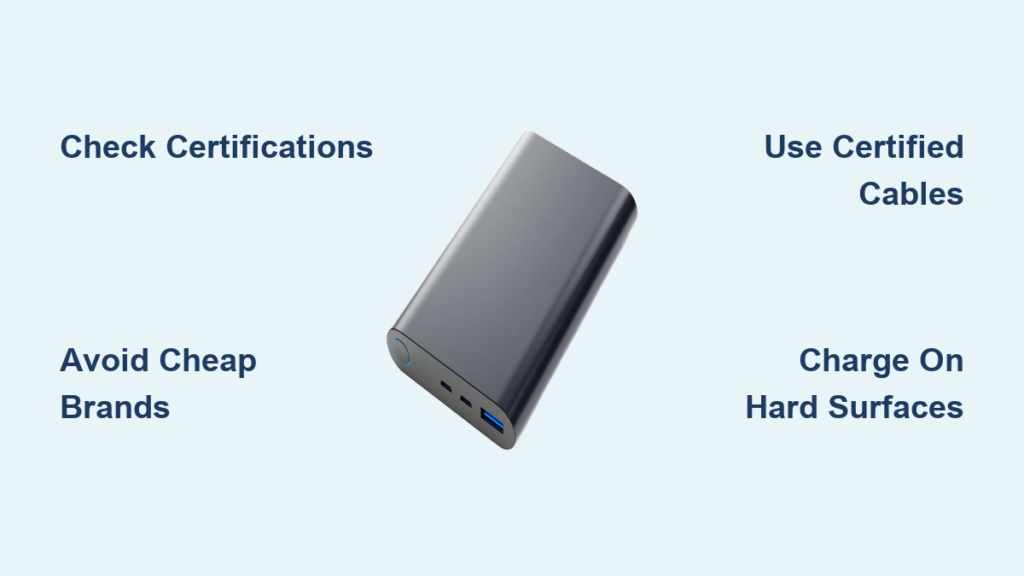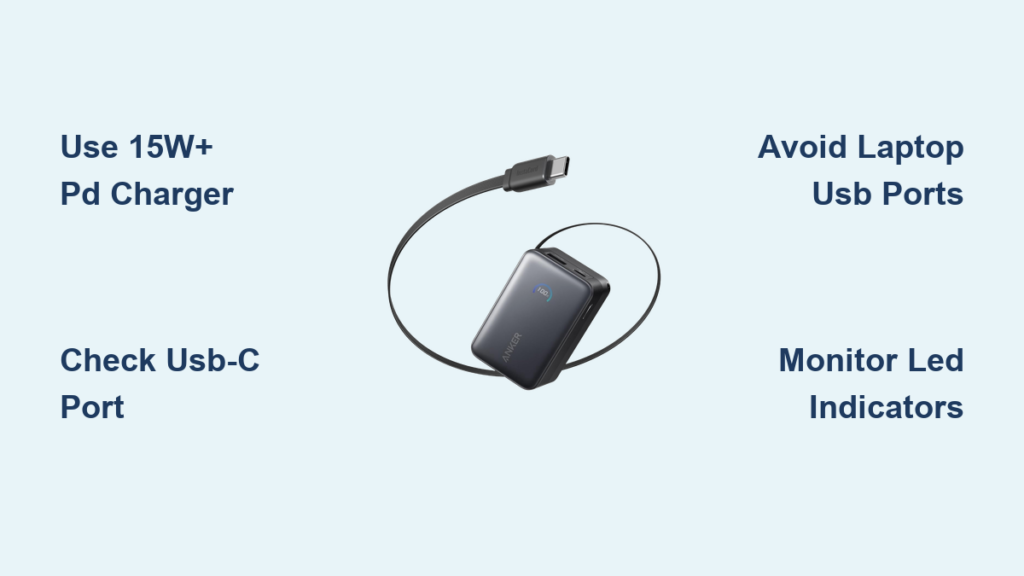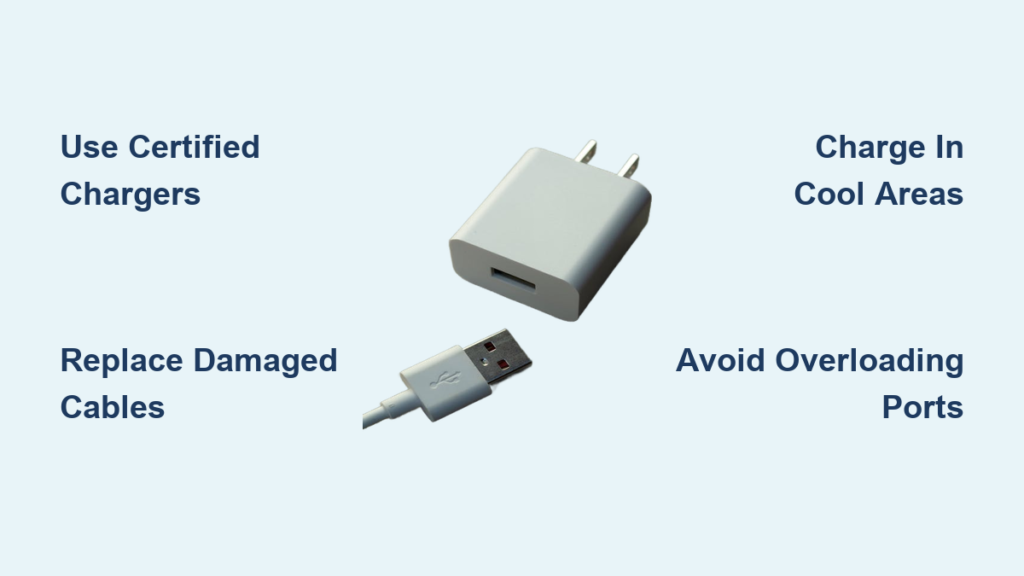
You plug in your phone, laptop, or EV, and within minutes the charger feels hot—too hot to touch. That heat is not just uncomfortable; it signals a problem. Charger overheating can lead to device damage, battery degradation, and even fire hazards. While mild warmth during fast or wireless charging is normal, sustained high temperatures demand attention. This guide reveals the root causes of overheating and provides actionable fixes to help you charge safely.
By following the strategies outlined here, you will learn how to identify dangerous overheating signs, fix faulty equipment, optimize your charging environment, and prevent heat buildup before it damages your devices or creates safety risks.
Identify Dangerous Overheating Signs
Recognize Immediate Red Flags
Not all heat is equal. A slightly warm charger during fast charging is expected, but certain symptoms indicate danger. If your charger is too hot to hold for several seconds, shows melting or warping, emits a burning smell, or produces visible smoke, unplug it immediately. These are signs of electrical failure or thermal runaway.
Devices that shut down during charging or stop charging unexpectedly may be reacting to unsafe heat levels. This is especially common in iPhones and high-end Android devices with built-in thermal protection. If the charger stays hot after disconnecting the device, it likely has an internal fault and should be replaced.
Test for Safe Operating Temperatures
Use a non-contact infrared thermometer or a thermal camera smartphone app to measure surface temperature. Most chargers should stay below 60°C (140°F). Exceeding this threshold increases fire risk and component stress.
Compare temperatures across different outlets and chargers to isolate the source. If a known-good charger runs cool elsewhere but overheats in one location, the issue may be environmental, such as faulty wiring or poor voltage supply.
Fix Faulty Charging Equipment

Replace Low-Quality or Counterfeit Chargers
One of the top causes of overheating is using non-certified, cheap, or counterfeit chargers. These often lack proper insulation, overcurrent protection, and efficient circuitry. They generate excess heat due to poor voltage regulation and high internal resistance.
Always choose chargers with safety certifications: UL, CE, FCC, RoHS, Qi (for wireless), or MFi (for Apple). Avoid suspiciously low-priced chargers on marketplaces. Many mimic genuine branding but use substandard components. Stick to OEM or reputable third-party brands like Anker, Belkin, Spigen, or UGREEN.
Upgrade to GaN Technology Chargers
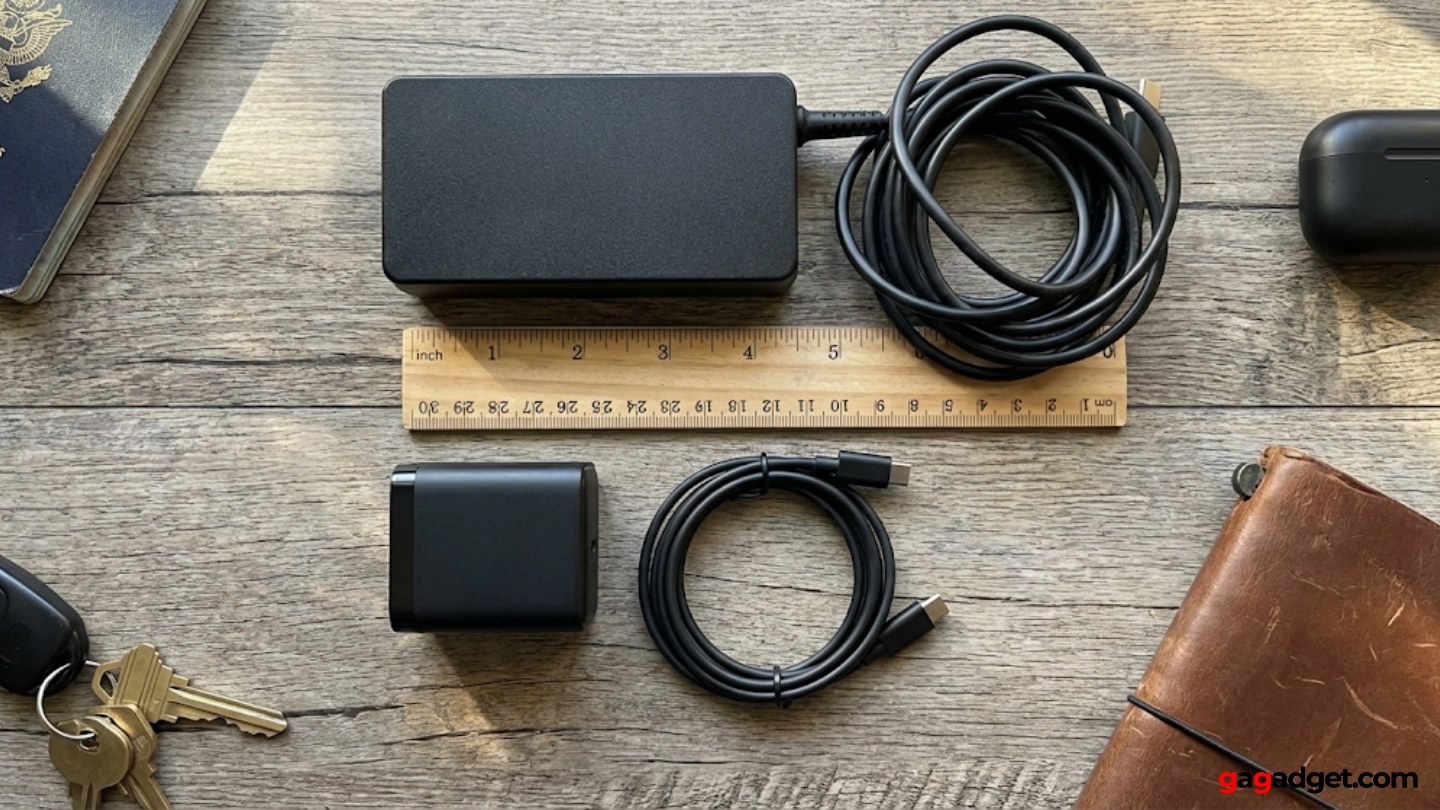
Gallium Nitride (GaN) chargers run cooler, charge faster, and are smaller than traditional silicon-based models. They convert power more efficiently, reducing energy loss as heat. A 65W GaN charger can stay cooler under load than a 30W conventional brick.
Brands like Anker Nano, INIU, and Spigen offer multi-port GaN options ideal for phones, tablets, and laptops. Switching to GaN is one of the most effective ways to stop overheating if you frequently use fast charging or power multiple devices.
Inspect and Replace Damaged Cables
A frayed, kinked, or stiff cable increases electrical resistance, creating hotspots. Exposed wires or bent connectors cause arcing and short circuits, generating heat. Check cables regularly for discoloration, cracking, or intermittent charging.
Replace any cable showing wear, especially older Apple Lightning cables used with high-power USB-C adapters. Use only USB-IF certified cables rated for your charger wattage. Never tape over damaged sections, as this masks the problem and increases fire risk.
Match Charger to Device Needs

Use Correct Voltage, Current, and Wattage
Using a mismatched charger stresses components and increases heat. While devices draw only the current they need, an underpowered charger (for example, 10W on a 30W phone) works at maximum capacity continuously, leading to sustained overheating.
Conversely, overpowered chargers are safe only if the device supports the charging standard (like USB Power Delivery). Always match voltage (5V, 9V, 12V), current (1A, 2A, 3A), and wattage (V × A) to ensure compatibility with fast-charging protocols such as USB-PD or QC3.0.
Avoid Underpowered Chargers for High-Drain Devices
Never use a phone charger to power a tablet or laptop long-term. An 18W charger on a 60W MacBook forces the charger to run at 100% output, overheating quickly. Similarly, charging a modern smartphone with a 5W dumb charger may seem safe, but if the phone is in use, the battery discharges faster than it charges, causing both device and charger to heat up.
Use chargers that meet or slightly exceed your device requirements for optimal performance and safety.
Optimize Charging Environment
Charge in Cool, Well-Ventilated Areas
Heat builds up when airflow is blocked. Charging on beds, sofas, or carpets traps heat around the charger and device. Always place chargers on hard, flat surfaces like desks or tables.
Avoid direct sunlight, radiators, or enclosed spaces like drawers. High ambient temperatures reduce cooling efficiency, especially in summer or poorly ventilated rooms. For EV chargers, ensure cooling fans are unobstructed and free of dust, leaves, or snow.
Keep Wireless Chargers Clear and Clean
Wireless charging is less efficient (70 to 80 percent) than wired, generating more waste heat. Dirt, dust, or metal debris between the phone and pad increases resistance and heat. Wipe the charging surface and phone back regularly with a dry cloth.
Remove thick or metallic cases that block alignment and trap heat. Misalignment causes the coil to work harder. Use MagSafe or Qi-certified pads with alignment magnets for better efficiency.
Reduce Heat During Charging
Limit Device Usage While Charging
Using your phone or laptop while charging, especially for gaming, video calls, or GPS, creates a dual-load scenario. The device consumes power while charging, increasing total heat. Fast charging amplifies this effect.
To minimize heat, turn off the device for fastest and coolest charging. Enable Airplane Mode or Do Not Disturb to reduce background activity. Avoid streaming, downloading, or gaming during charging. Apple and Samsung devices automatically throttle or pause charging when internal temperatures are too high.
Remove Phone Cases During Charging
Thick, insulated cases like rugged, leather, or wallet cases trap heat and prevent dissipation. This is especially problematic during fast or wireless charging. Remove the case if the phone or charger feels hot.
Metallic cases can also interfere with wireless charging coils, increasing resistance and heat output.
Prevent Overloading and Power Issues
Do Not Overload Multi-Port Chargers
Plugging multiple high-power devices into a single multi-port charger can exceed its total output. A 60W charger should not power two 30W devices simultaneously. Overloading forces the charger to work beyond safe limits, causing overheating.
Use smart multi-port chargers that auto-balance power per port. Prioritize charging one high-wattage device at a time when possible.
Check Outlet and Wiring Conditions
Overheating that occurs only in specific outlets suggests electrical infrastructure problems. In older buildings (pre-1990s), loose wiring, corroded contacts, or degraded insulation increase resistance, causing heat buildup at the socket.
If the outlet feels hot, smells burnt, or trips breakers, stop using it. Measure voltage with a multimeter. North America should be around 120V (below 100V is dangerous). Europe should be around 230V (below 200V indicates a supply issue). Low voltage forces the charger to draw more current, increasing internal heat. Tighten loose connections or consult a licensed electrician for persistent issues.
Maintain Charging Components
Clean Charging Ports Regularly
Lint, dust, and debris in USB-C, Lightning, or micro-USB ports create poor electrical contact, increasing resistance and heat. Use a wooden toothpick, soft brush, or compressed air to clean ports gently. Avoid metal tools that could short the pins.
For wireless chargers, ensure the coil area is free of obstructions. Foreign Object Detection (FOD) in Qi chargers stops charging if metal is detected, preventing overheating.
Replace Aging Chargers Every 2 to 3 Years
Even high-quality chargers degrade over time. Internal components like capacitors and transformers wear out, reducing efficiency and increasing heat output. If a charger that once ran cool now gets hot, it may be failing internally.
Replace chargers every 2 to 3 years, or sooner if you notice performance drops or overheating.
Use Smart Charging Features
Enable Battery Optimization Settings
Modern devices include heat-aware charging features. iPhones have Optimized Battery Charging that learns your routine and slows charging when full. Samsung has Adaptive Fast Charging that reduces speed when device temperature rises. Google Pixel has Schedule Charging that delays full charge until morning.
These features reduce thermal stress and extend battery life. Enable them in Settings, Battery.
Use Slower Charging When Heat Is a Concern
If your device or charger runs hot, switch to standard charging (5W to 10W) instead of fast charging. It takes longer but generates far less heat. Many users report relief from overheating after disabling fast charging in warm environments.
Special Cases: Wireless and EV Chargers
Fix Wireless Charging Overheating
Wireless chargers and wireless power banks are more prone to heat due to dual power conversion. To prevent overheating, ensure perfect alignment between phone and pad. Use certified Qi chargers with thermal sensors. Avoid charging through thick cases. Limit use of wireless power banks, as they generate more heat than wall chargers.
Monitor EV Charger Temperature
EV chargers (Level 2, DC fast) operate at high power (7kW to 350kW), generating significant heat. Overheating can trigger automatic shutdowns or, in extreme cases, fires.
Ensure cooling fans are clean and functional. Cables should not be coiled tightly, as this traps heat. Charging stations should be shaded and ventilated. OCPP-compliant systems monitor temperature in real time. Fleet operators should use AI-powered charging management with overheating detection for safety.
Key Takeaways for Preventing Charger Overheating
Mild warmth during charging is normal, but excessive heat is a warning sign, not a feature. By using certified equipment, avoiding poor charging habits, and addressing environmental risks, you can stop charger overheating before it damages your devices or puts your home at risk.
The most important steps are using UL, CE, FCC, or MFi certified chargers, replacing frayed or damaged cables immediately, matching charger wattage to device needs, and charging on hard, cool surfaces rather than beds or sofas. Stop using your device while charging whenever possible, and remove thick phone cases during fast or wireless charging.
For long-term prevention, clean charging ports monthly, replace chargers every 2 to 3 years, enable battery optimization features on your device, and consider switching to GaN chargers for superior heat management. If overheating persists despite these measures, check your electrical outlets or consult a licensed electrician to rule out wiring issues.
Stay vigilant, charge smart, and prioritize safety every time you plug in.
Frequently Asked Questions About Charger Overheating
Is it normal for a charger to get warm?
Mild warmth is normal, especially during fast charging or when charging large-capacity devices. However, if the charger is too hot to touch comfortably, emits a burning smell, or shows physical damage, it is not normal and should be replaced immediately.
Why does my iPhone charger get hot?
An iPhone charger may get hot due to using a non-certified or damaged cable, charging while using the phone intensively, poor ventilation, or a faulty charger or outlet. Try using the original Apple charger and cable, avoid usage during charging, and ensure proper airflow.
Can a USB-C charger get hot?
Yes, USB-C chargers, especially high-wattage models (30W, 65W), can get warm due to high power delivery. However, modern USB-C chargers with GaN technology are designed to manage heat efficiently. Excessive heat suggests a problem with the cable, device, or charger quality.
How can I charge faster without overheating?
Use a certified fast charger (20W+ for iPhone, 25W+ for Android). Use high-quality cables rated for fast charging. Turn off the device or enable Airplane Mode during charging. Charge in a cool, open environment. Avoid covering the charger or device.
Can third-party chargers be safe?
Yes, reputable third-party chargers from brands like Anker, Belkin, Spigen, INIU, or UGREEN are safe if they carry proper certifications (UL, CE, FCC) and support official charging standards. Avoid no-name, unbranded chargers sold at extremely low prices.
What should I do if my outlet gets hot while charging?
Stop using the outlet immediately. Unplug all devices. Check if other appliances also cause the outlet to overheat. Inspect for loose wires, discoloration, or burning smell. Contact a licensed electrician, as this may indicate a serious electrical hazard.